


Preview your first form
Preview is the last step of your first-form tutorial. Use it to check layout, validation, and button behavior from a user’s perspective.
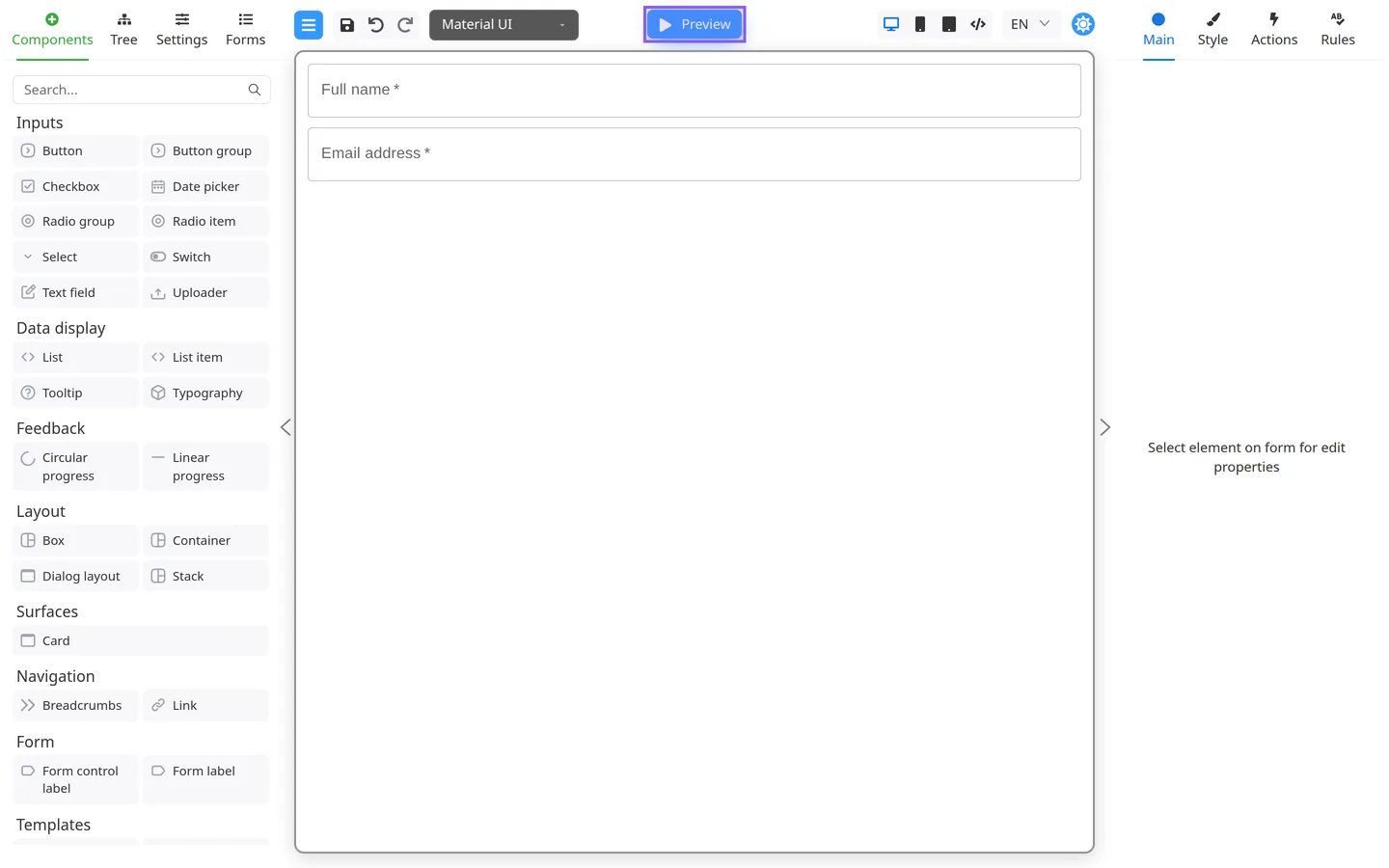
Open Preview
- Click Preview in the center header.
- The button label changes to Edit.
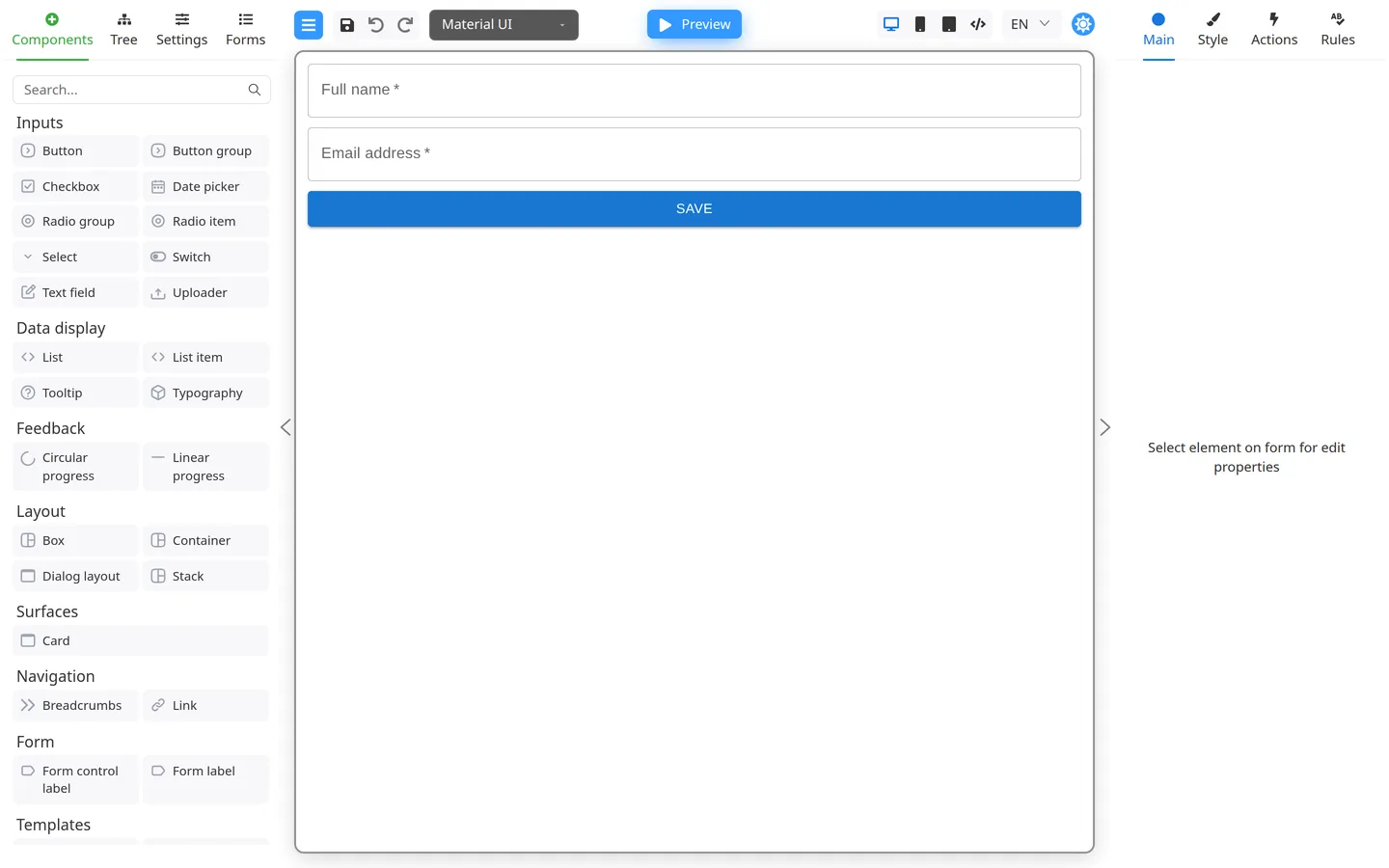
Run through your checklist
- Fill each required field.
- Leave a required field empty and confirm the error message.
- Click your Save or submit button if configured.
- Use Validate in the left panel to force validation.
Return to Edit
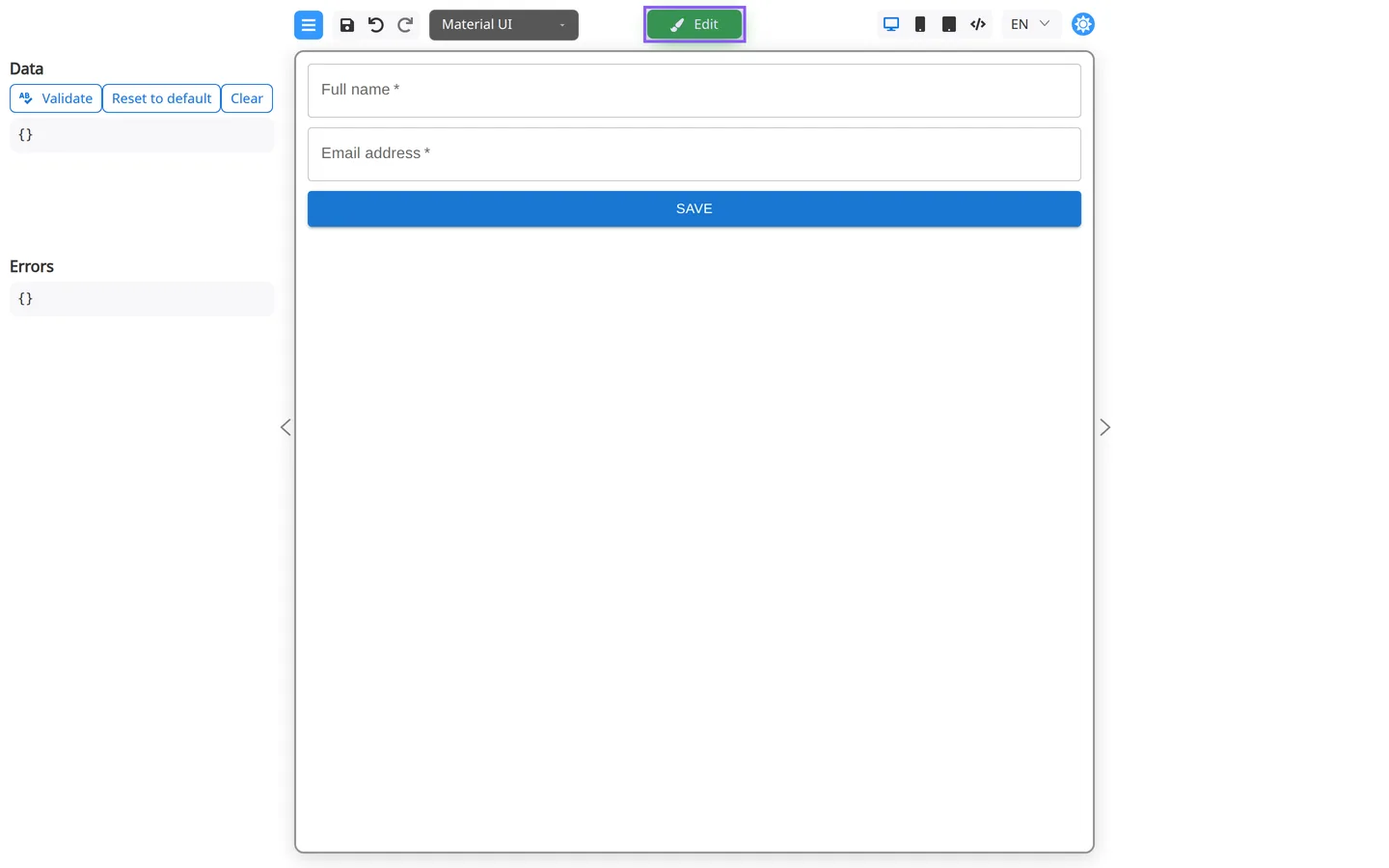
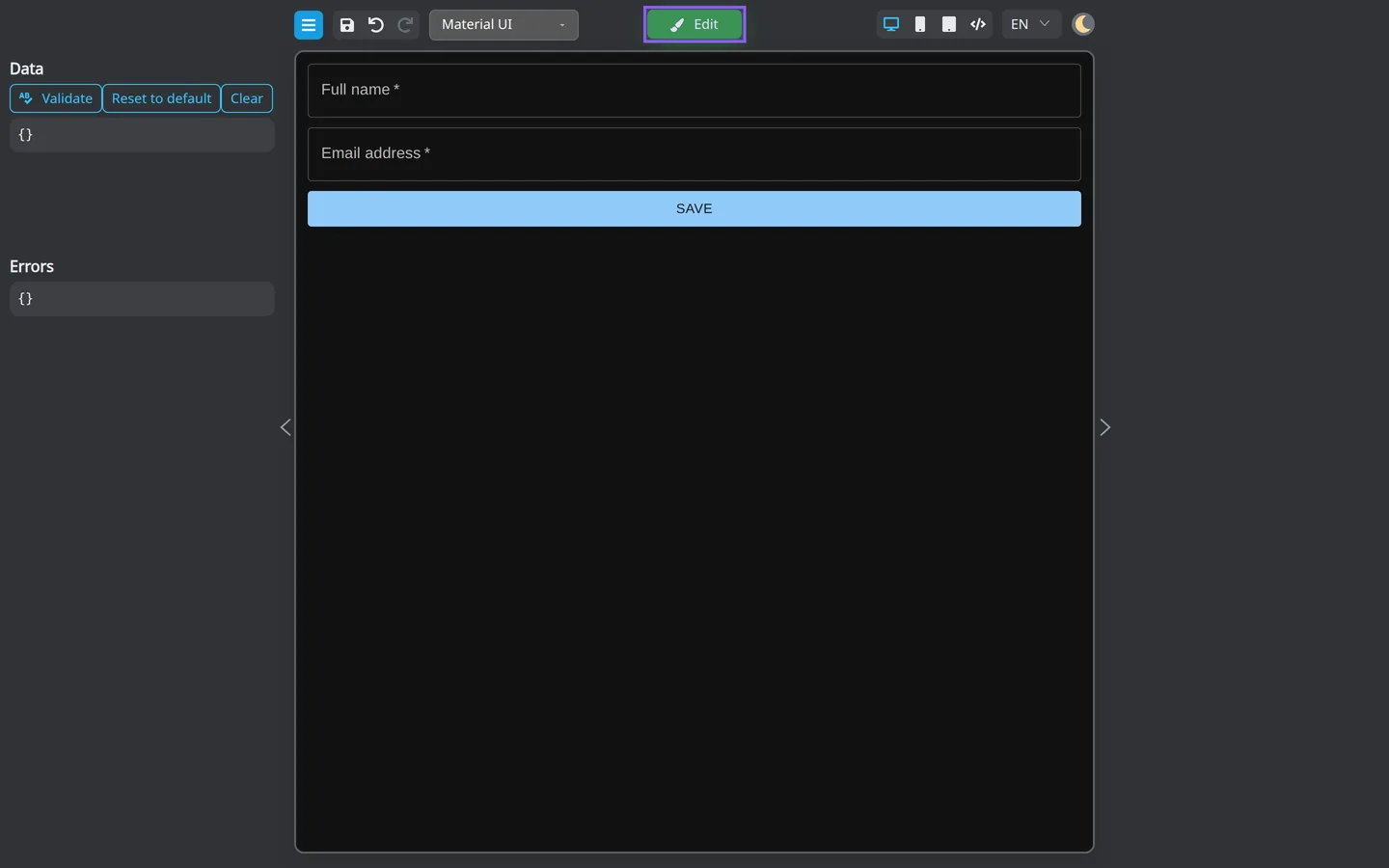
- Click Edit.
- Fix any issues found during Preview.
Check the result
- Side panels for authoring are hidden or replaced by preview tools.
- Field values you type in Preview appear in the Data section.
Summary
Preview shows the user view. Edit shows the design view. Retest required fields, validation, and buttons before handoff. Use the testing checklist before release.