


Form settings every author should know
The Settings tab holds options for the whole form, not a single field. Review it before handoff.
Settings blocks
- Click Settings on the left (third tab).
- Review each block below.
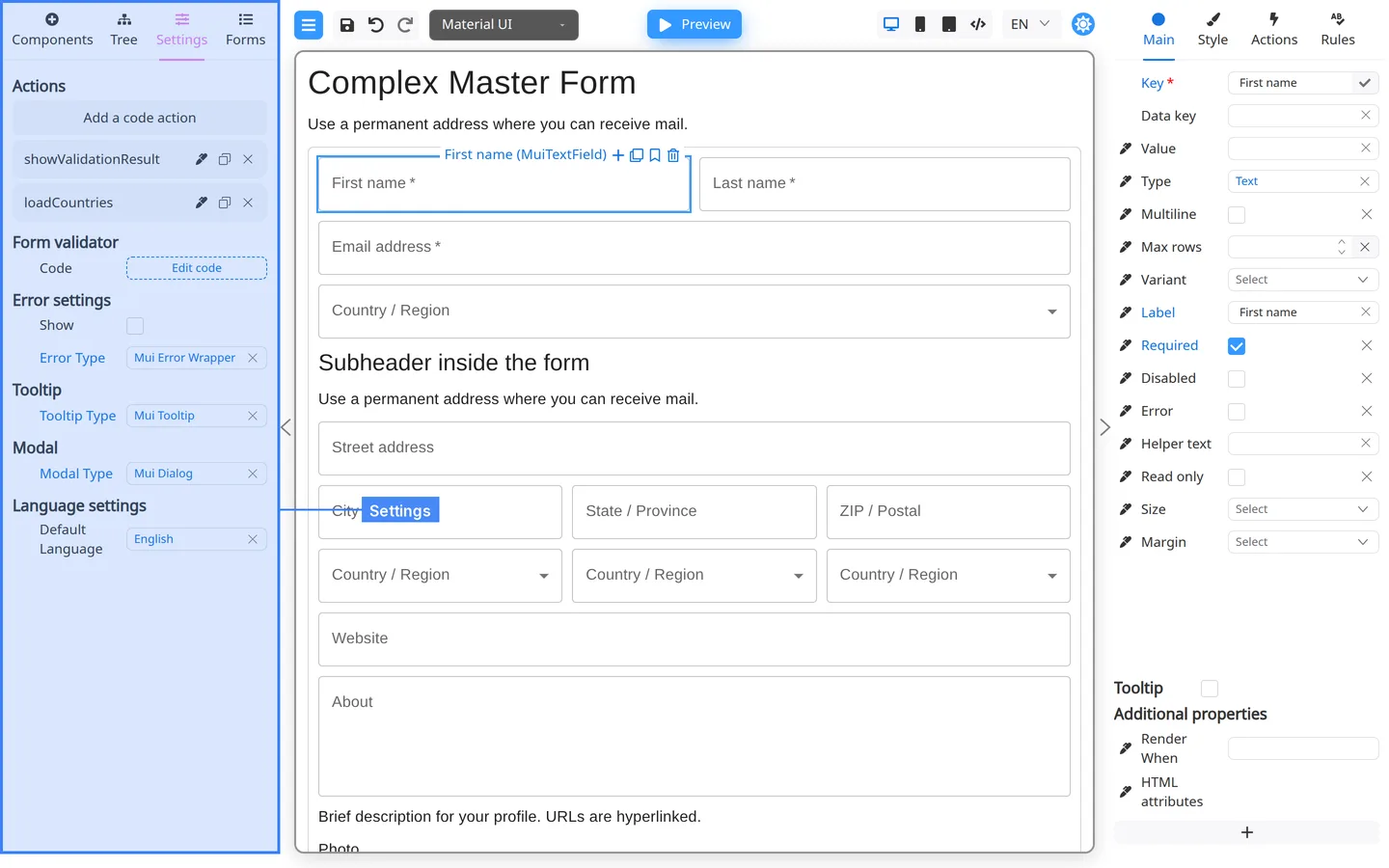
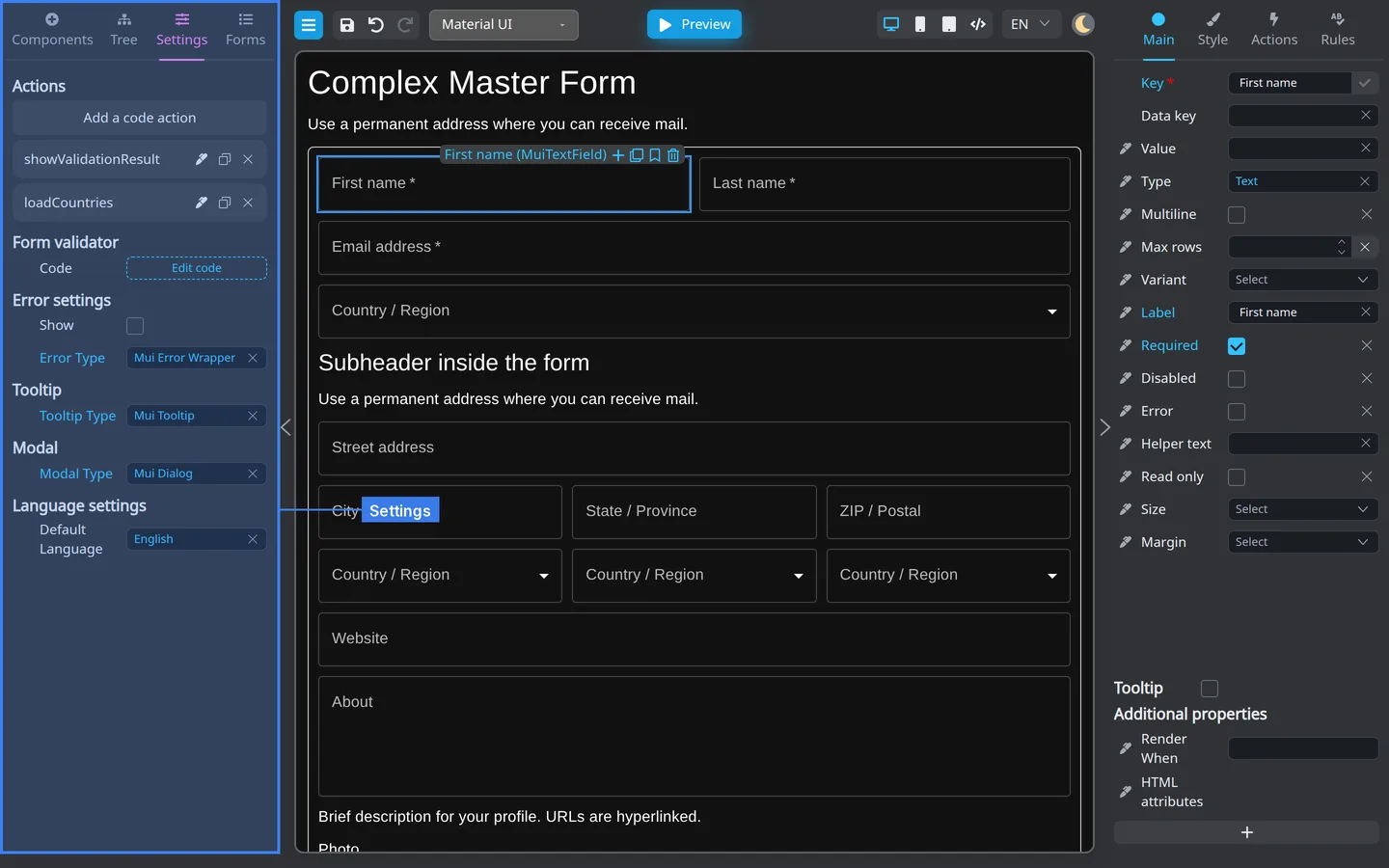
| Block | Purpose |
|---|---|
| Actions | Form-wide code actions list |
| Form validator | Custom validation for entire form (often developer-owned) |
| Error settings | How errors display |
| Tooltip | Default tooltip behavior |
| Modal | Default modal behavior |
| Language settings | Locales and translation hooks |
Author checklist
- Check that Error settings match your product style (Form-wide errors).
- Review Language settings if you ship multiple locales (Localization for authors).
- Confirm with developers before editing code under Actions or Form validator.
Summary
Settings holds form-wide defaults and scripts. Configure field behavior on Main, Rules, and button Actions.