


Name fields for data capture
Each data-entry field should have a Key (data key or field name) so submitted values are stored predictably. Labels are what users see; keys are what systems read.
Set the key
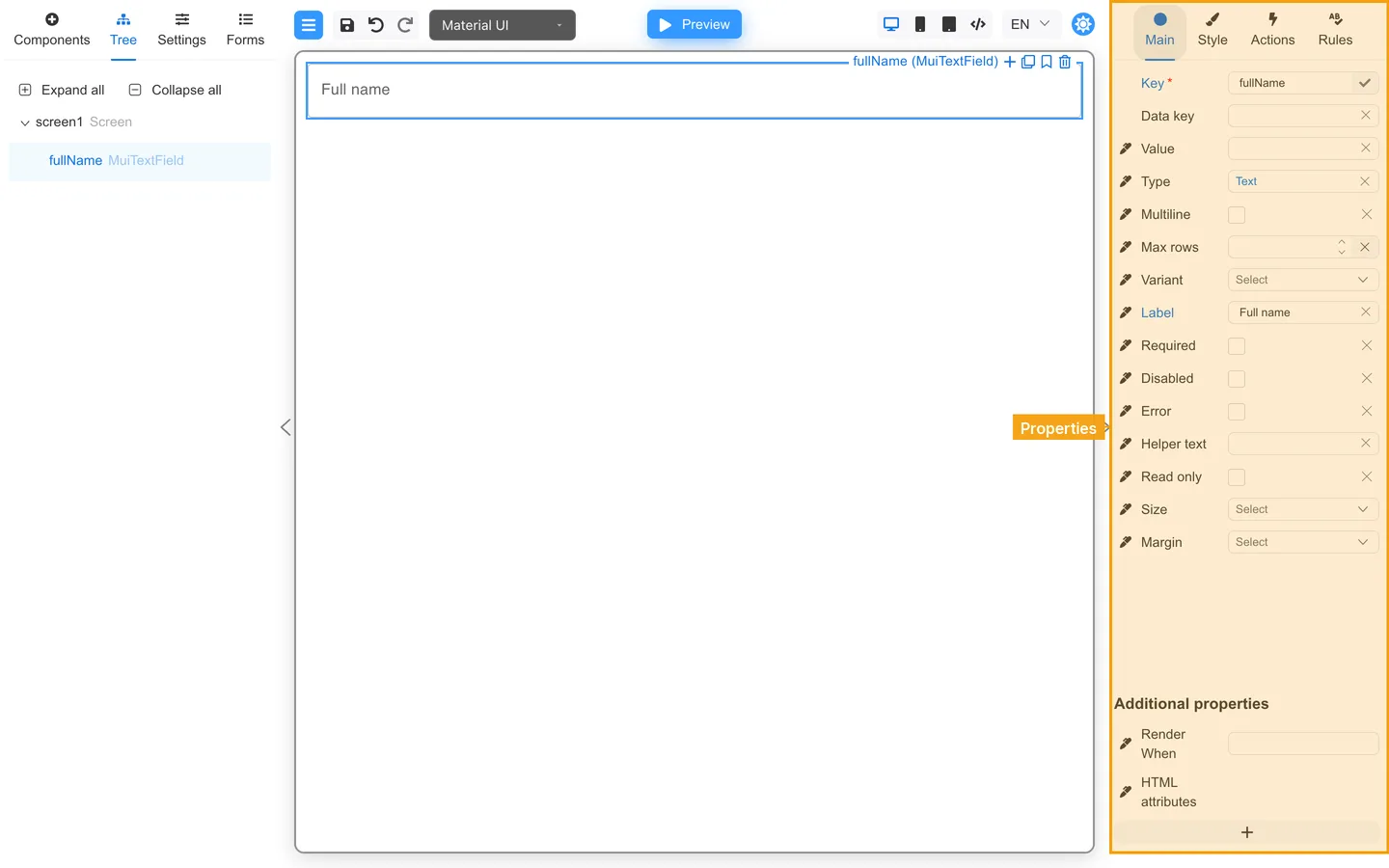
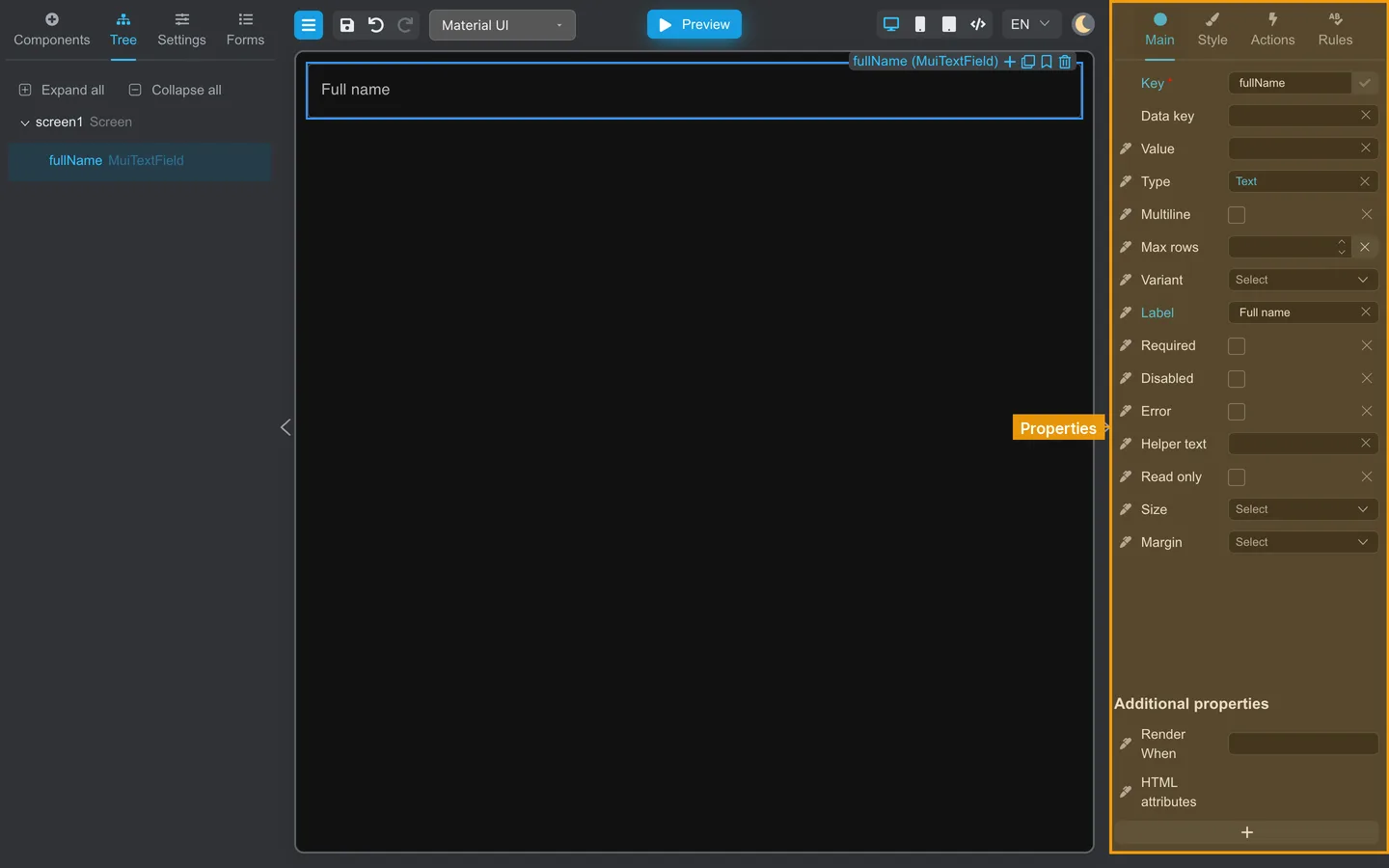
- Select the field on the canvas or in Tree.
- Open Main on the right.
- Edit Key (it may appear as Data key). Use
firstNameoremail, notfield1.
Naming habits
| Good | Avoid |
|---|---|
email | MuiTextField (component type) |
shippingCity | textfield_copy_2 |
| camelCase agreed with your team | Spaces or special characters |
Verify
- Click Preview.
- Fill the field.
- Open Data in the left panel. The key should appear with your value.
Summary
Key on Main defines stored data names. Confirm keys in Preview Data.