


Export and share your form
Use Download and Upload to share the current form as a JSON file. When form storage is enabled, use Export forms and Import forms to move all stored forms in a ZIP archive.
Save
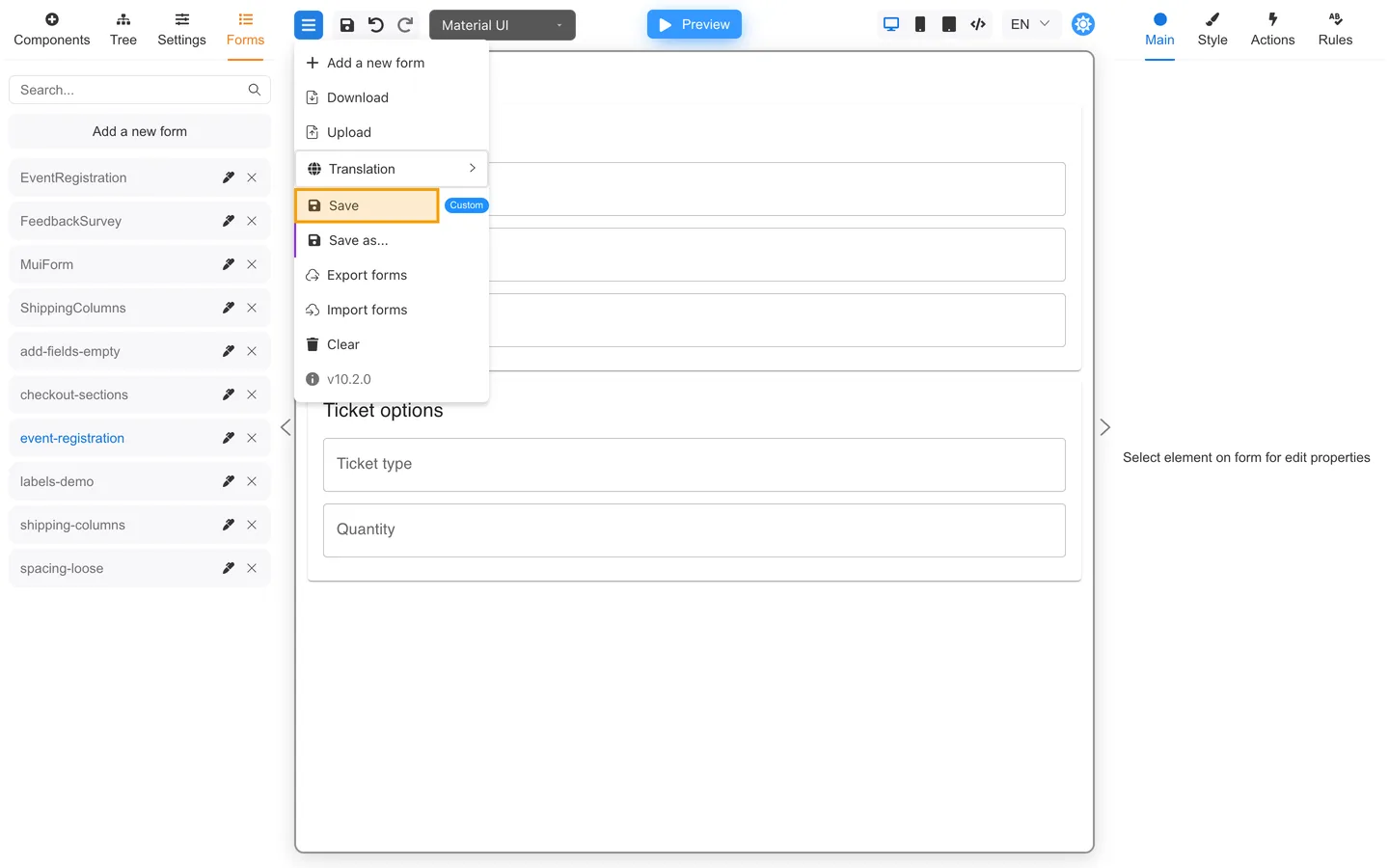
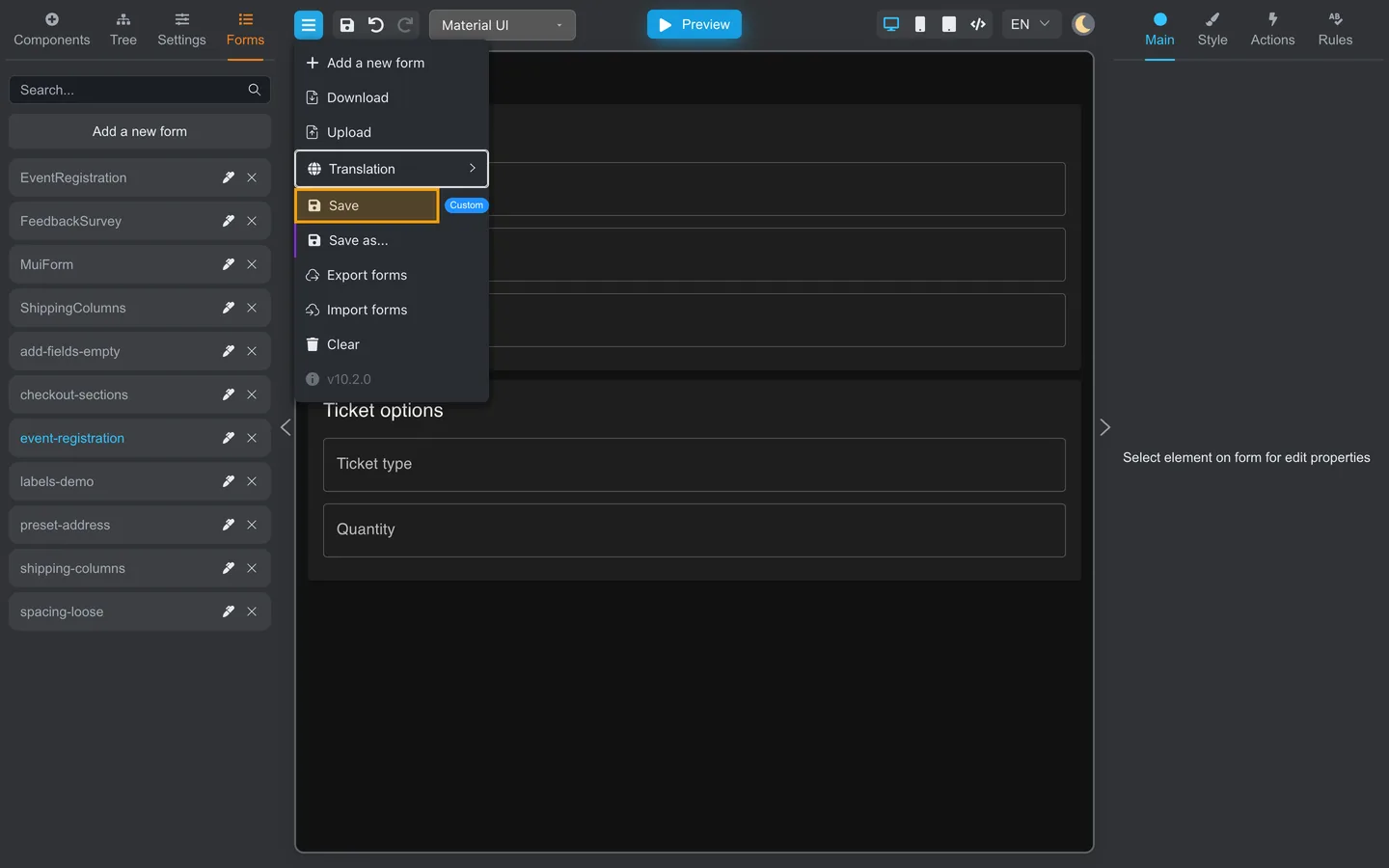
- Open the header menu (menu icon near Preview).
- Choose Save or Save as….
- Confirm the form name if prompted.
Saving behavior depends on your host app. Some installations save to browser storage, while others use a backend.
Download one form
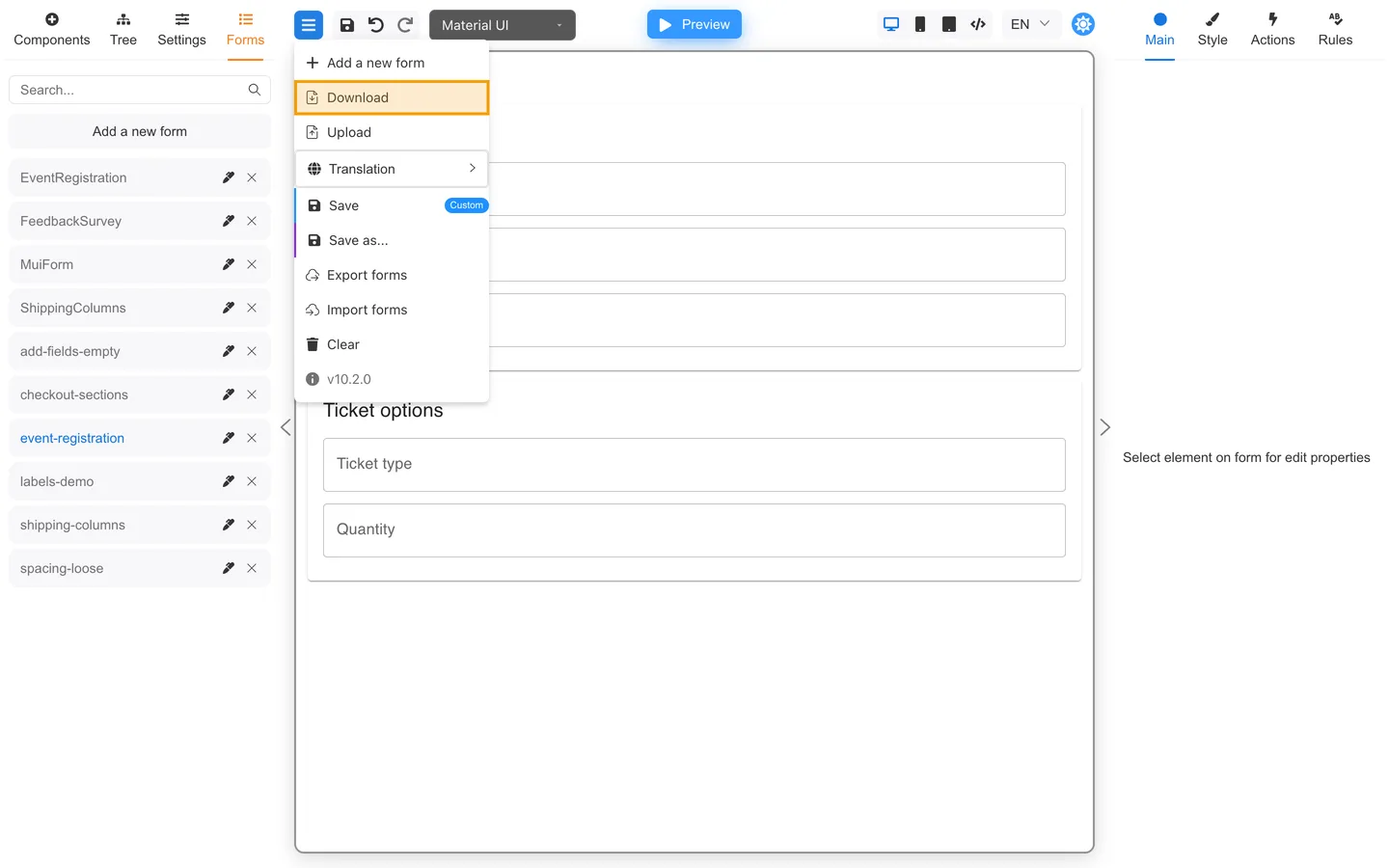
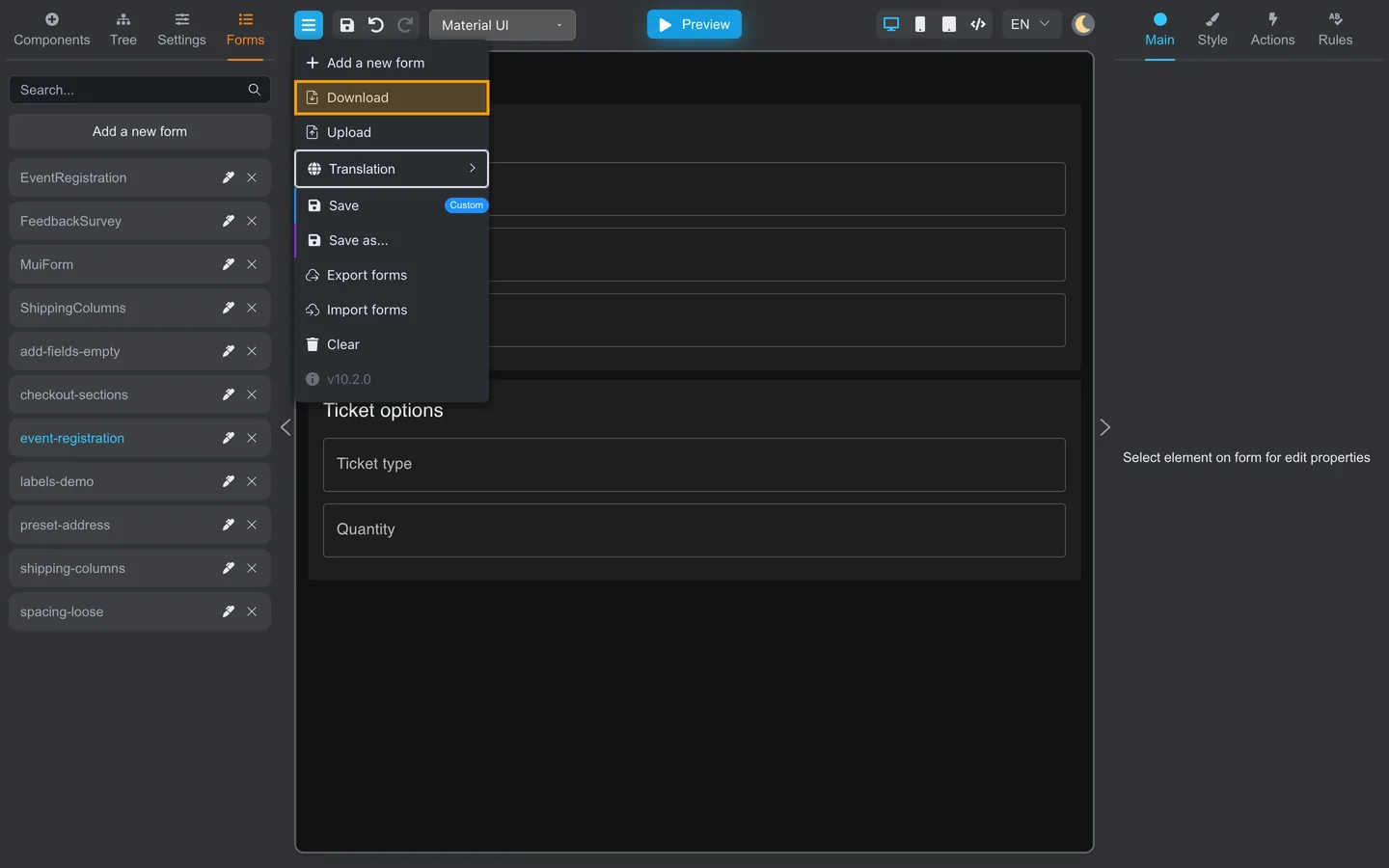
- Open the header menu.
- Click Download.
- Save the
form.jsonfile your browser offers. - Share the JSON file through your team’s secure channel (not public email if data is sensitive).
Upload one form
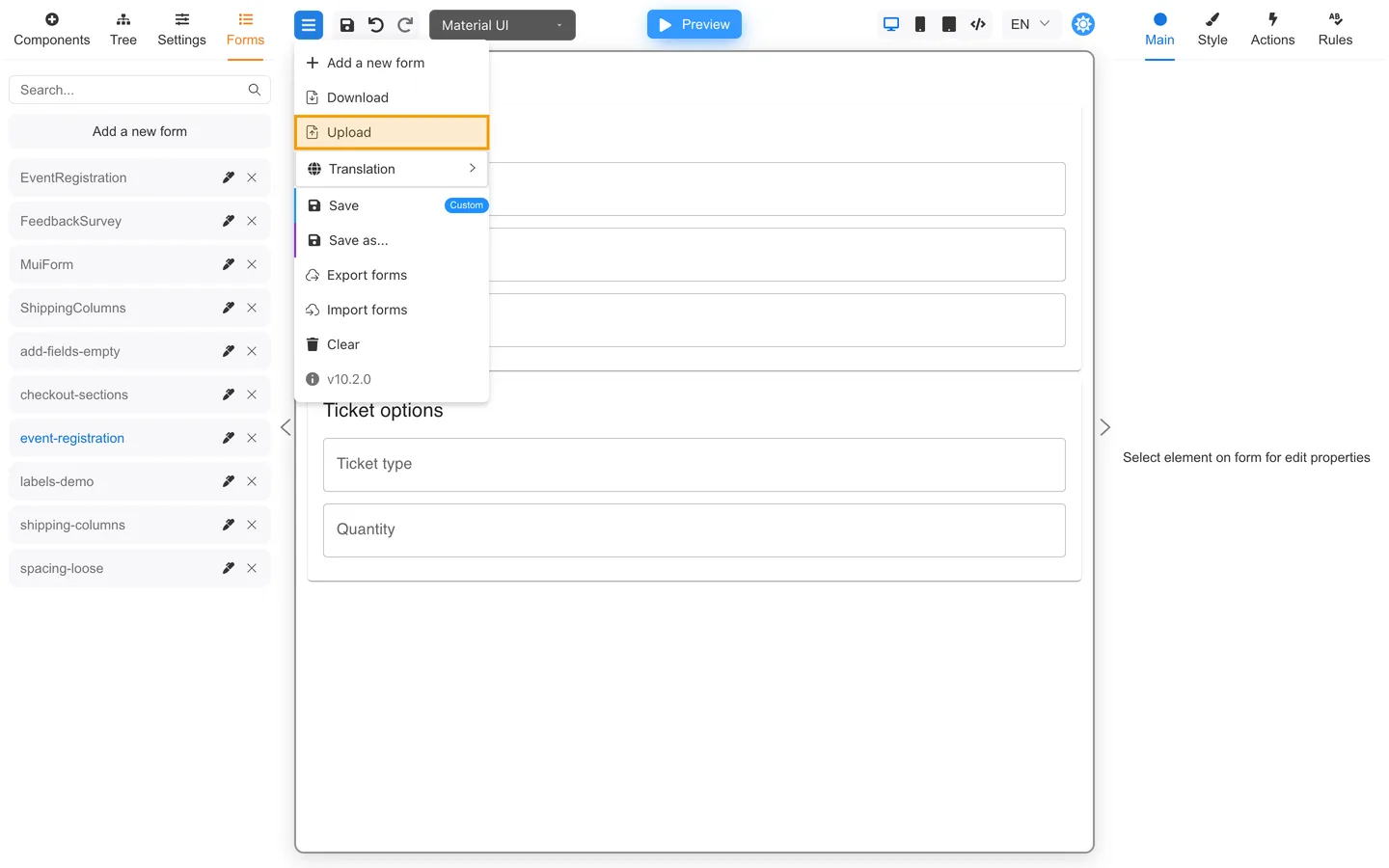
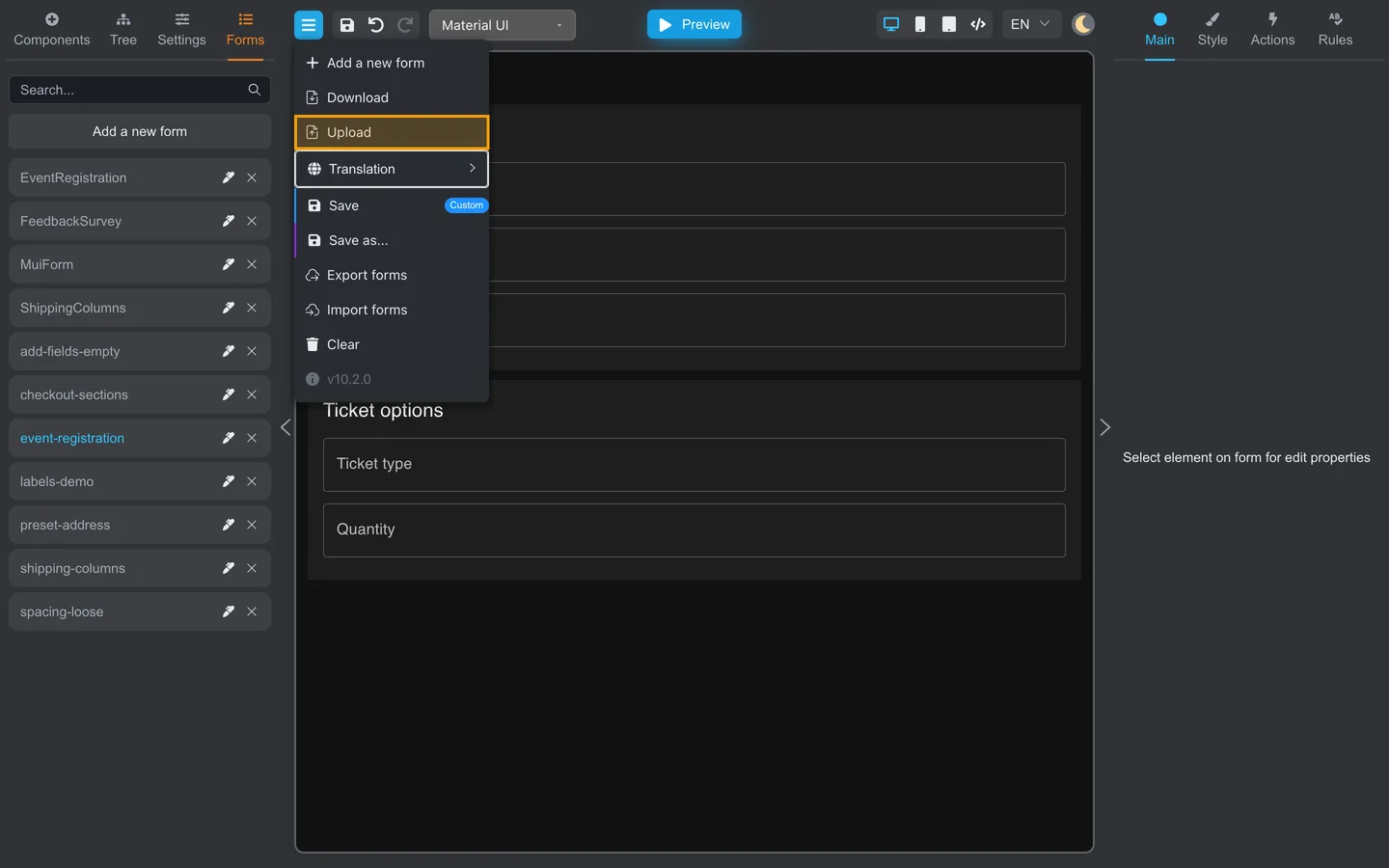
- Open the header menu.
- Click Upload.
- Select the
.jsonfile from a teammate. - Review the form on the canvas and run the testing checklist.
Move all stored forms
When form storage is enabled, Export forms downloads all stored forms in forms.zip. Import forms expects that ZIP archive and
saves its JSON forms to storage. See Save, export, and import forms for the full workflow.
Before Import forms, export a backup and review the JSON filenames in the archive. With the bundled storage, an imported form replaces a stored form with the same name without a conflict prompt.
Clear
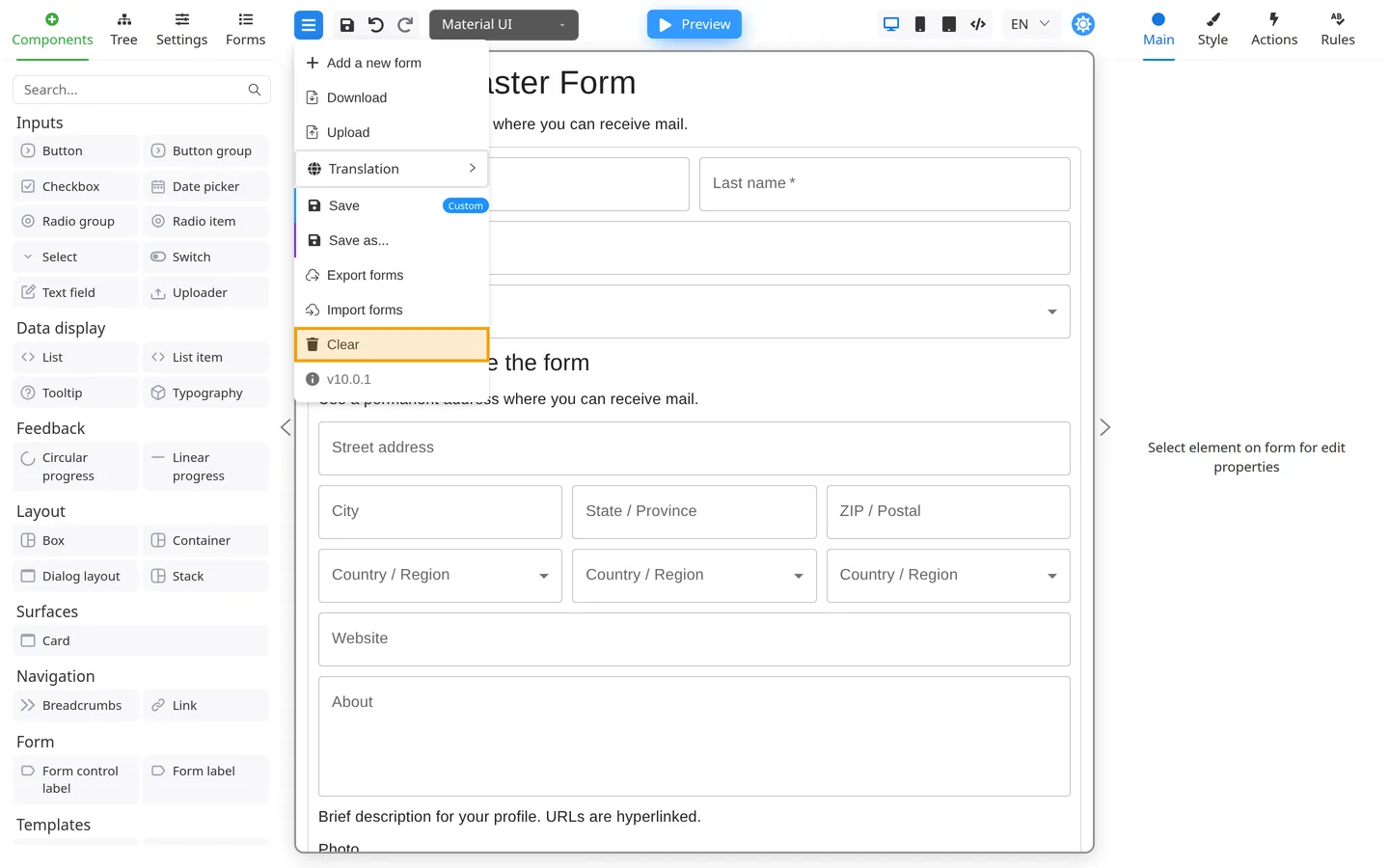
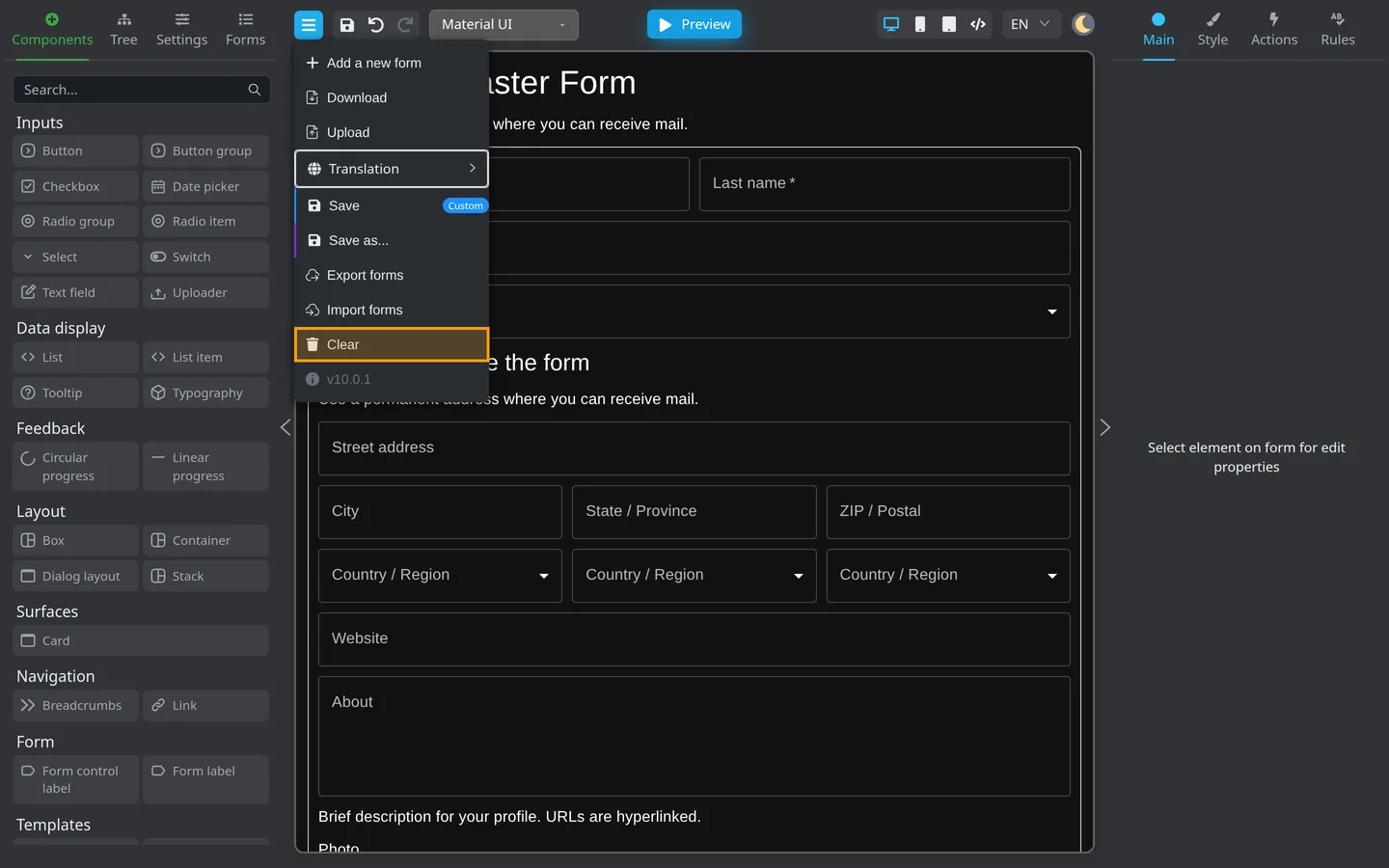
Clear removes the current design from Designer. Use only when you intend to start over.
Check the result
- After Upload, components appear on the canvas and in Tree.
- After Import forms, imported forms appear in Forms.
- Preview should match the downloaded or exported form.
Summary
Use Download / Upload for one JSON file. Use Export forms / Import forms for a ZIP of all stored forms. Re-test in Preview after either type of import.