


Actions basics
Actions are behaviors that run when something happens, usually when a user clicks a Button. Examples include validating the form, resetting fields, or calling application code.
Configure on a button
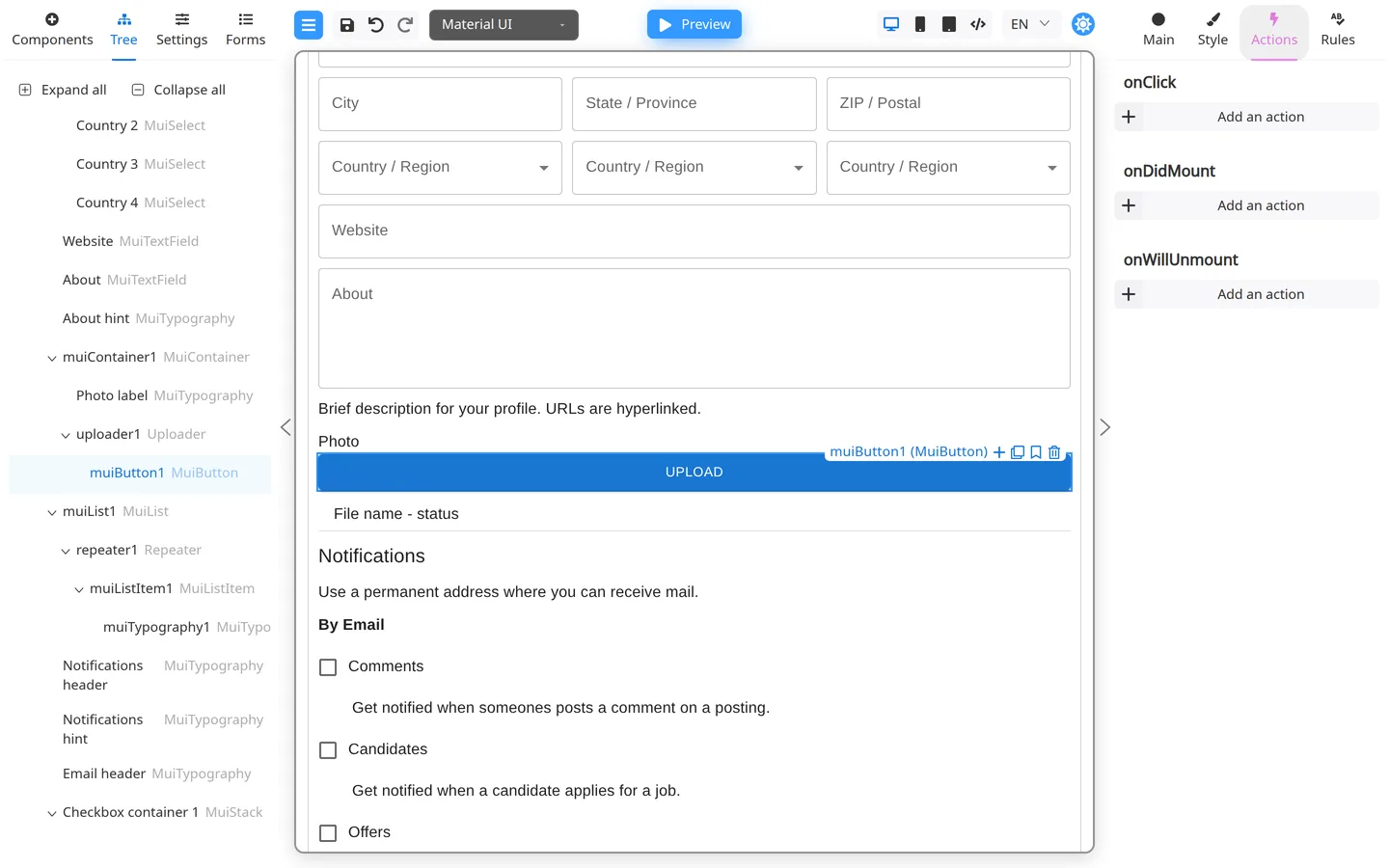
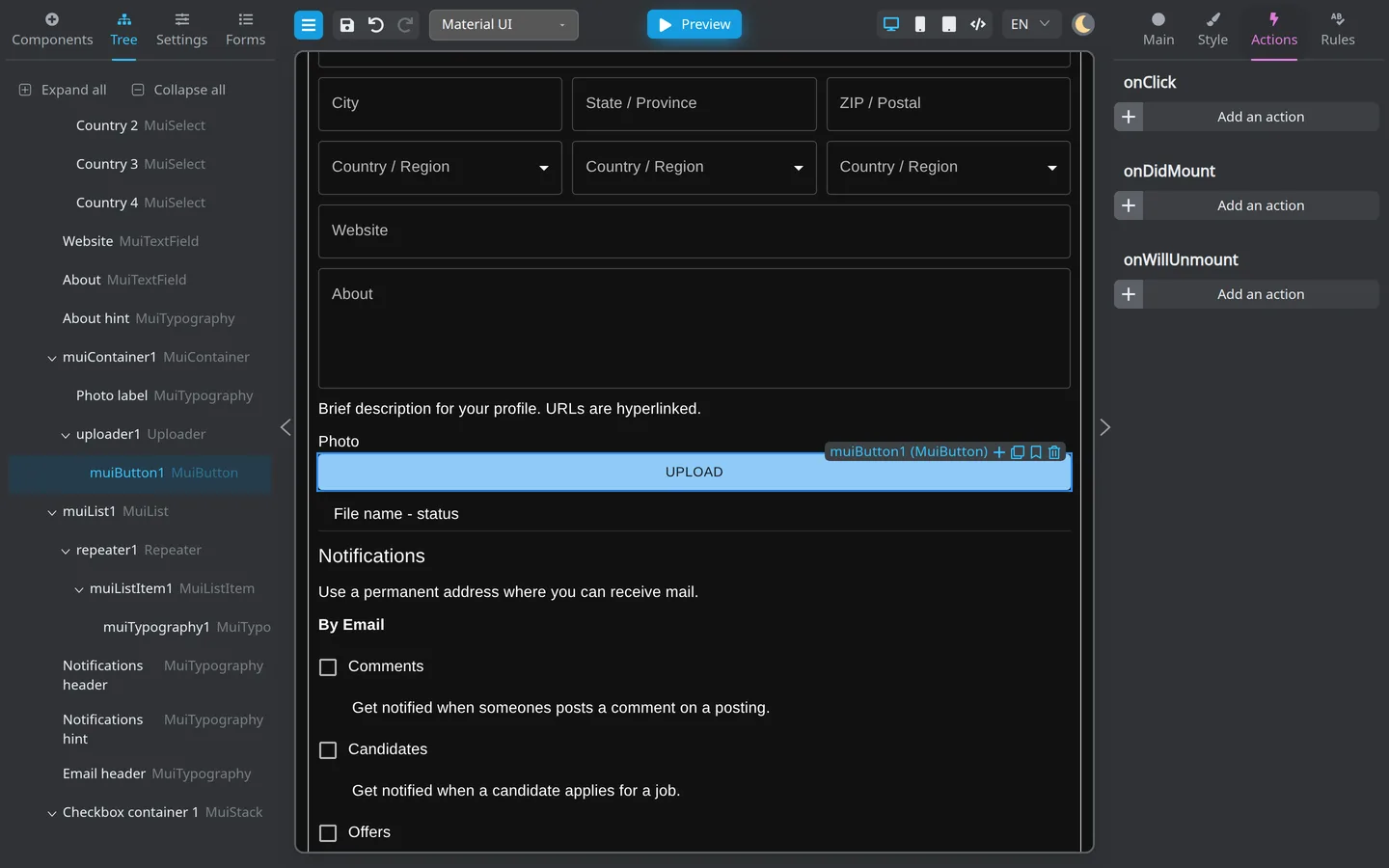
- Select a Button on the canvas.
- Open Actions on the right.
- Add or reorder actions from the list your project provides.
The list depends on your deployment. Example forms often include validate-and-submit style actions.
Form-level vs component actions
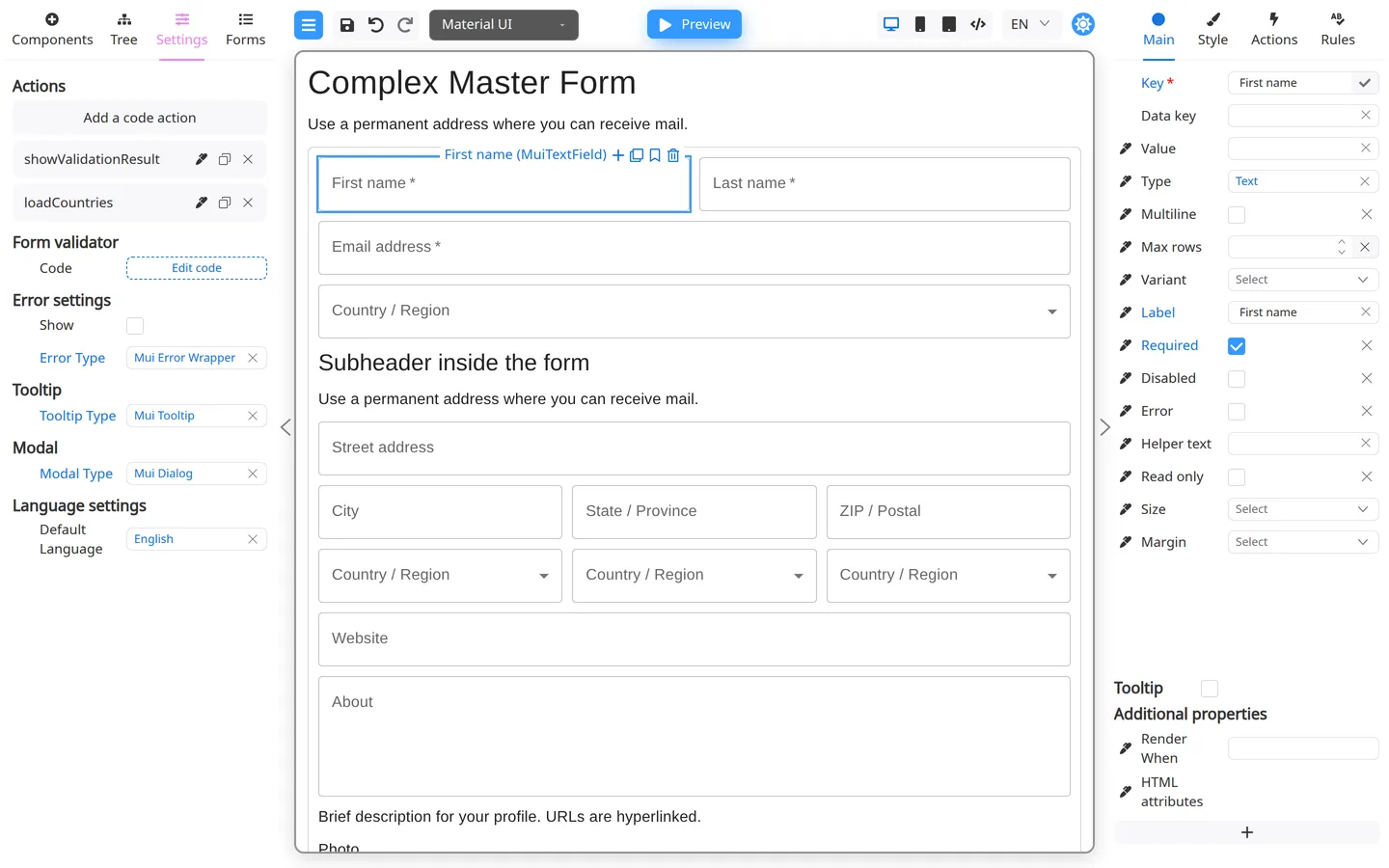
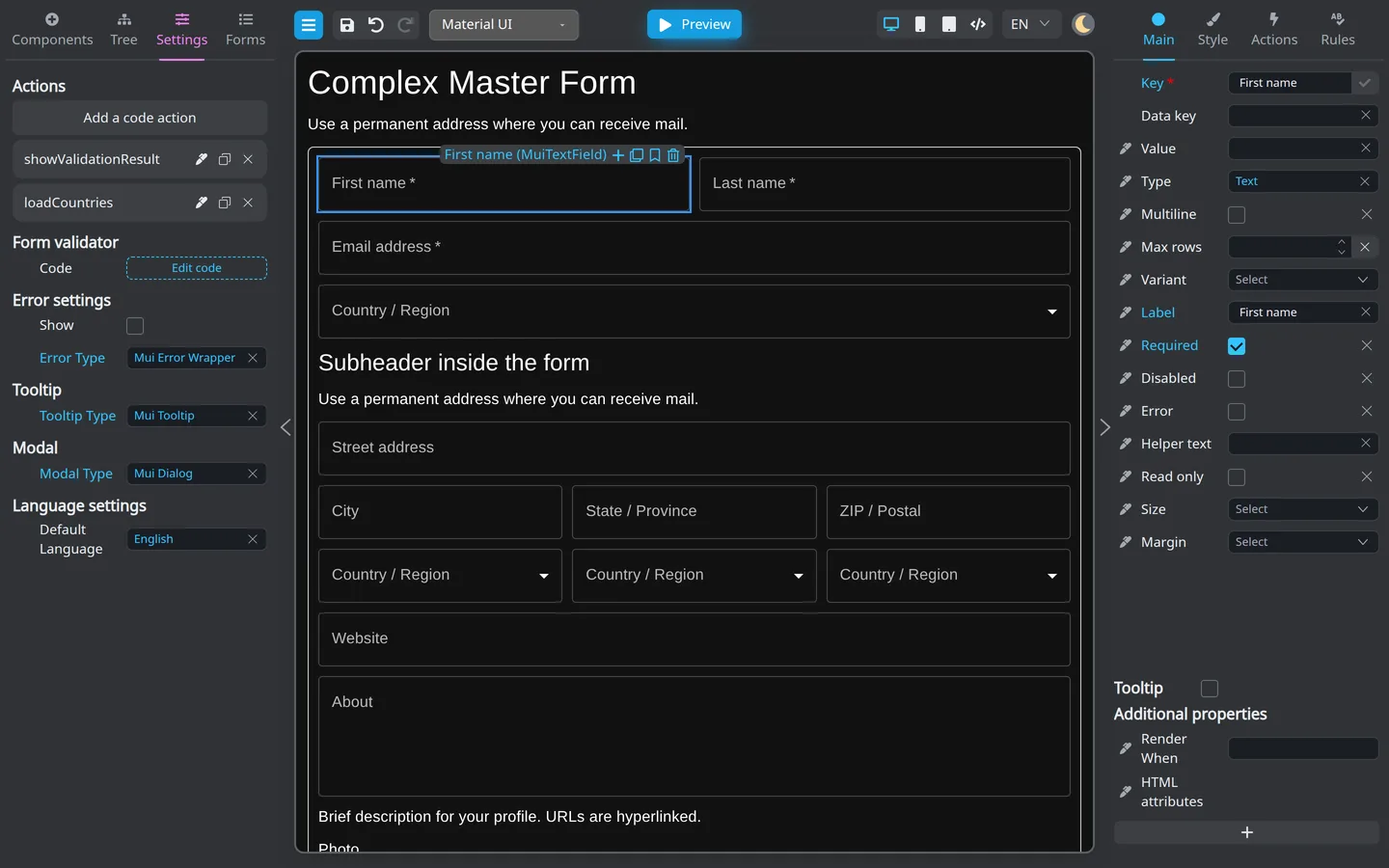
| Level | Typical use |
|---|---|
| Button Actions | Submit, save draft, reset |
| Field Actions | Less common (advanced scenarios) |
| App-registered actions | Custom integrations (developers) |
Test in Preview
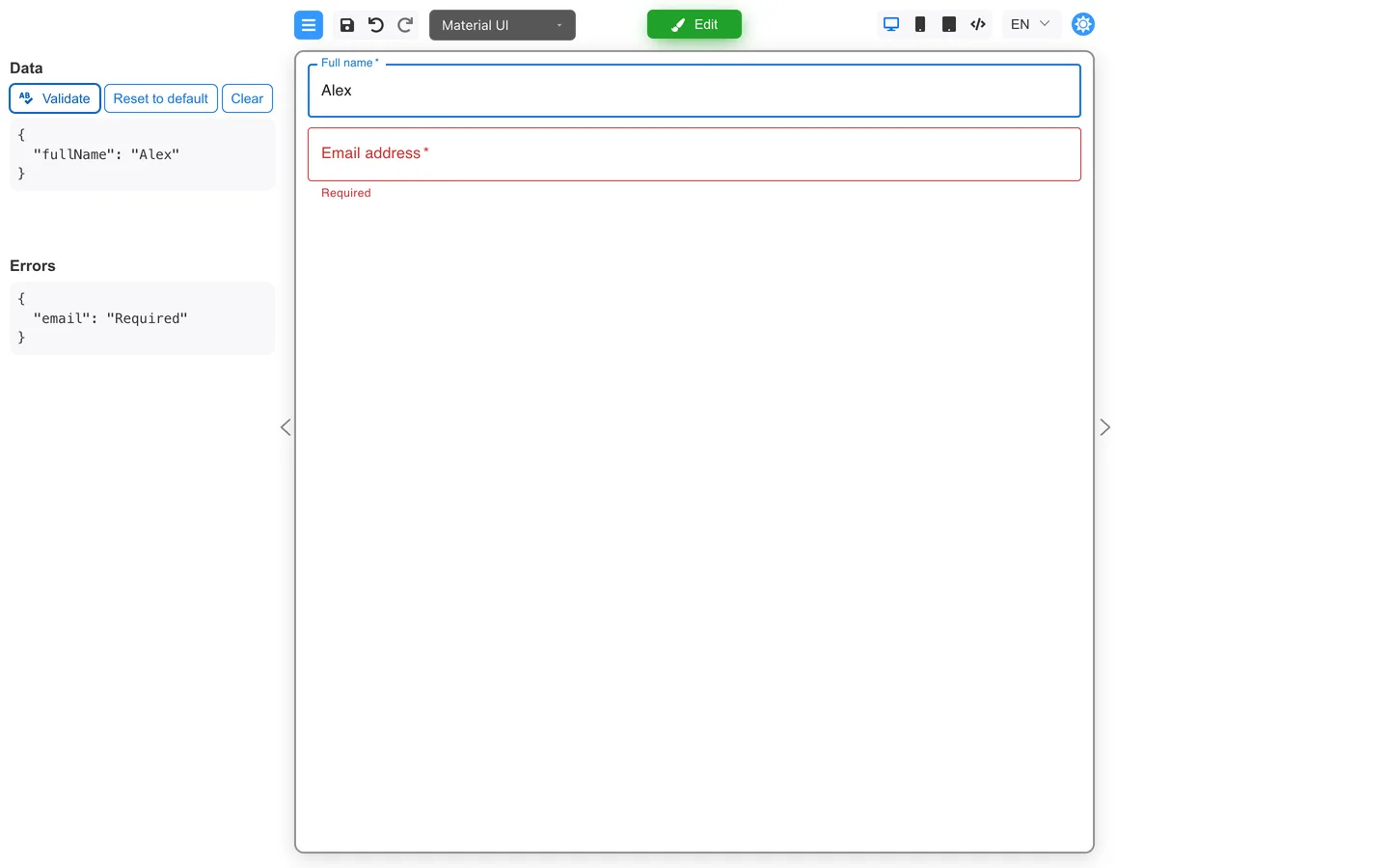
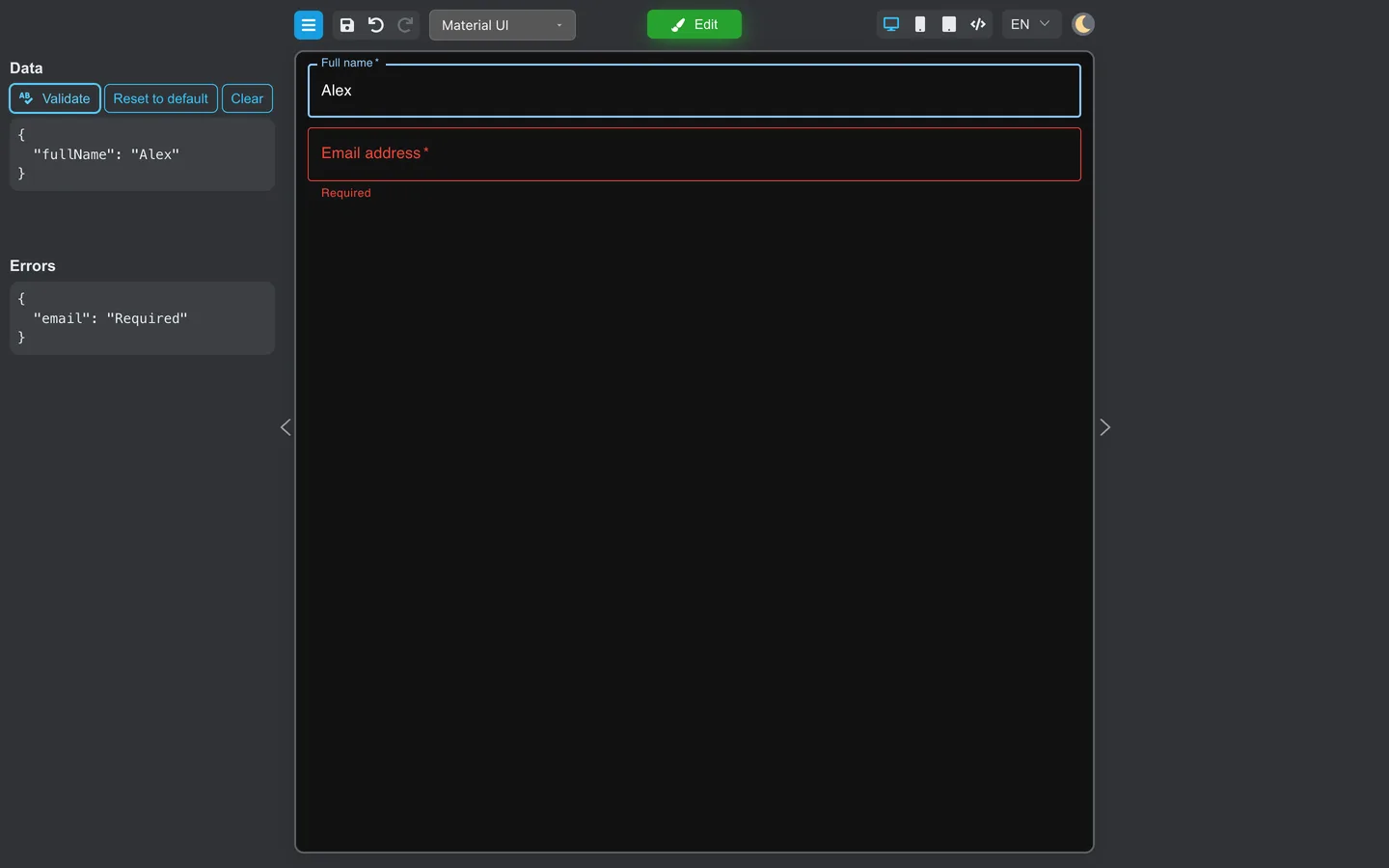
Click the button in Preview and watch for validation banners, success text, or console behavior your team documents.
When you need developers
- New action types (call CRM, upload files to custom storage)
- Actions that need secrets or server endpoints
Summary
Actions attach to triggers such as button clicks. Authors add and order them on the Actions tab, while developers register new types. Test each button path in Preview.