


Calculated fields overview
A calculated field derives its value from other form data, such as a full name, line total, or tax amount. A default value is only a starting value; it is not a calculation.
Use Main → Value → Calculable value when the result should update as answers change. Use an action instead when the calculation should run only after a specific event, such as a button click.
Common examples
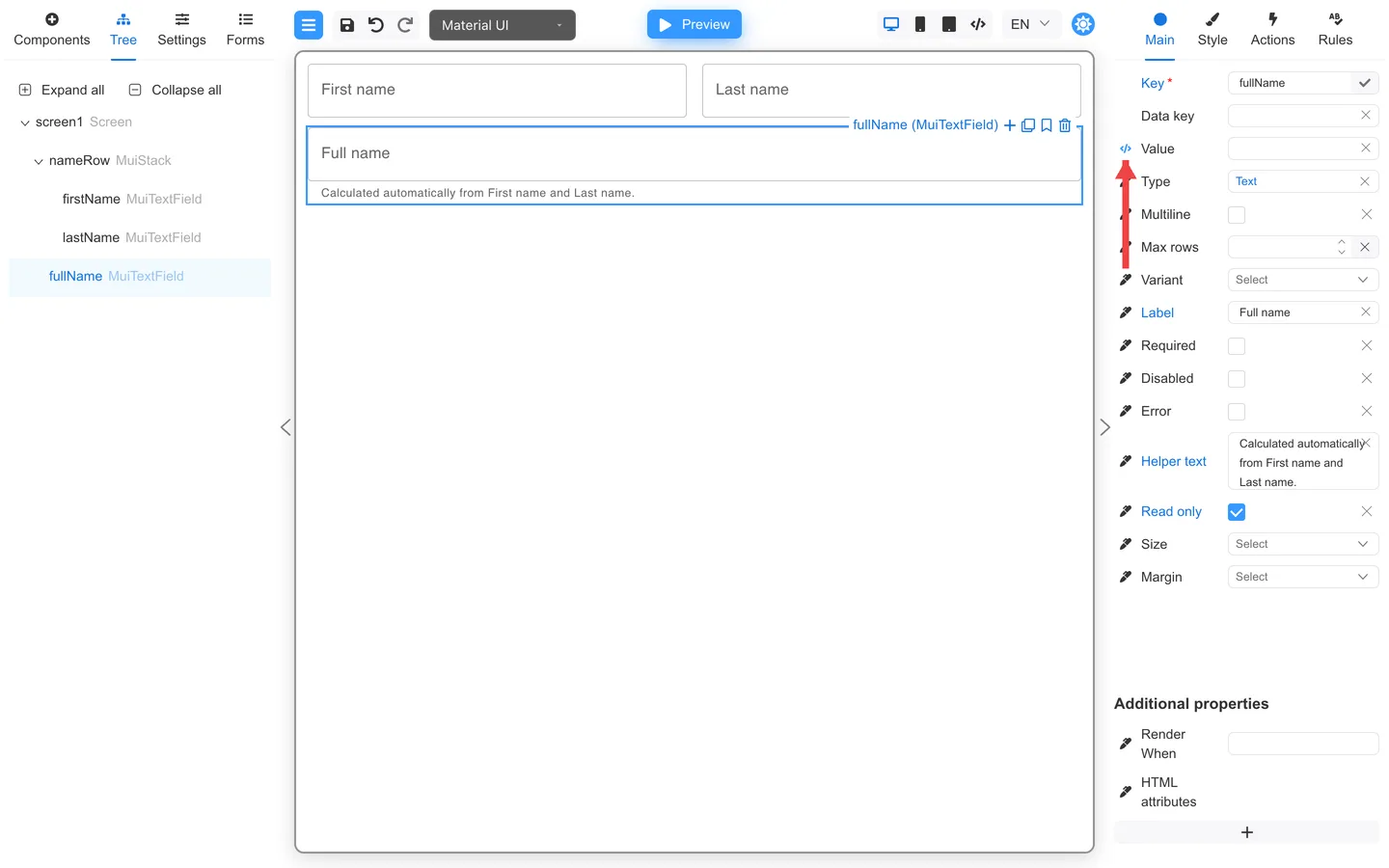
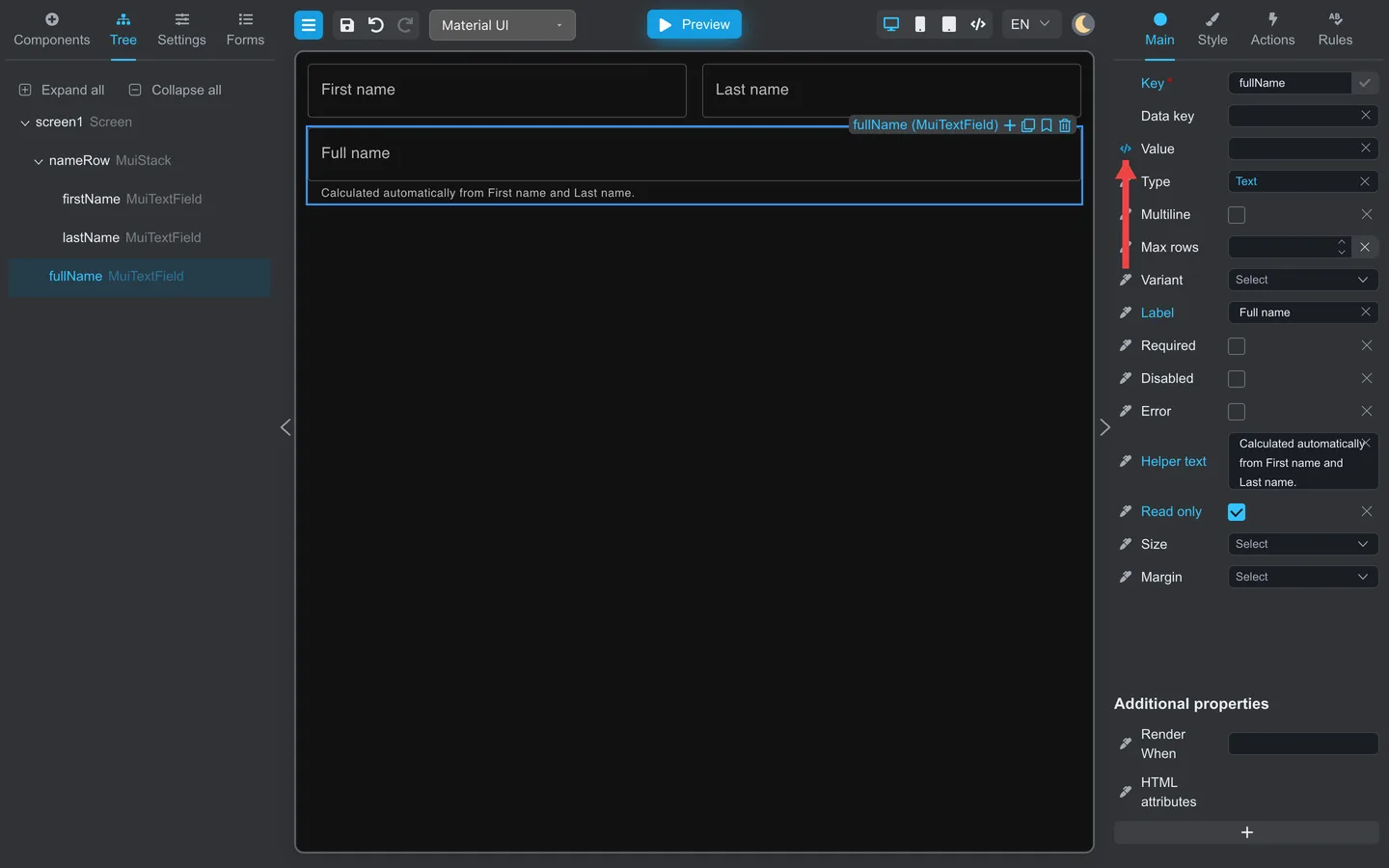
- Full name from
firstNameandlastName - Line total from quantity and unit price
- Tax amount from a subtotal and tax rate
Full name example
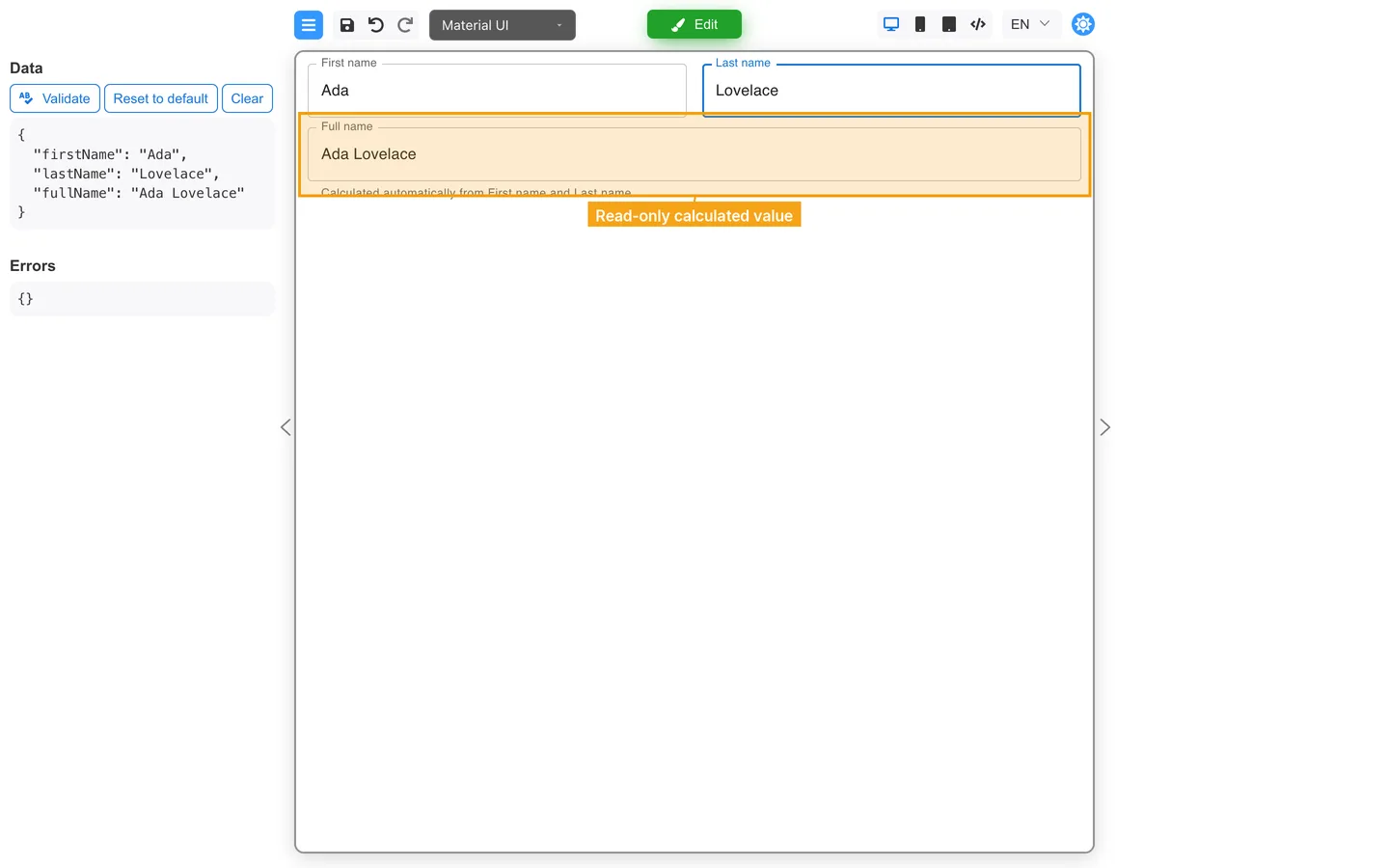
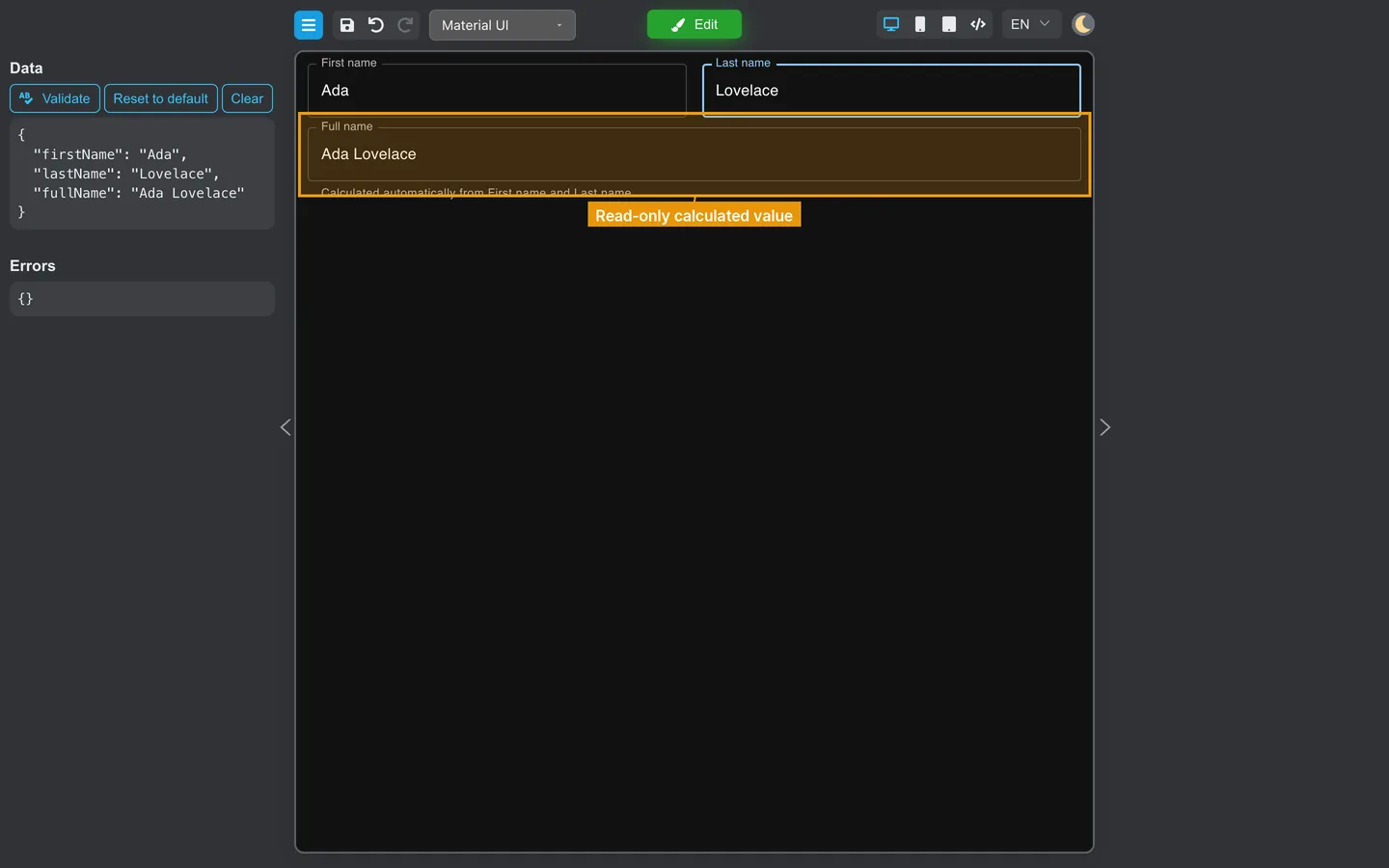
The example uses two editable source fields and a separate read-only result field beneath them. The Calculable value editor opens in the bottom panel:
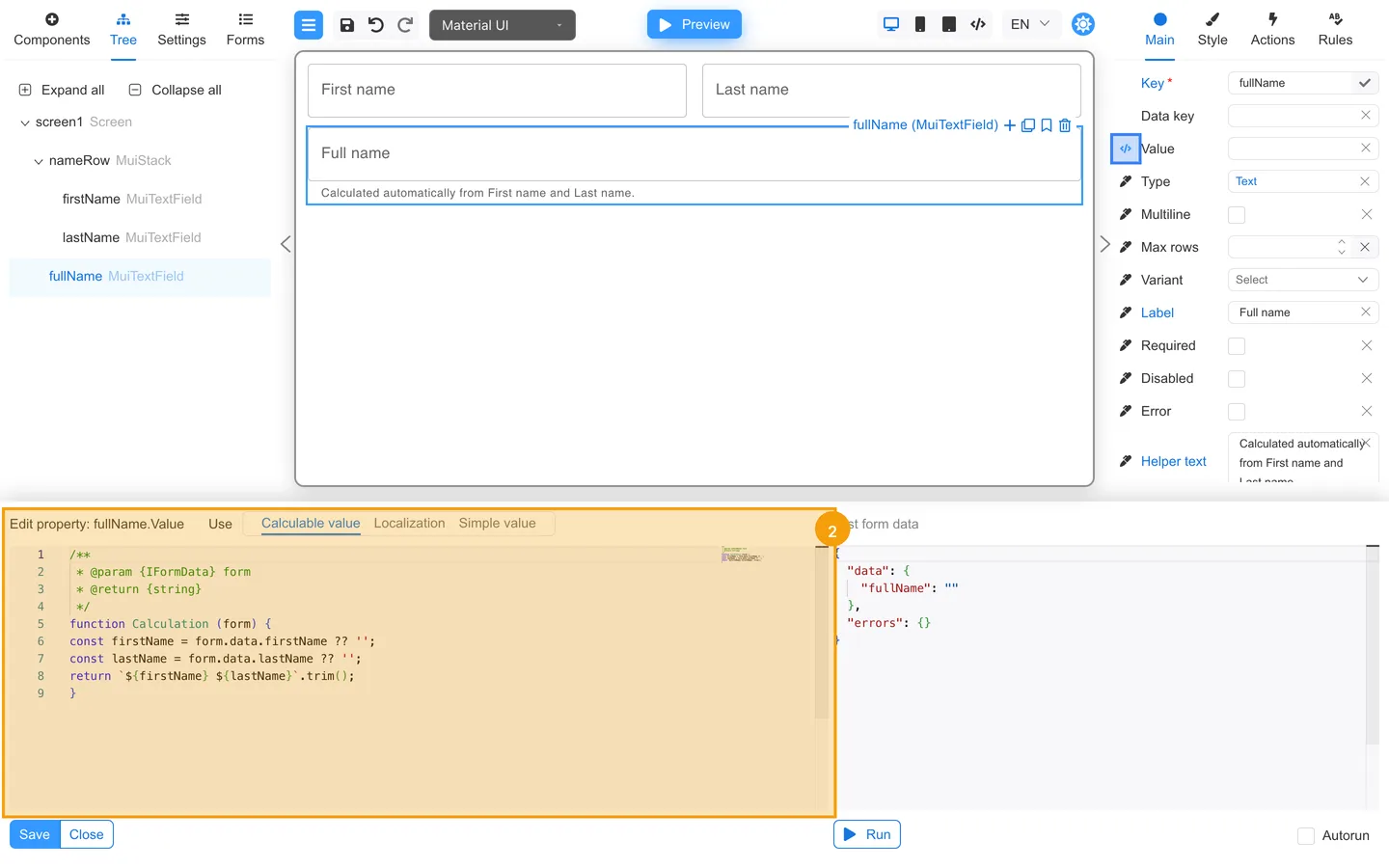
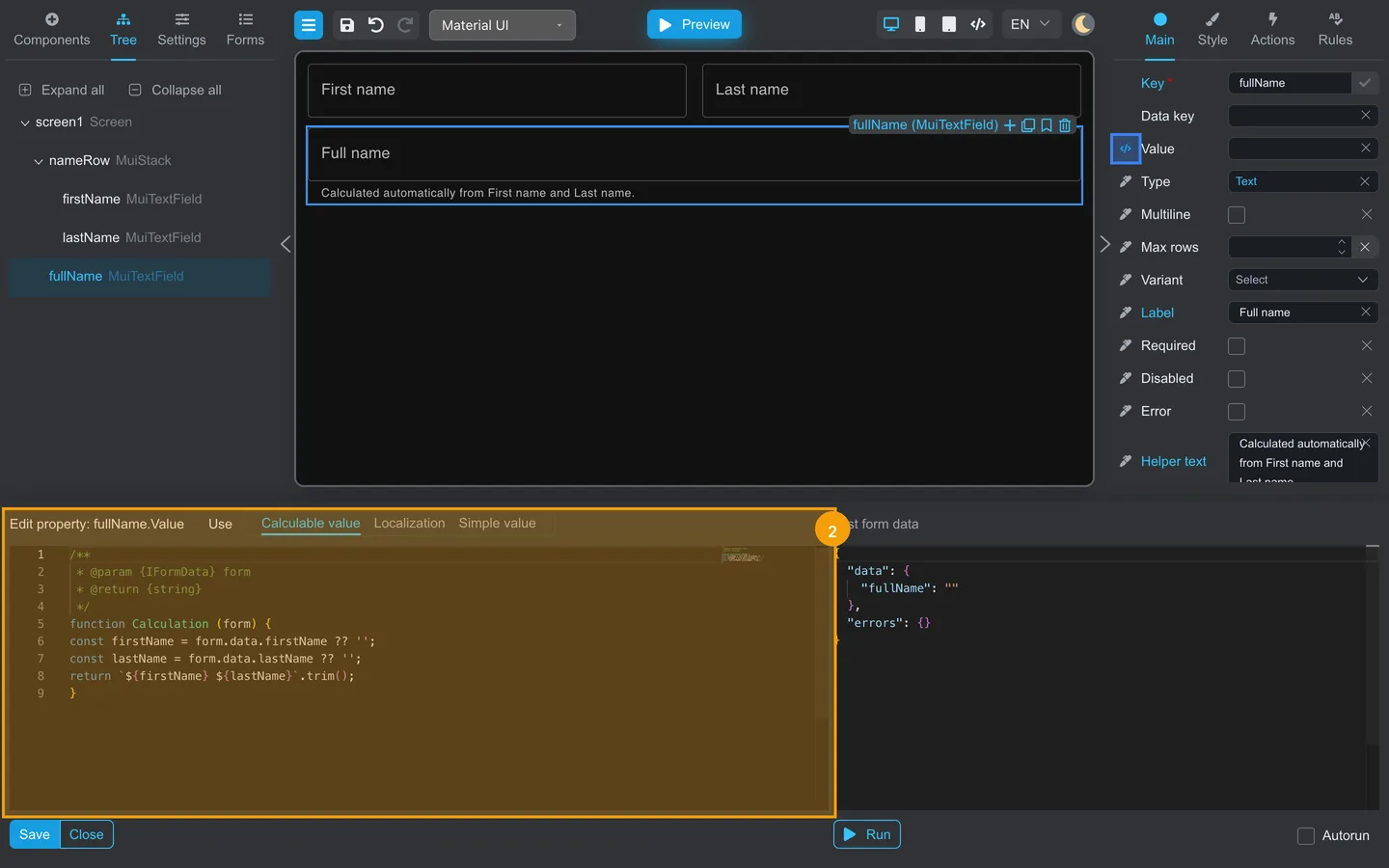
To create a reproducible Full name calculation, add three Text fields with the keys firstName, lastName, and fullName. Then configure
the Full name field:
- Place the Full name field below First name and Last name.
- Select Full name, open Main, and enable Read only.
- Click the edit icon beside Value.
- Choose Calculable value in the bottom panel.
- The editor supplies the
Calculationfunction declaration and closing brace. Replace the editable code between them with this complete formula, then save it:
const firstName = form.data.firstName ?? '';
const lastName = form.data.lastName ?? '';
return `${firstName} ${lastName}`.trim();
FormEngine calculates fullName when the form loads and recalculates it automatically whenever firstName or lastName changes. It does
not wait for a button click or form submission. Make the Full name field read-only if users should not overwrite the calculated result.
Use Read only rather than Disabled for this example so the result remains easy to read and copy while manual editing is blocked.
Calculable values use a computed-property editor with a code panel. Authors should not change production formulas without review.
Developers: See Computed properties.
Test the result
- Open Preview.
- Enter
Adain First name andLovelacein Last name. - Confirm that Full name changes to
Ada Lovelaceand cannot be edited directly. - Change either source field and confirm that Full name updates immediately.
Handoff tip
Document:
- Source fields (keys)
- Formula in everyday terms
- Whether it should update automatically or only after a specific event
Summary
Calculated fields can reduce manual entry. Ask developers to review production formulas before changing them.