


Prefill a form
Prefill means the form opens with values already filled in, either from defaults you set or from runtime data such as a user record. Fields without starting values are not prefilled.
Static defaults
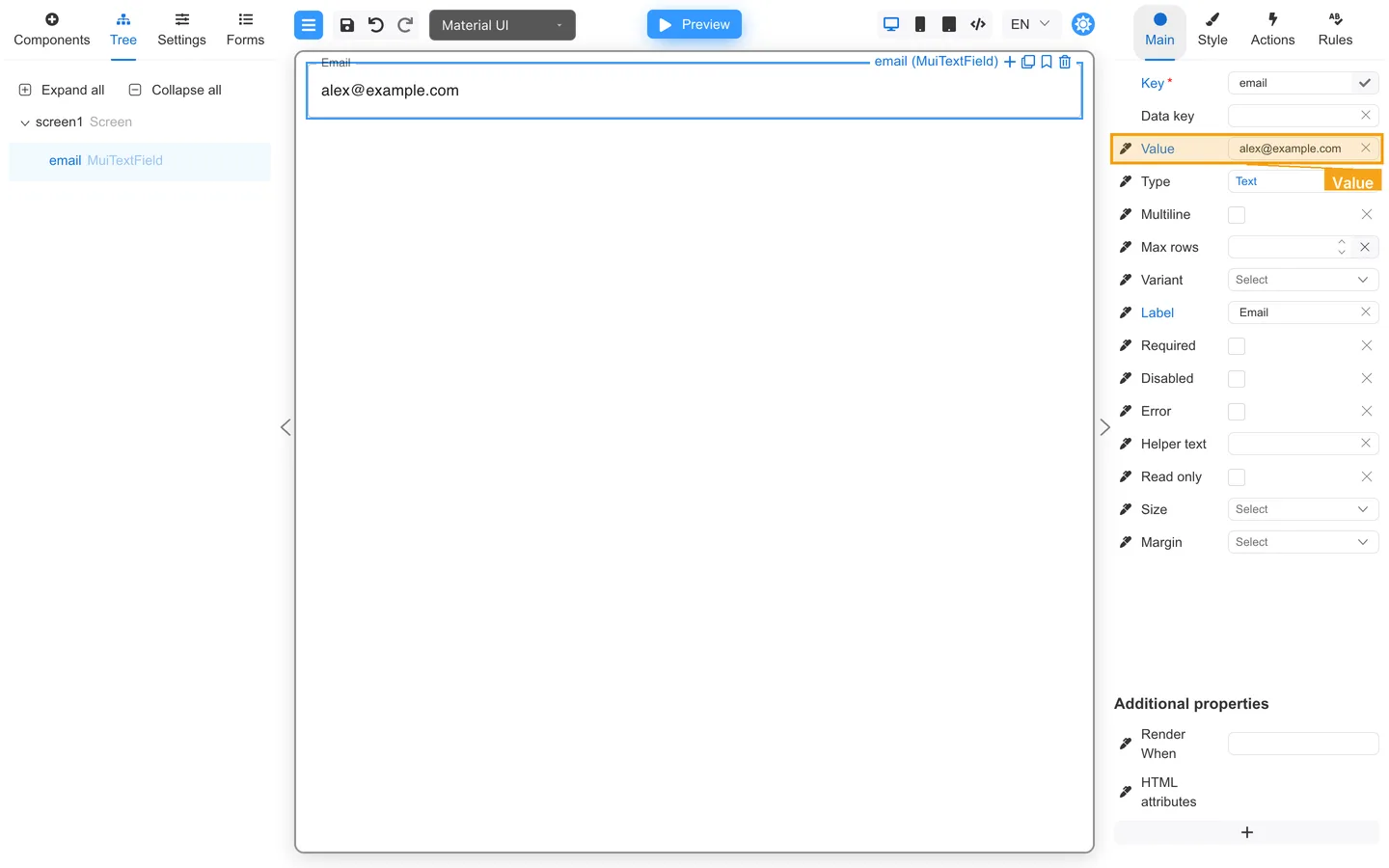
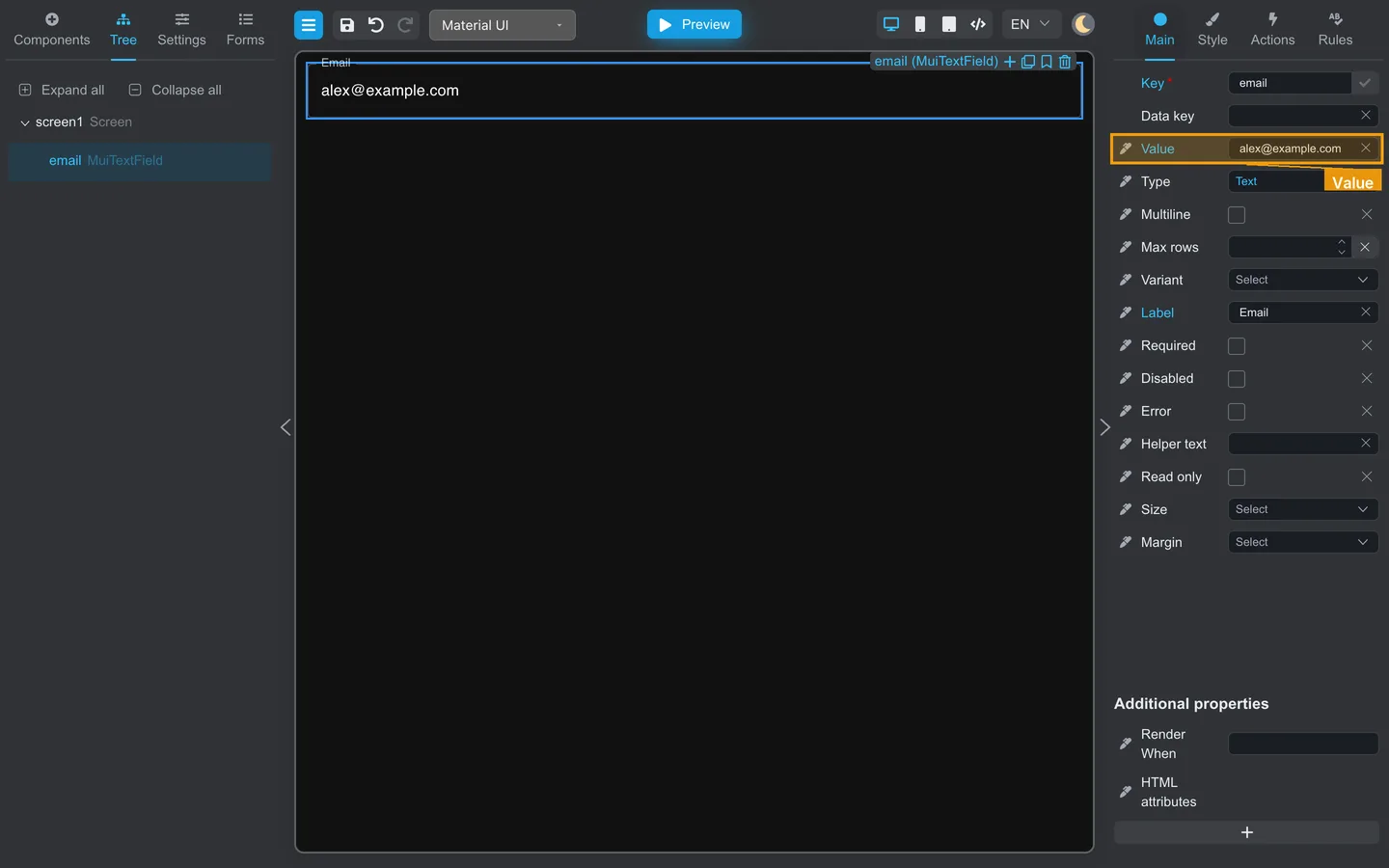
- Select the field.
- On Main, set Default value or Value (for example
alex@example.com). - Preview and confirm the field shows that value.
Runtime prefill (with developers)
- Agree on field Keys (for example
email,accountId). - Developers pass an initial data object when embedding the viewer.
- Test with sample JSON from your team. Use Data in Preview mode tools to compare keys.
Summary
Configure Designer defaults on the Main tab. Live prefill requires matching keys and developer integration. Check the Data panel in Preview.