


What is form data?
Form data is the set of values your form holds, one entry per field (and per row in repeaters). Authors care about keys (names) and values (what users type or select).
Static design vs connected data
Static content is what you set in Designer: labels, placeholders, field order, validation, and button actions. Connected data becomes available when the form runs: values users enter, options loaded from a database, or initial values for an existing record. You can inspect connected data in Preview or in the live app. Field keys determine how those values are stored.
Field keys
Each input component has a key (sometimes called a field name). When a user types Ada into First name, the data might look like:
{
  "firstName": "Ada"
}
Your team or developers set keys on the Main tab when you select a field. Use clear names (email, country) instead of generic
defaults when you can.
Values
| Type | Example value |
|---|---|
| Text | "hello" |
| Number | 42 |
| Checkbox | true / false |
| Dropdown | selected option id or label (depends on component) |
Where to inspect data
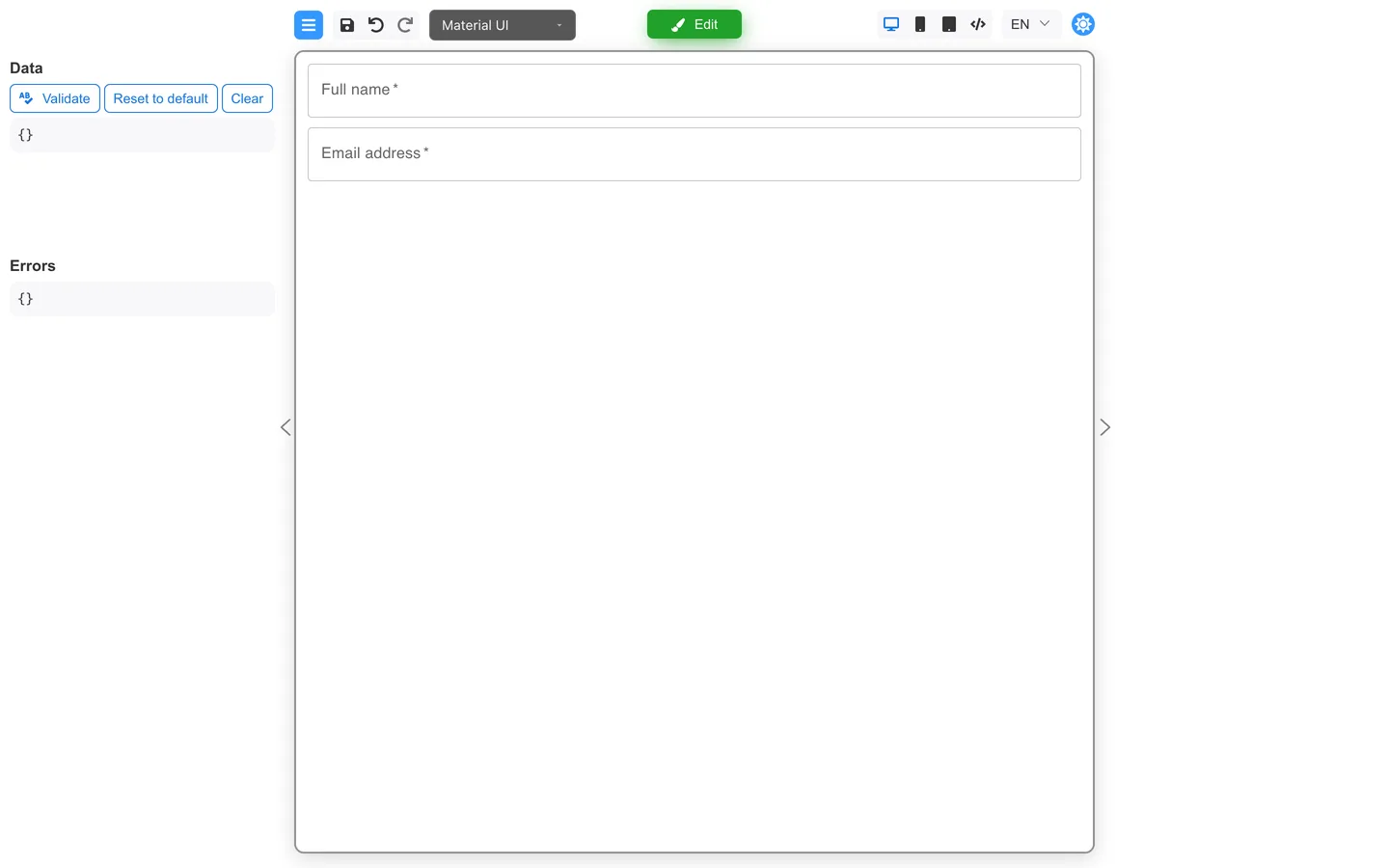
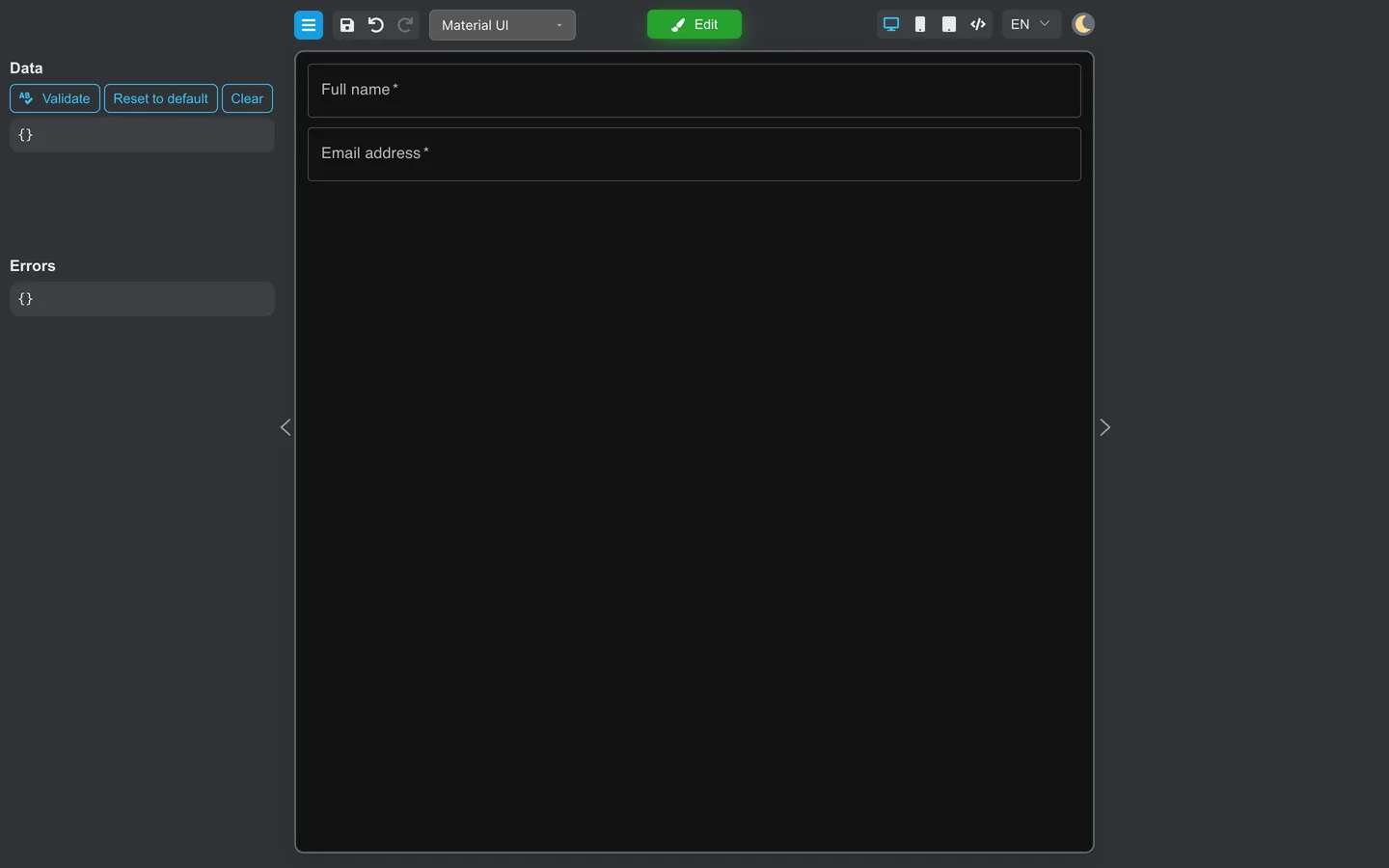
- Open Preview.
- Fill fields.
- Open Data in the left panel to see the live JSON-shaped snapshot.
Why keys matter
- Reports and APIs read data by key.
- Renaming a key after launch can break saved records. Plan names early.
Summary
Form data is the set of keys and values stored by the form’s data fields. Set keys on Main and inspect them in the Preview Data panel. Use stable, readable key names.