


Static vs dynamic content
Static content is what you type in Designer. Dynamic content is resolved while the form runs from user answers, calculations, or application data such as a user profile or API-driven dropdown options.
Static (you control)
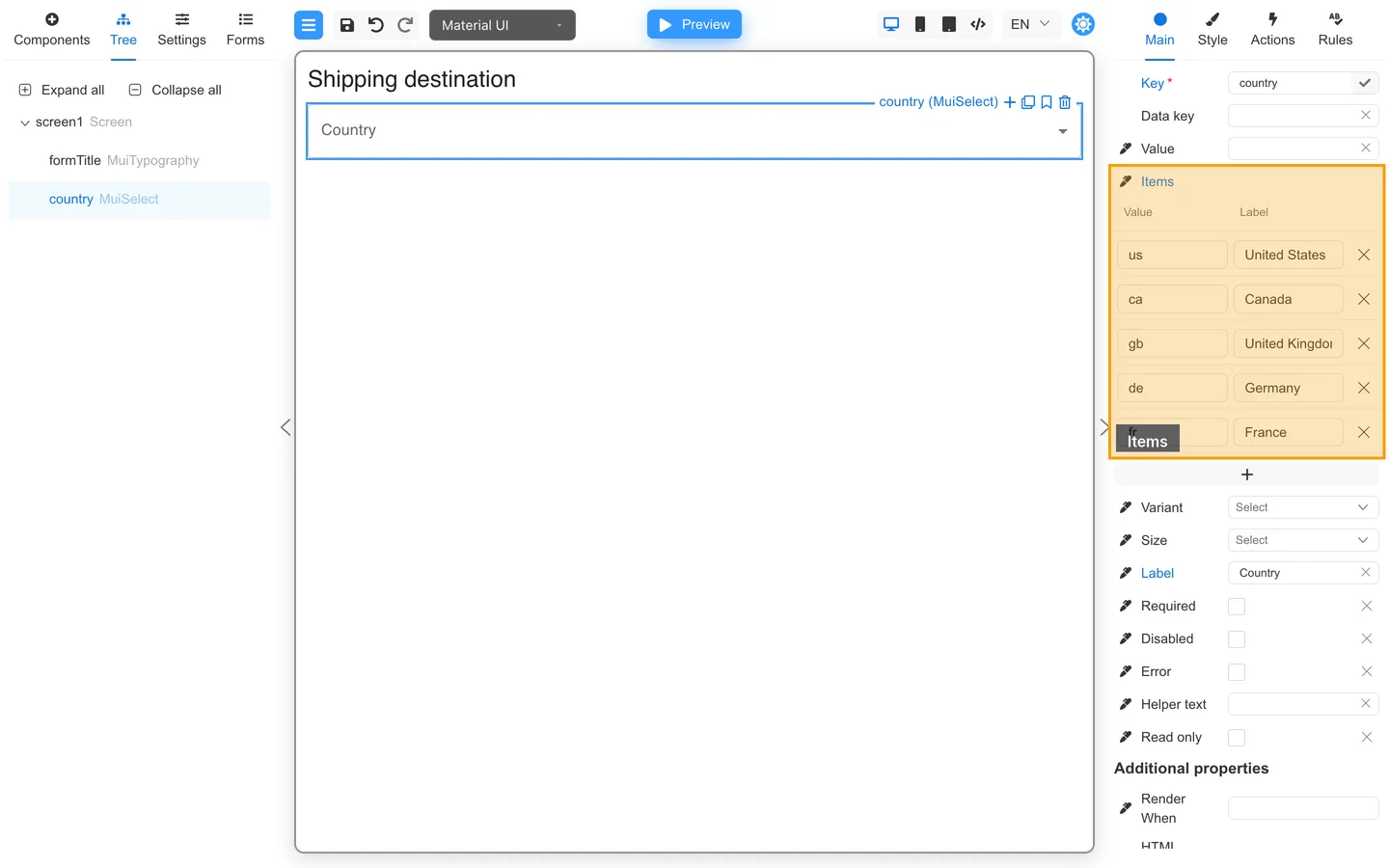
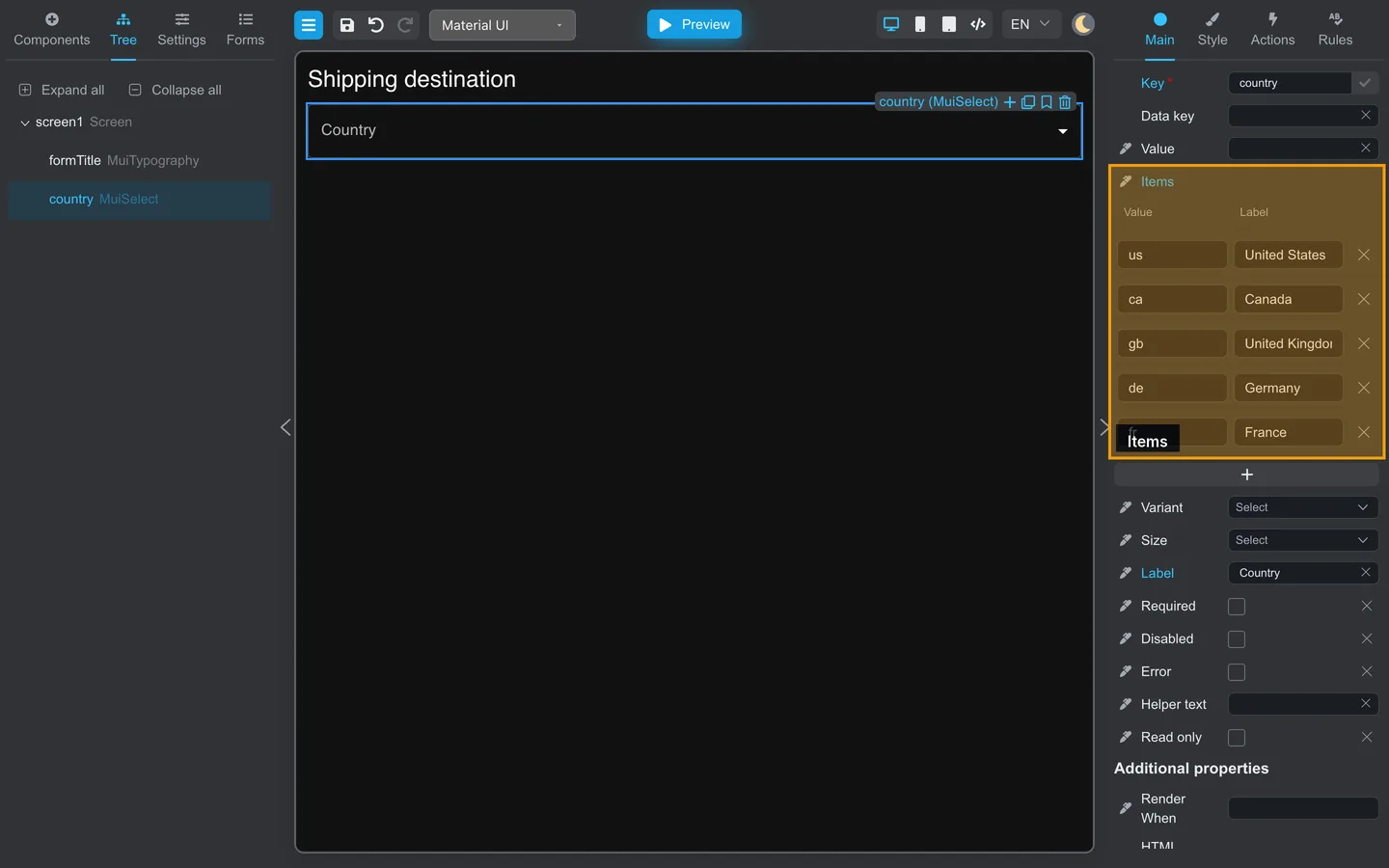
| Example | Where |
|---|---|
| Labels and help text | Main |
| Dropdown options typed in Designer | Main → Items (or Data) |
| Default values | Main → Value |
Dynamic (resolved at runtime)
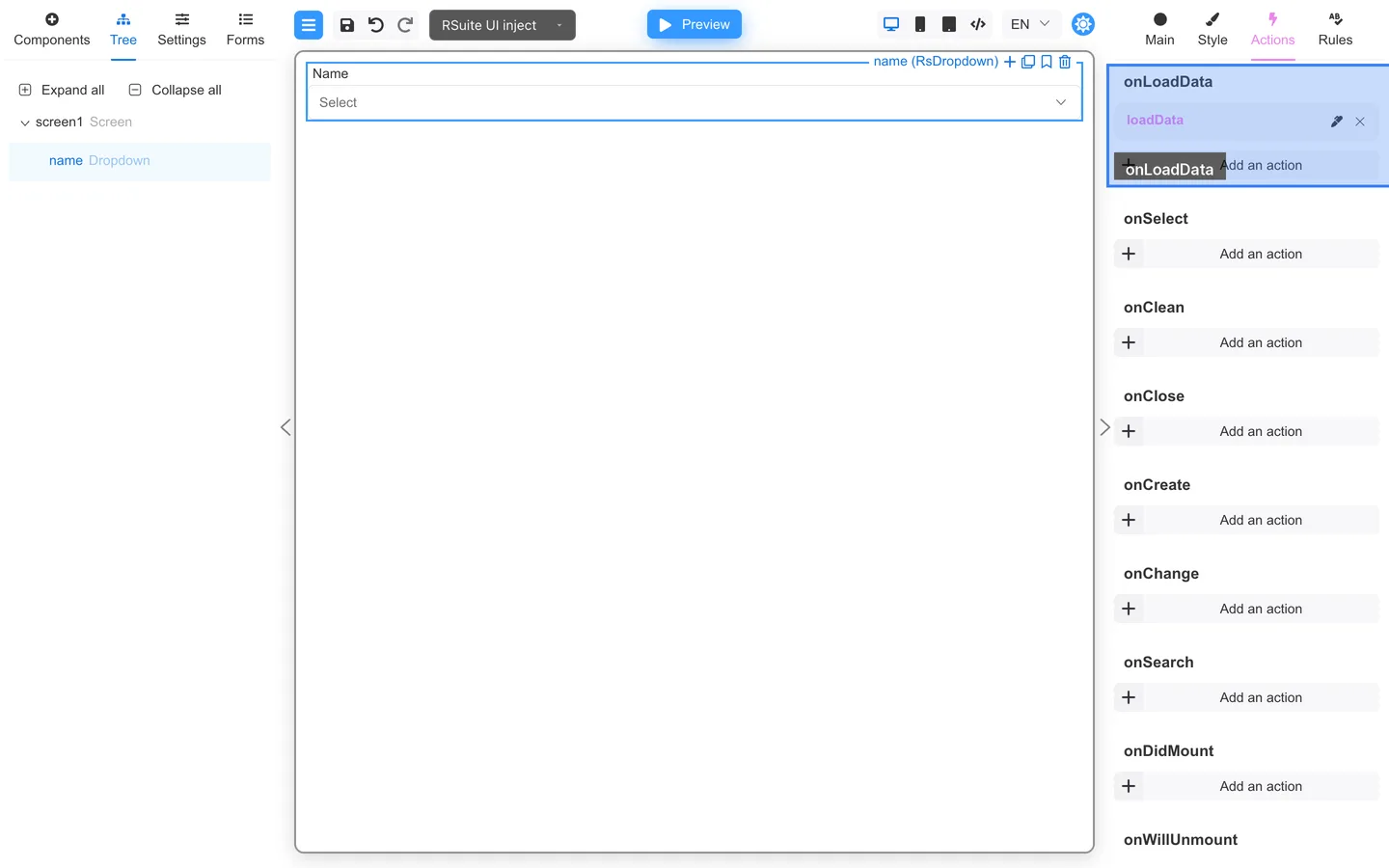
| Example | How it is provided |
|---|---|
| Pre-filled user name | Developers pass initial data |
| Name list from an API | Actions → onLoadData (or data binding) |
| Calculated totals | Main → Value → Calculable value, or an action |
Use Calculable value for a live calculation that updates when its source data changes. Use an action when the calculation should run only after an event. Rules validate field values; they do not calculate them.
Author checklist
- List fields that need live data.
- Agree on Key names with developers.
- Test in Preview with sample data your team provides.