


Examples and use cases
Each section is a form pattern you can open in the FormEngine demo. The screenshot and the demo use the same form. If the Designer UI is still unfamiliar, start with The Designer workspace.
Contact and lead capture
Name, email, a message field, and a submit button. Common for support, sales, and marketing pages.
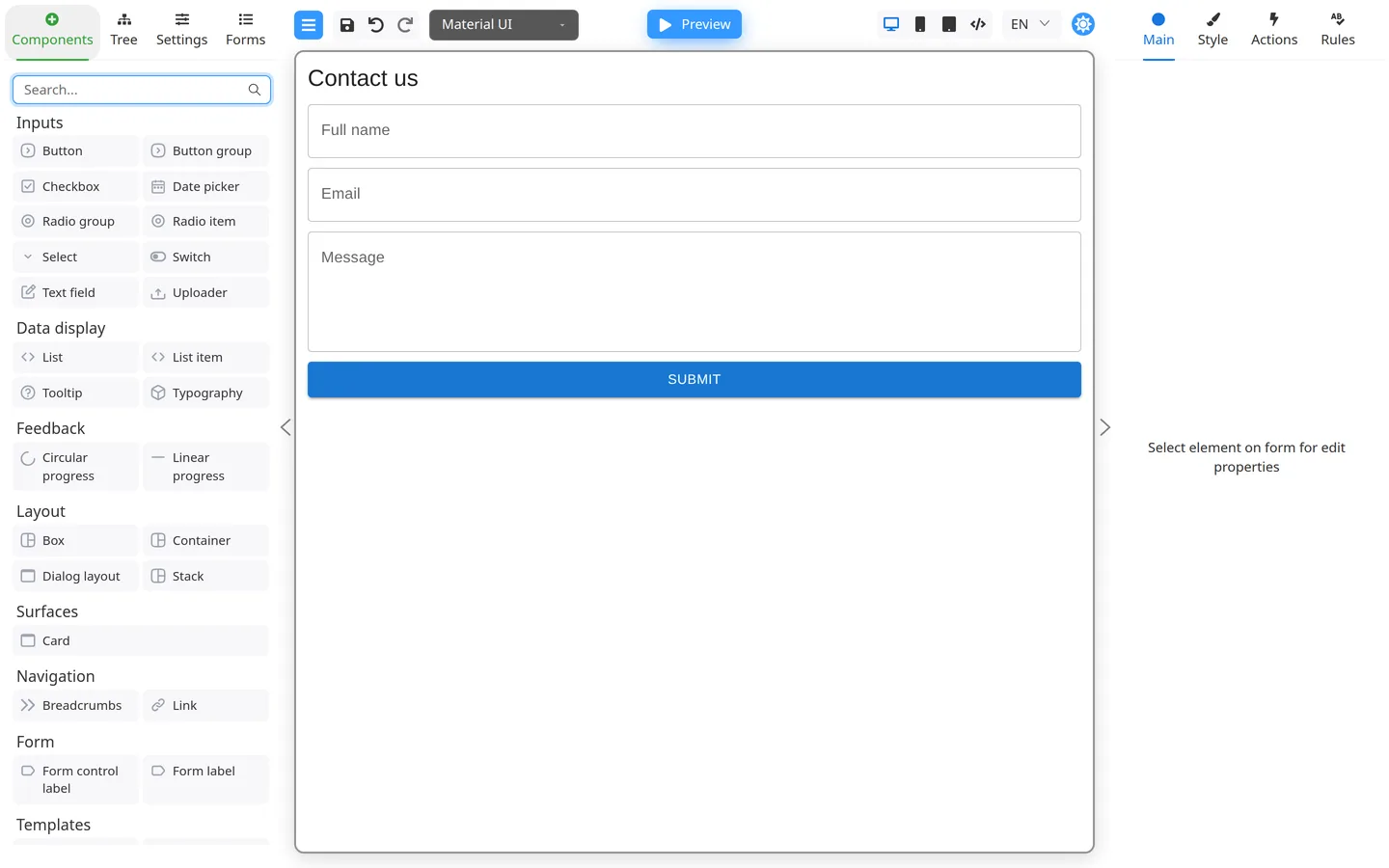
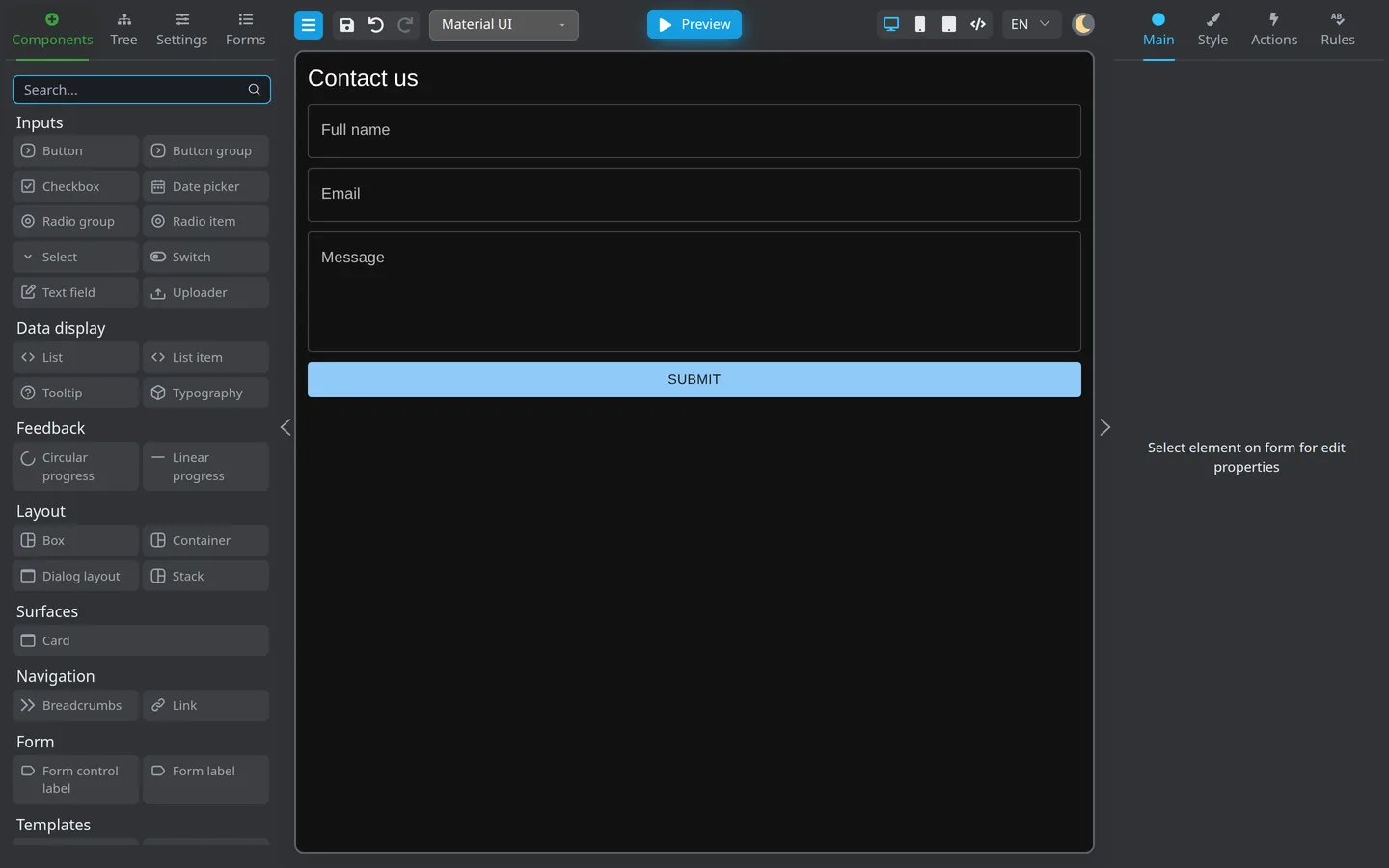
Start with Create your first form and Add fields to your form.
Registration and onboarding
Account details with required fields and email validation before submit.
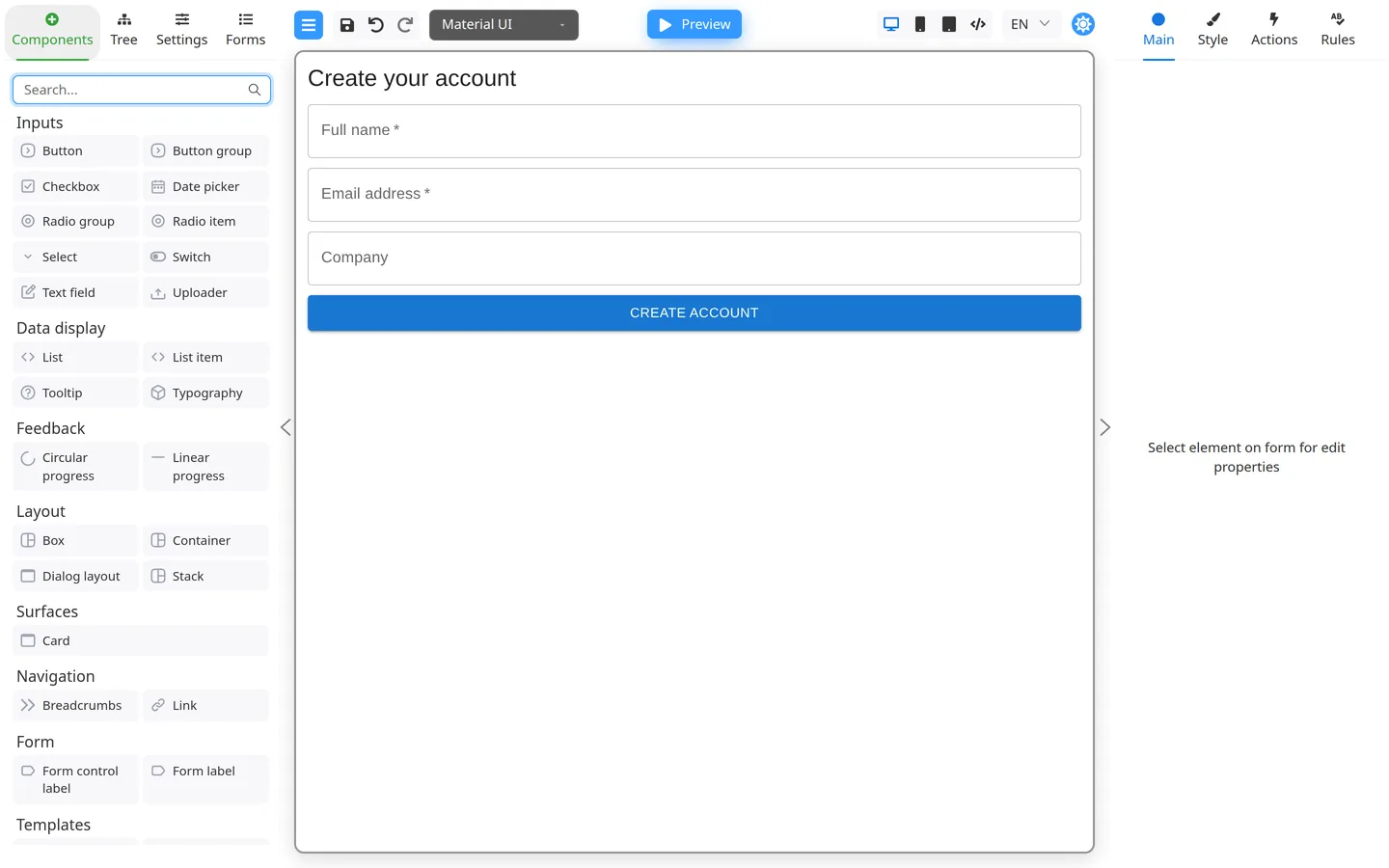
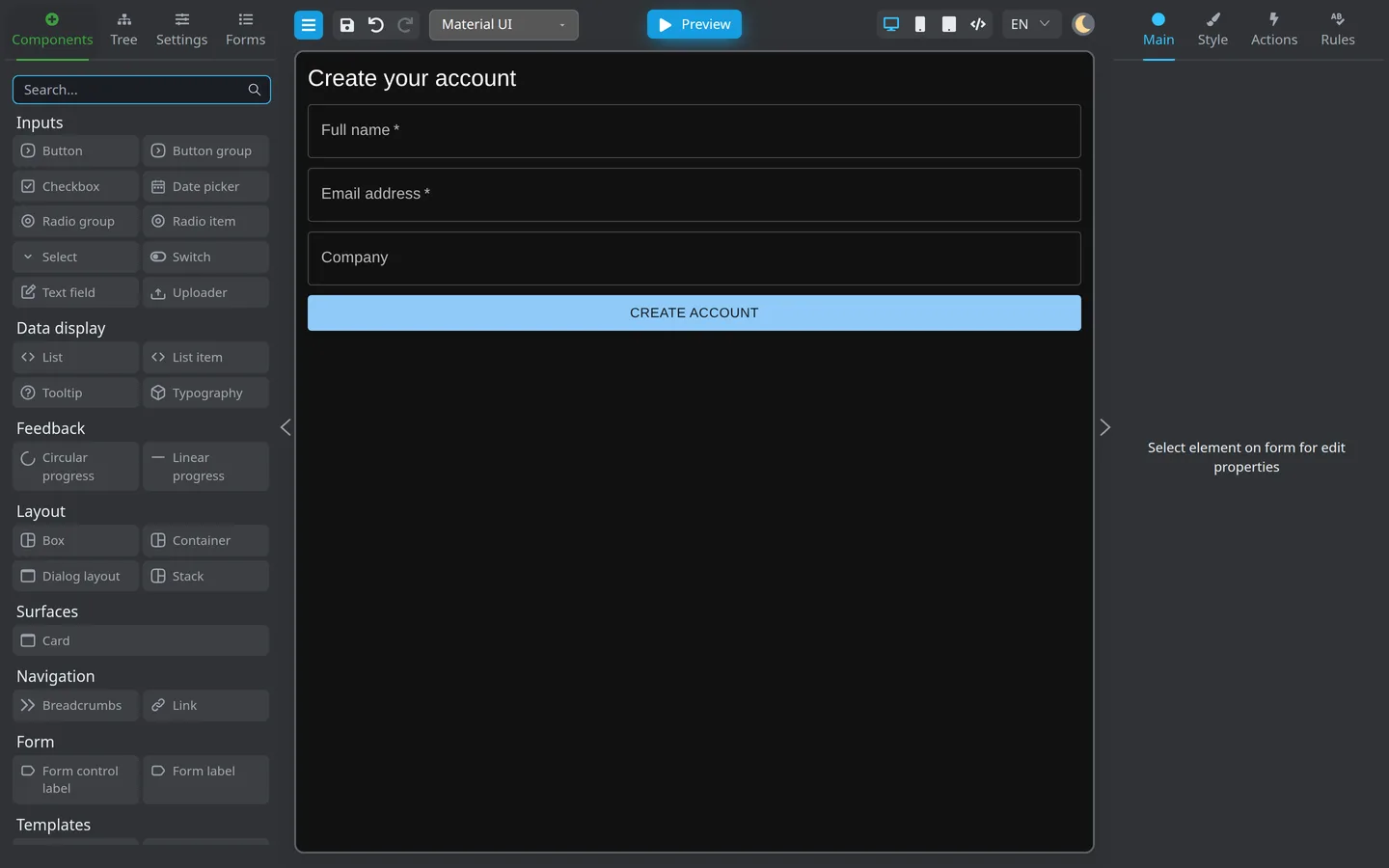
Follow Validation on your first form and Common validation patterns.
Surveys and feedback
A short questionnaire with a required choice field, optional comments, and a submit button.
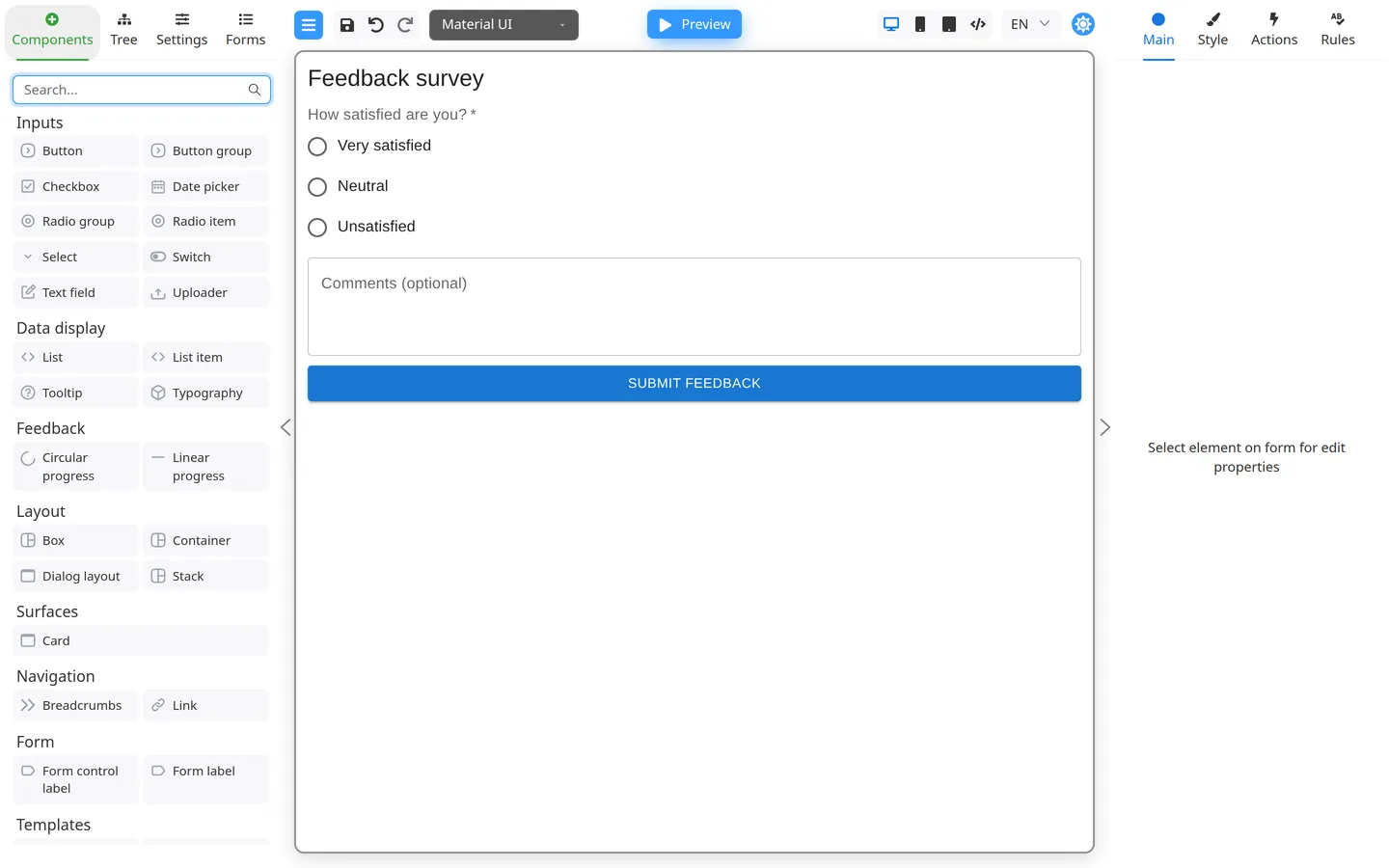
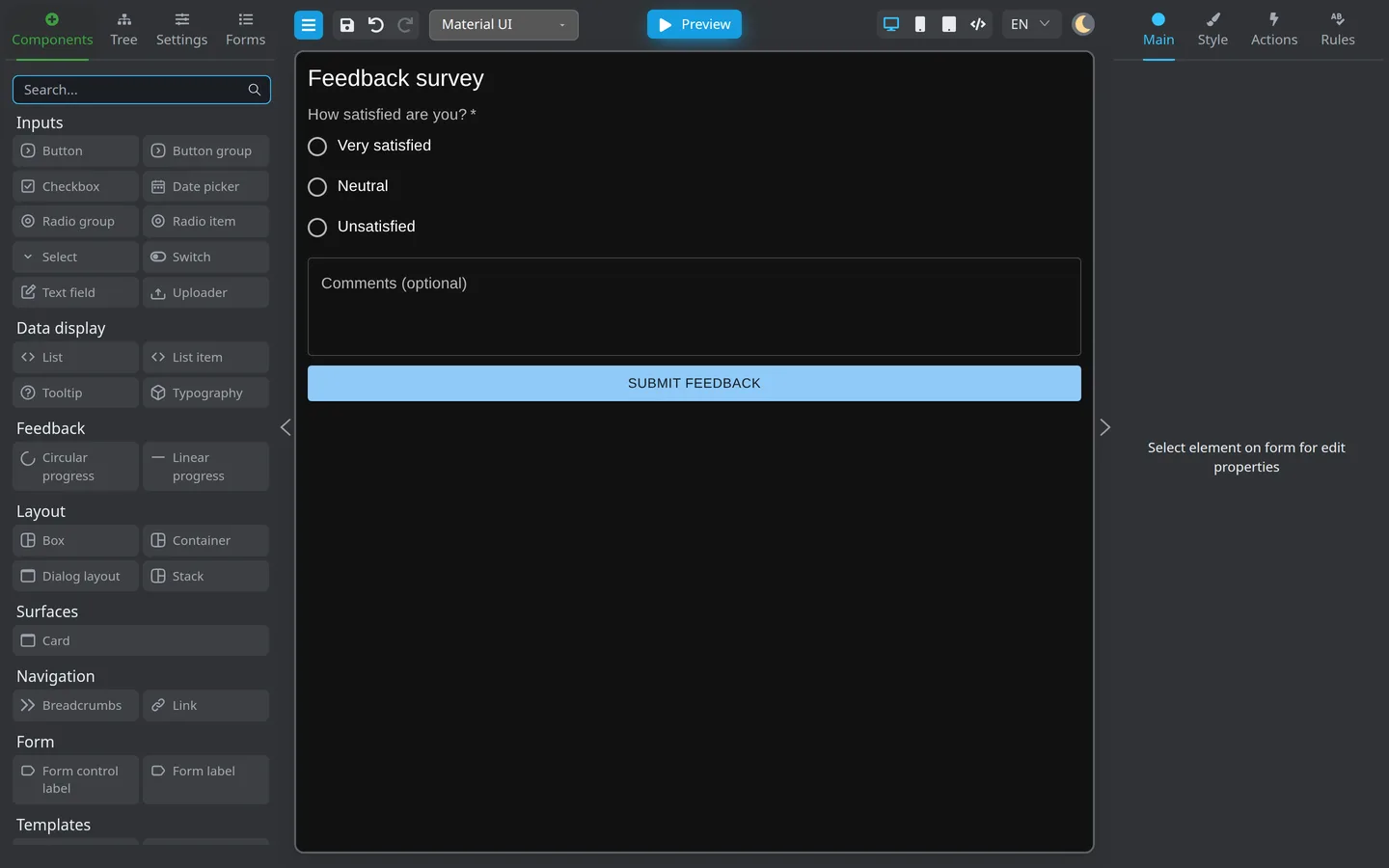
See Choice fields and Labels and help text.
Multi-step and sectioned layouts
Tabs, wizards, cards, and columns for address blocks, checkouts, or guided processes.
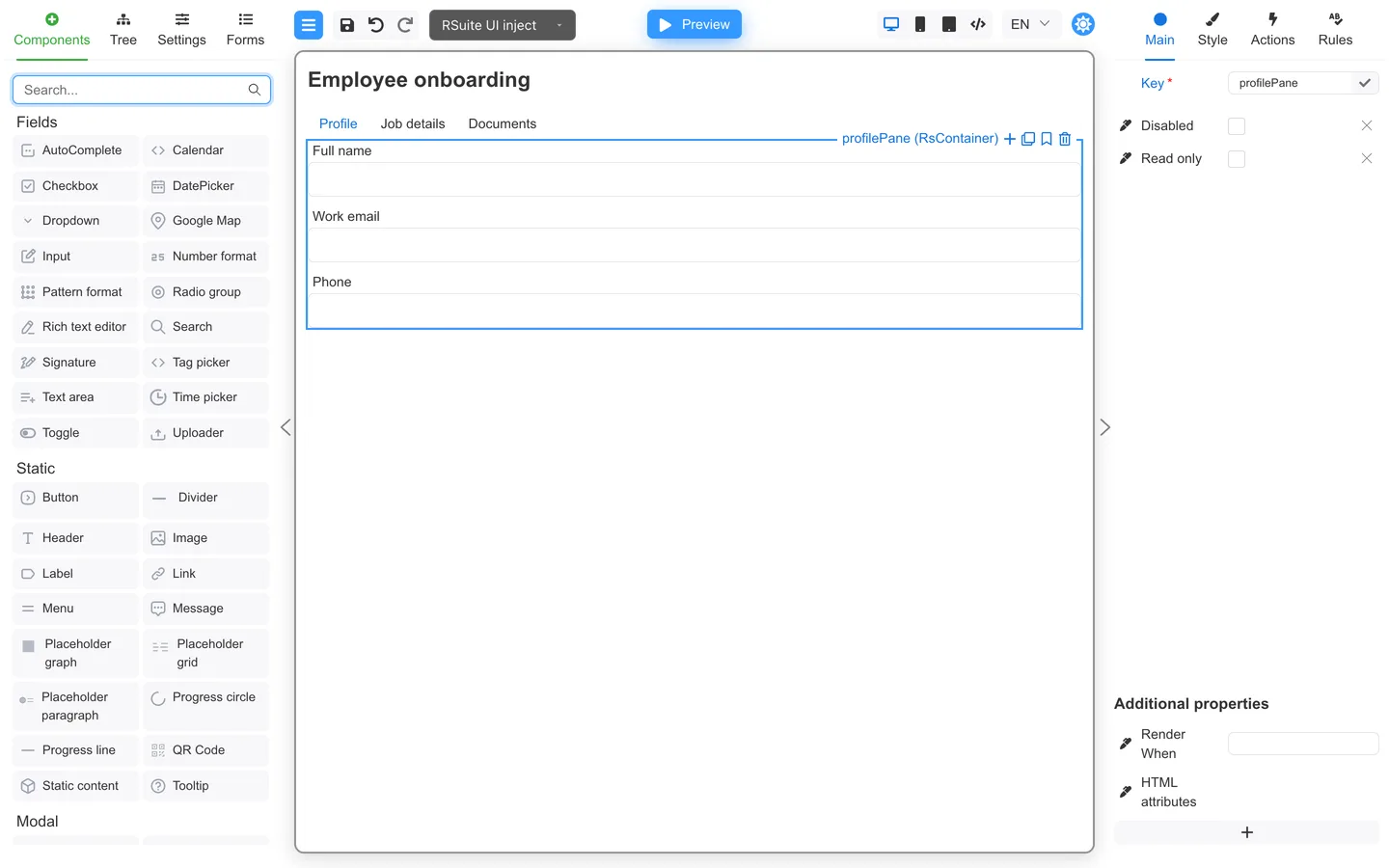
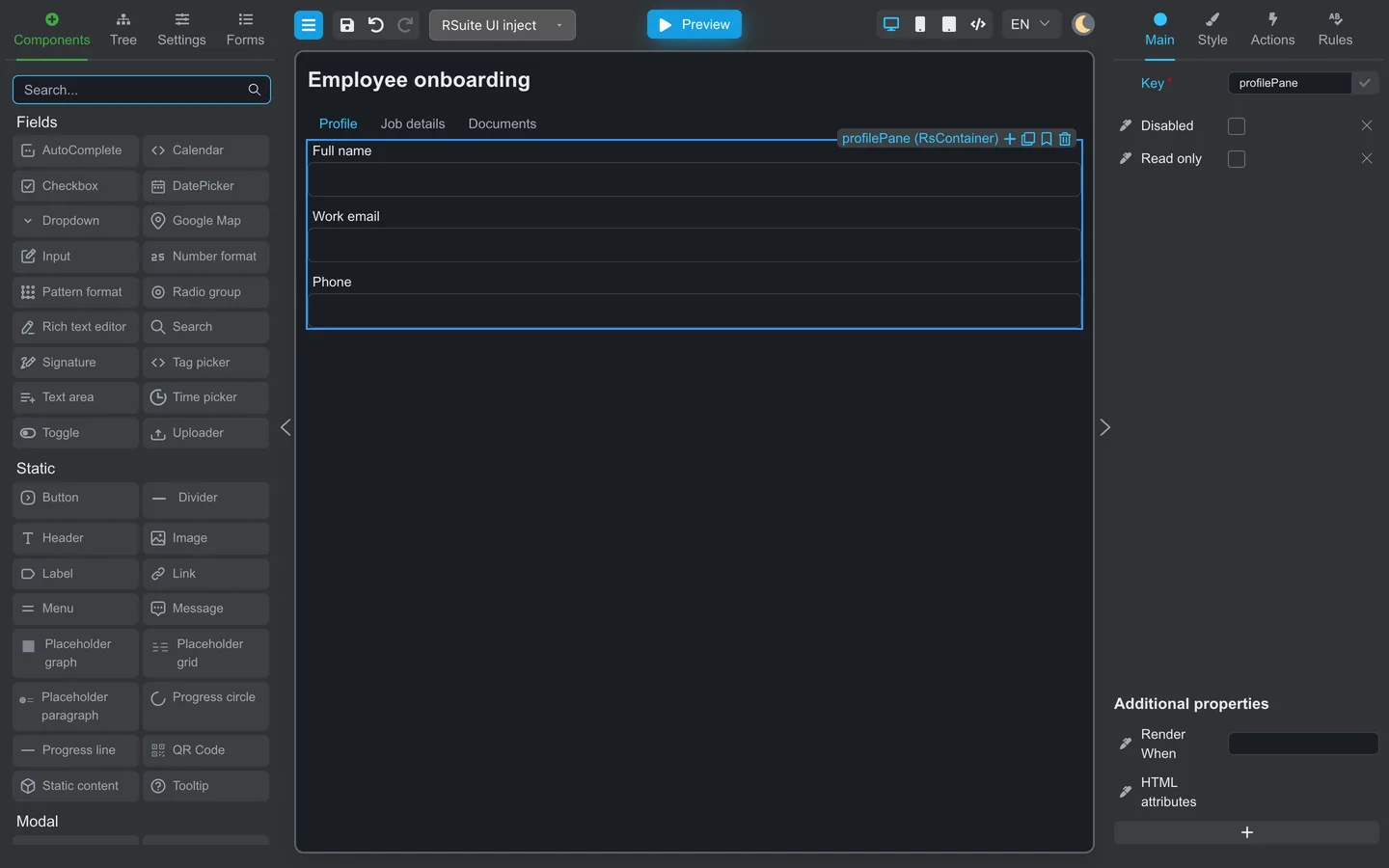
See Form structure and containers, Tabs and multi-step layouts, and Rows, columns, and grids.
Simple data-driven screens
Lists, detail panels, and fields that show or hide when your app supplies data.
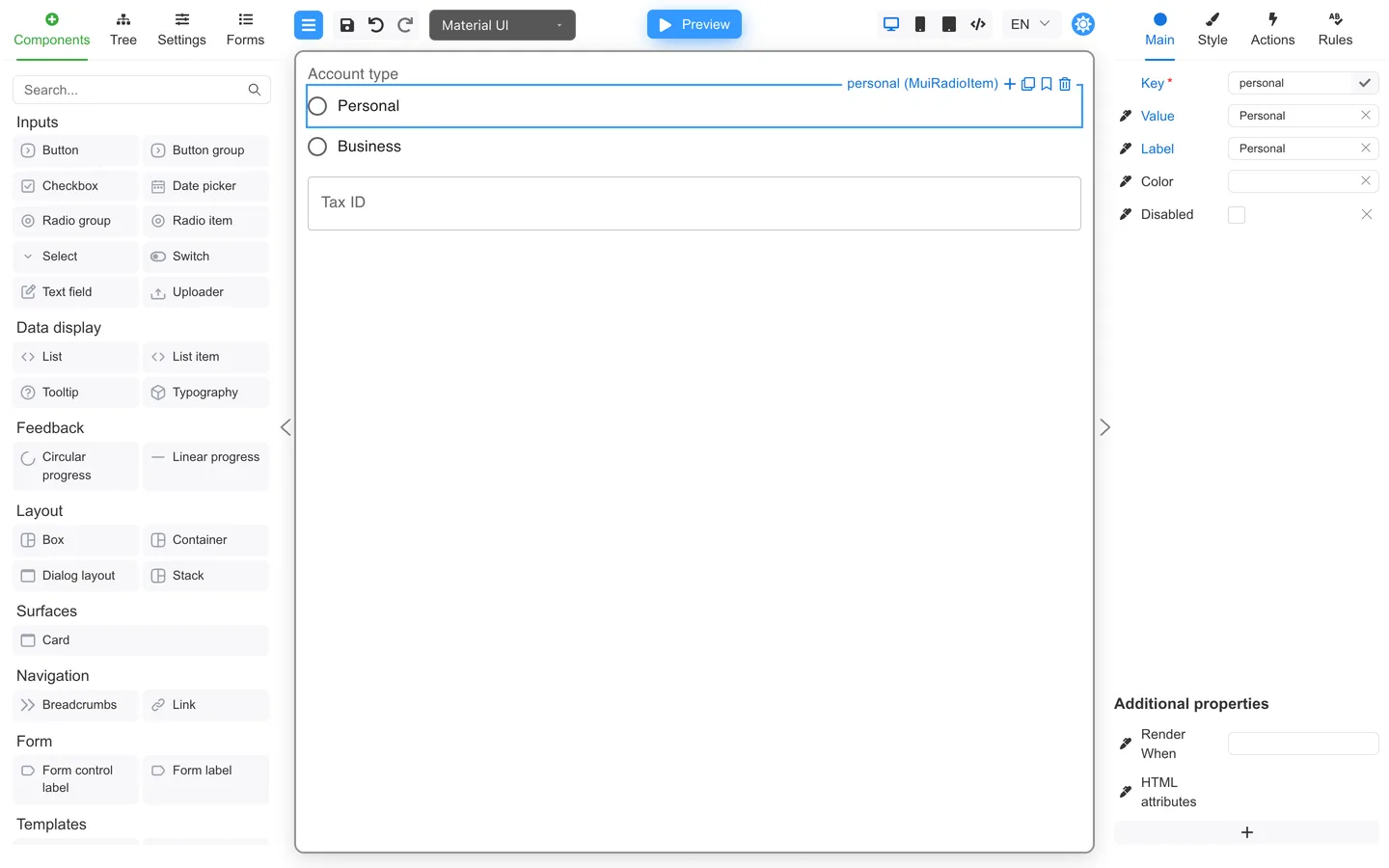
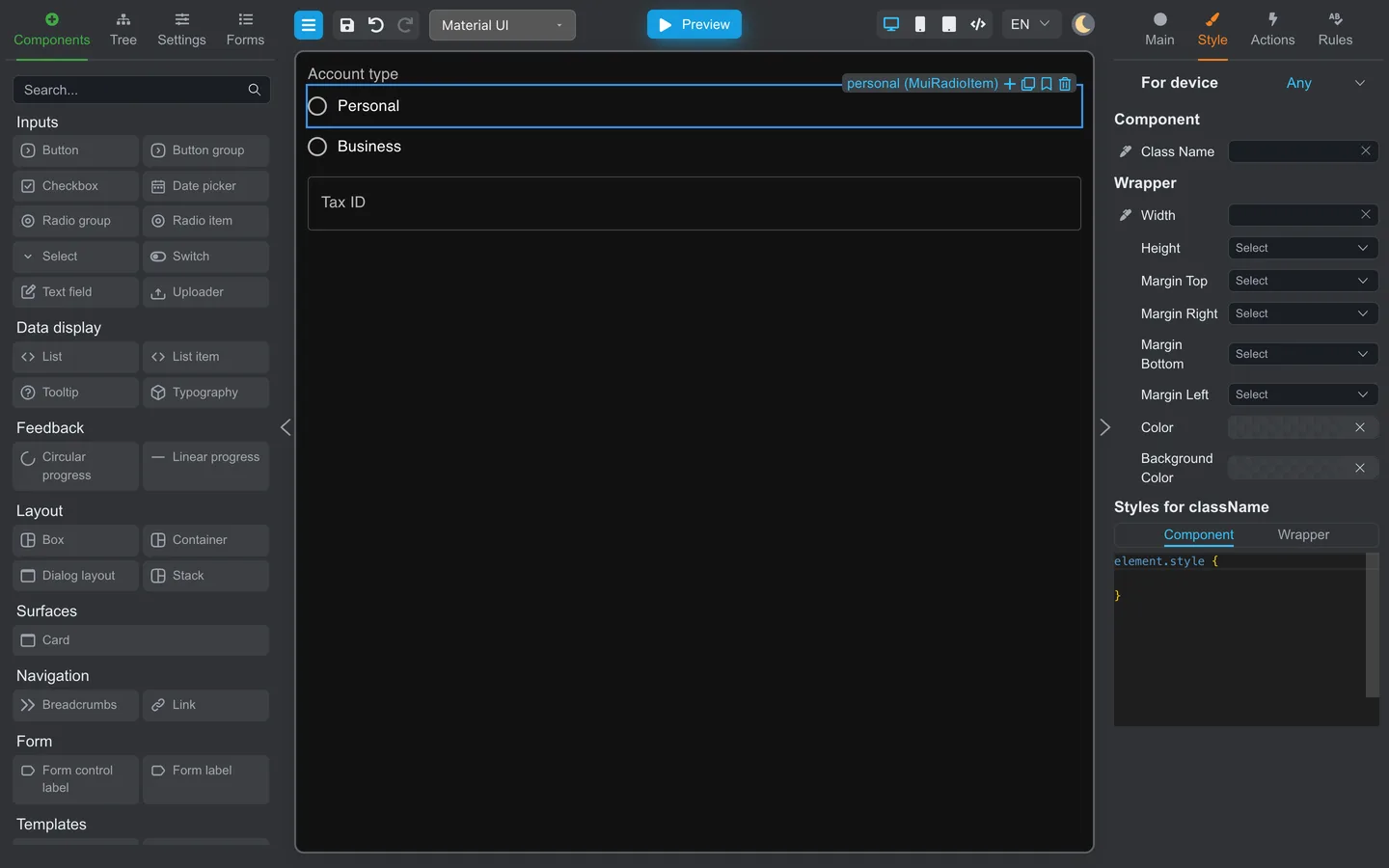
Field keys and runtime values are covered in What is form data?. See Show or hide fields.
Preview and handoff
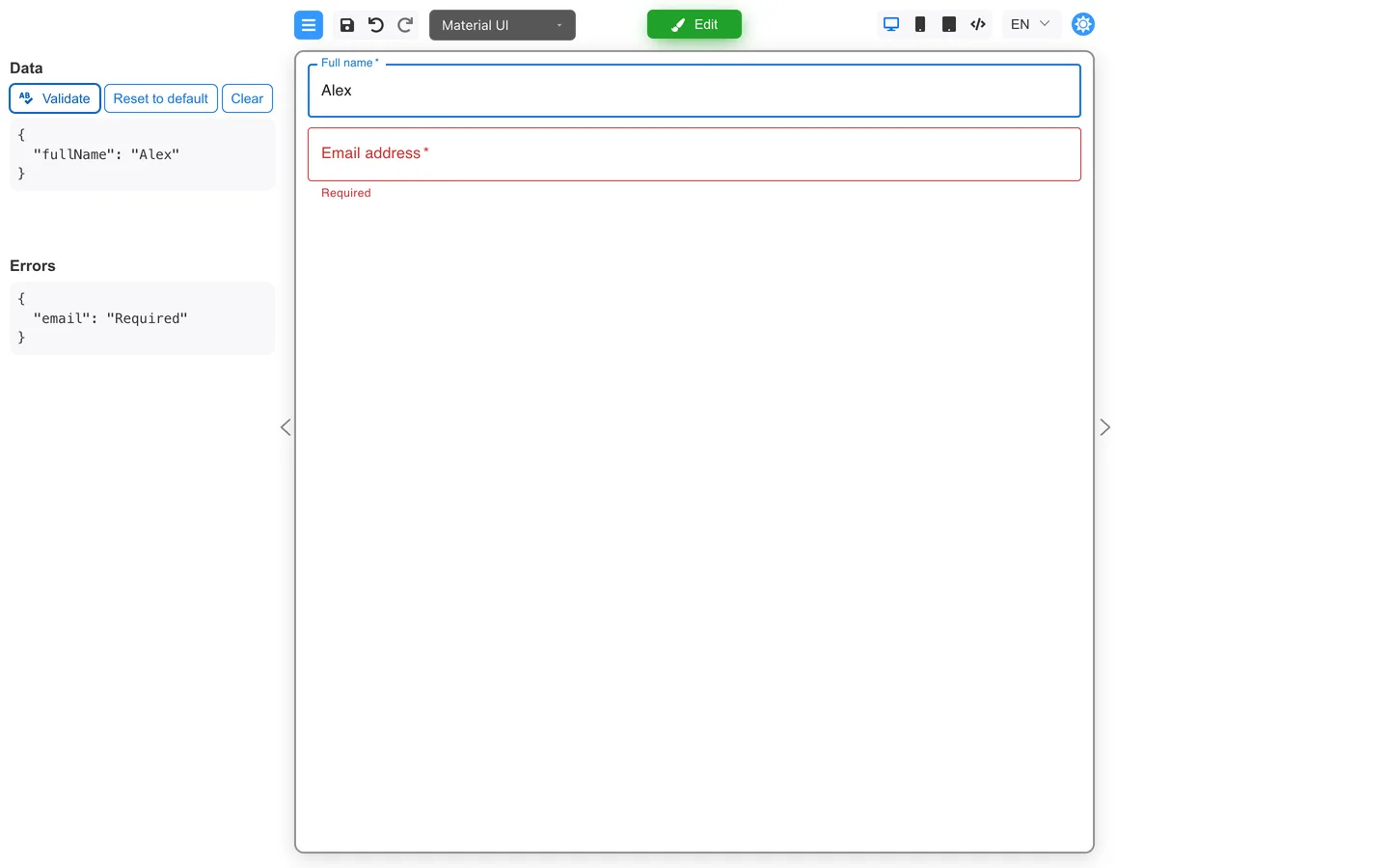
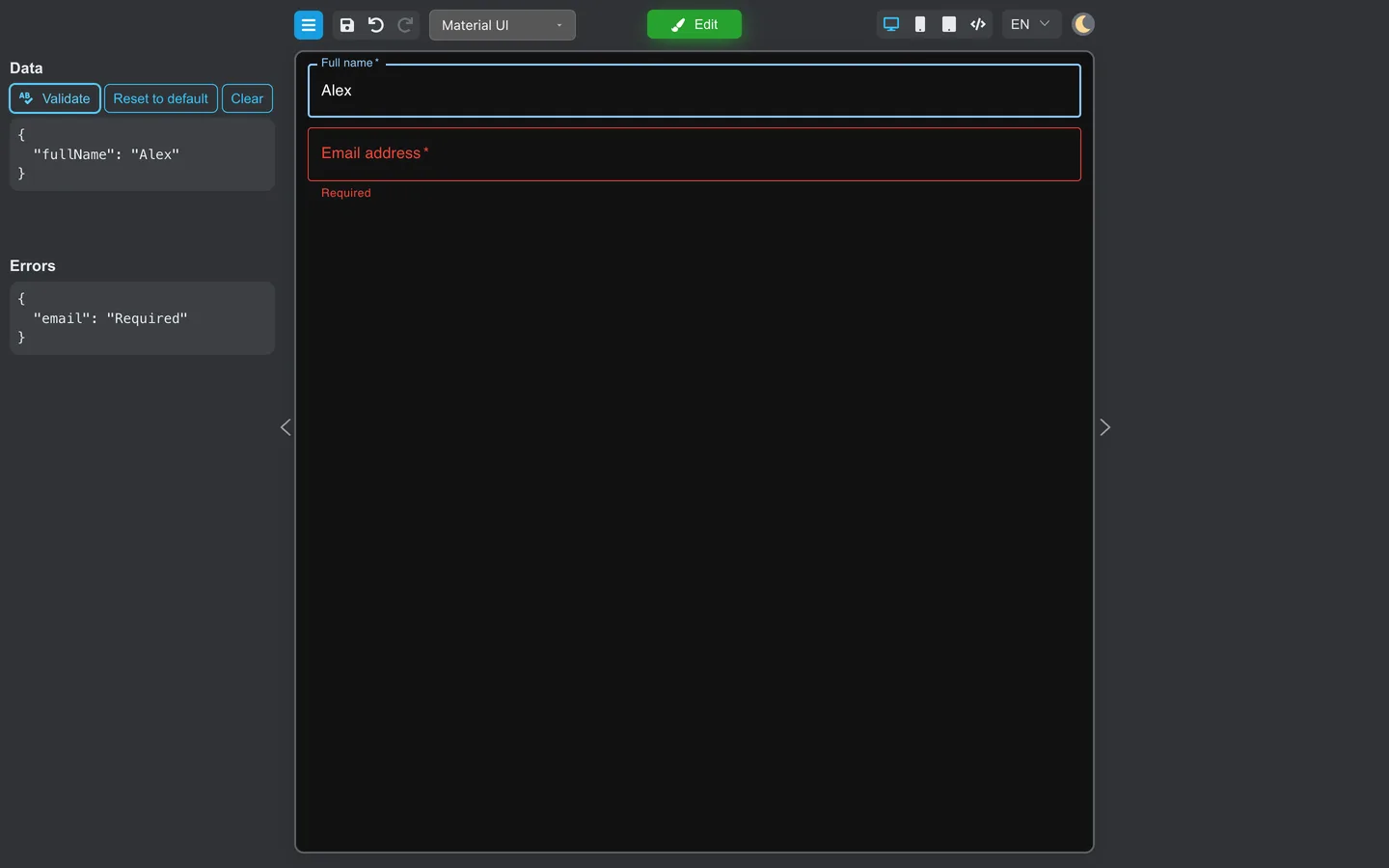
Use Preview your first form and Hand off to developers.
Summary
Open a demo that matches the work you need, then continue with Your first form.