


Preview and Edit
Edit is where you change the layout. Preview is where you fill fields, run validation, and click buttons. You cannot drag components in Preview. The canvas is the center of the screen. The header above it has Preview, undo, and the menu.
Canvas
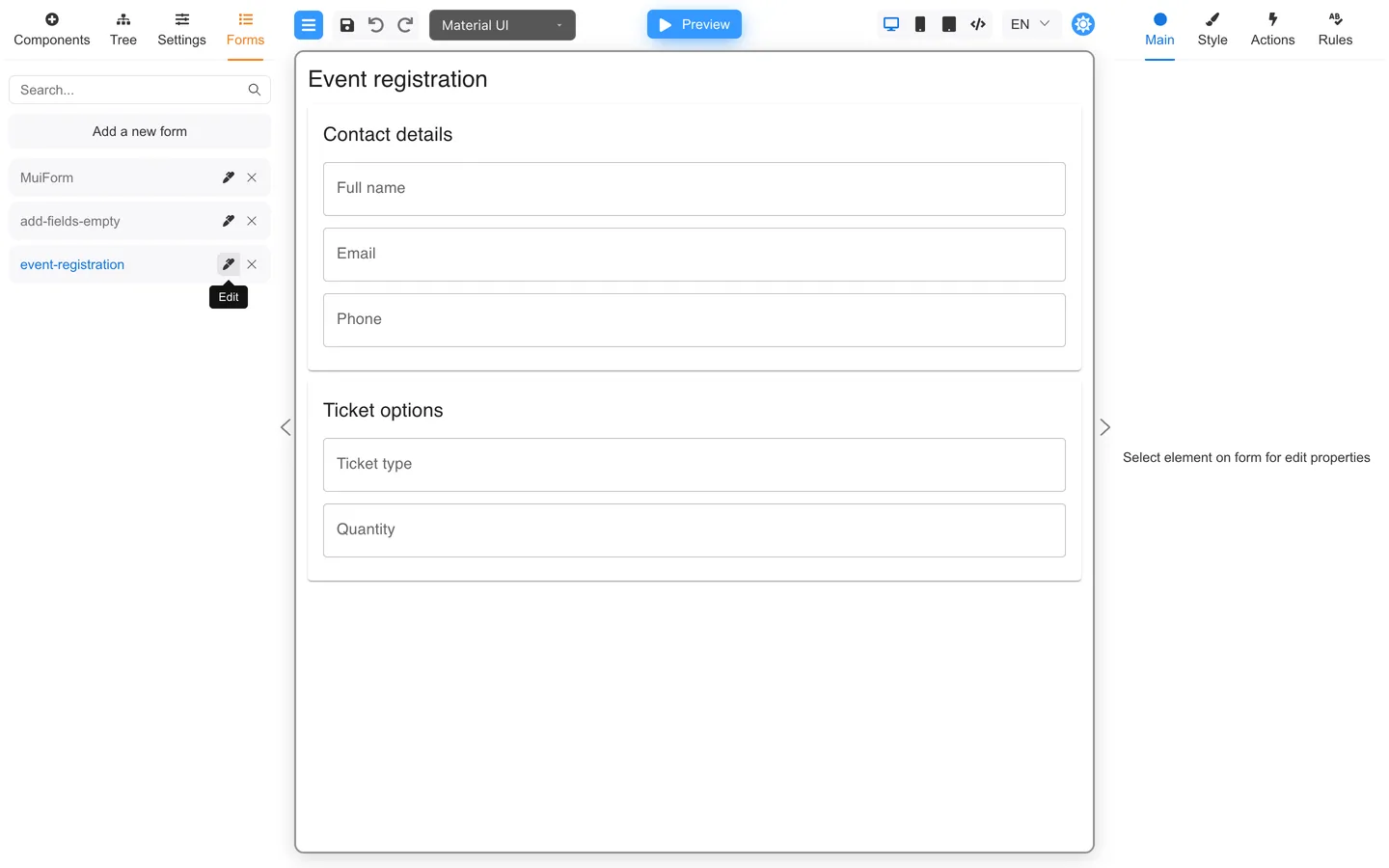
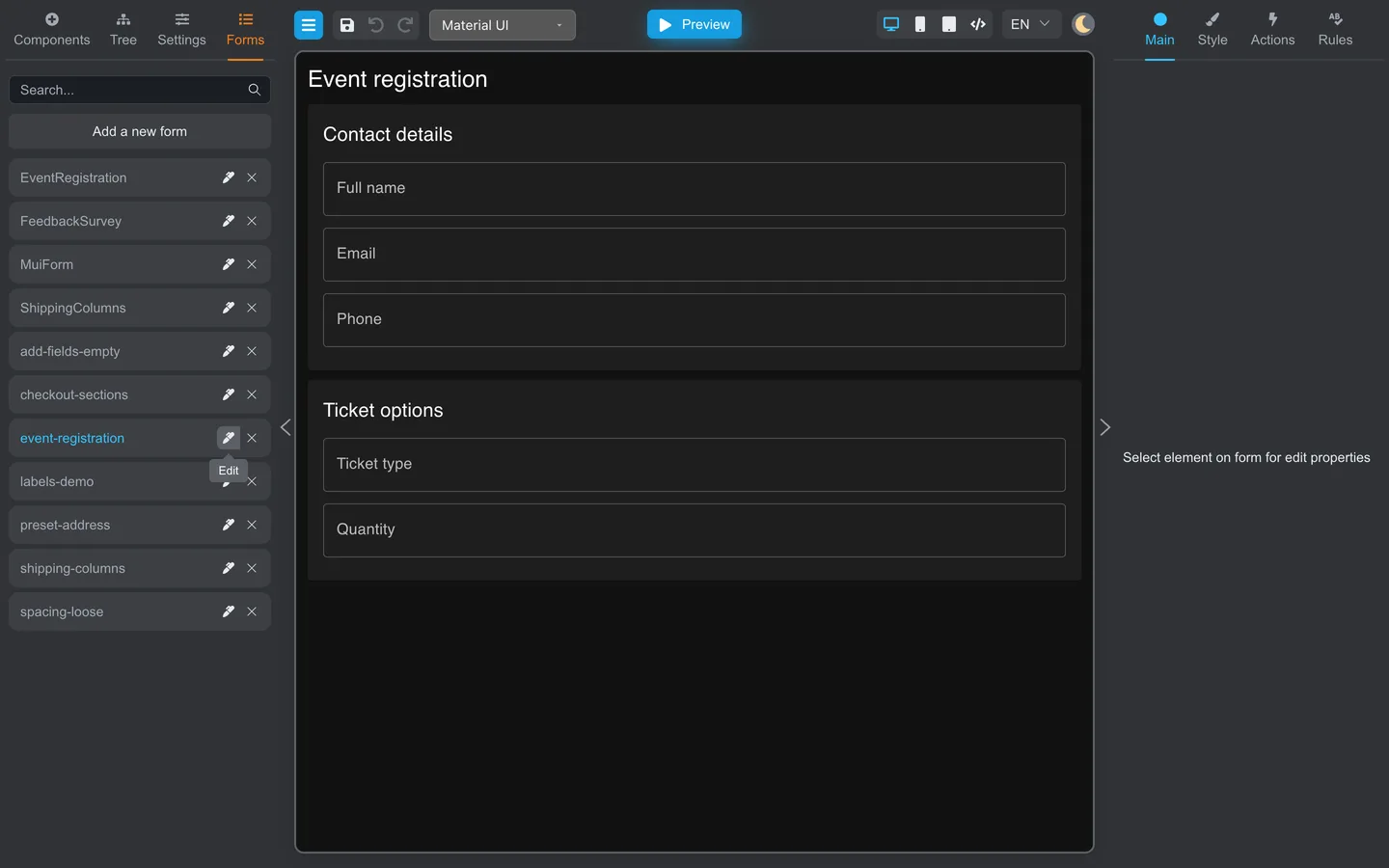
- Click components to select them.
- Drag from the Components tab to add new fields.
- Scroll for long forms, or use the Tree tab if selections are difficult.
Header toolbar


| # | Control | Purpose |
|---|---|---|
| 1 | Menu (hamburger) | Add a new form, Download, Upload, Translation, Save, Save as…, export/import, Clear, Print, version |
| 2 | Undo / Redo | Reverse recent layout edits |
| 3 | Component library | Switch UI kit (for example Material UI, RSuite UI). Demo only. |
| 4 | Preview | Test the form. Becomes Edit in Preview mode |
| 5 | Device icons | Approximate phone/tablet/desktop width |
| 6 | Language (for example EN) | Switch localized form content in Edit and Preview |
The two language controls are separate. The header picker switches the form’s localized labels and other content in Edit and Preview. Menu → Translation changes the language of Designer’s menus, panels, and other interface text.
Edit vs Preview
| Edit | Preview |
|---|---|
| Authoring panels stay open (library, tree, properties) | The form runs like an end-user screen |
| You can drag components and use undo/redo | Editing tools are reduced or hidden |
| Selection outlines show what you are editing | You focus on values, errors, and button behavior |
Preview your layout
- Click Preview in the header.
- Interact with fields as a user would.
- Open Data on the left to inspect values. Click Validate to run validation.
- Click Edit to return to layout mode.
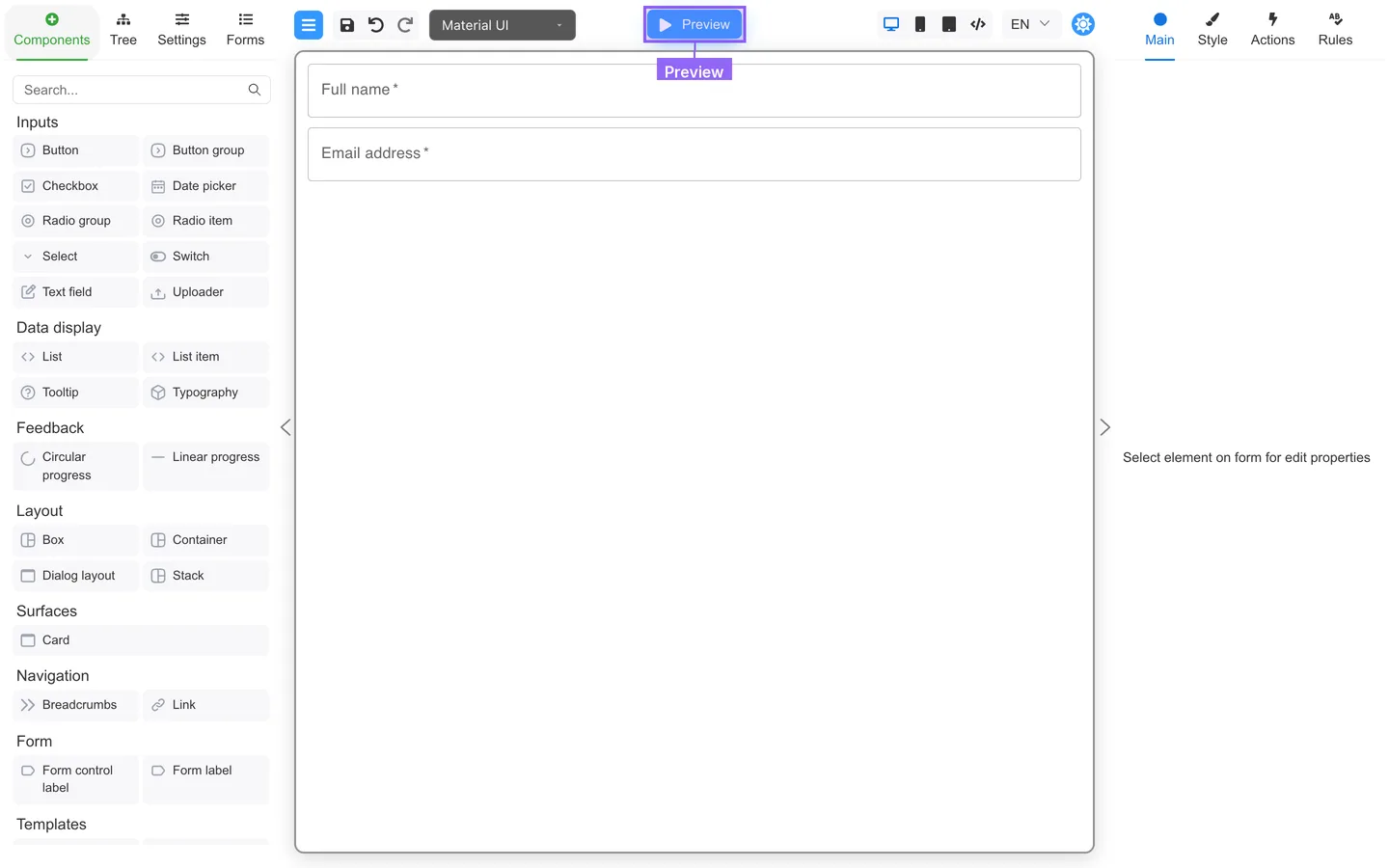
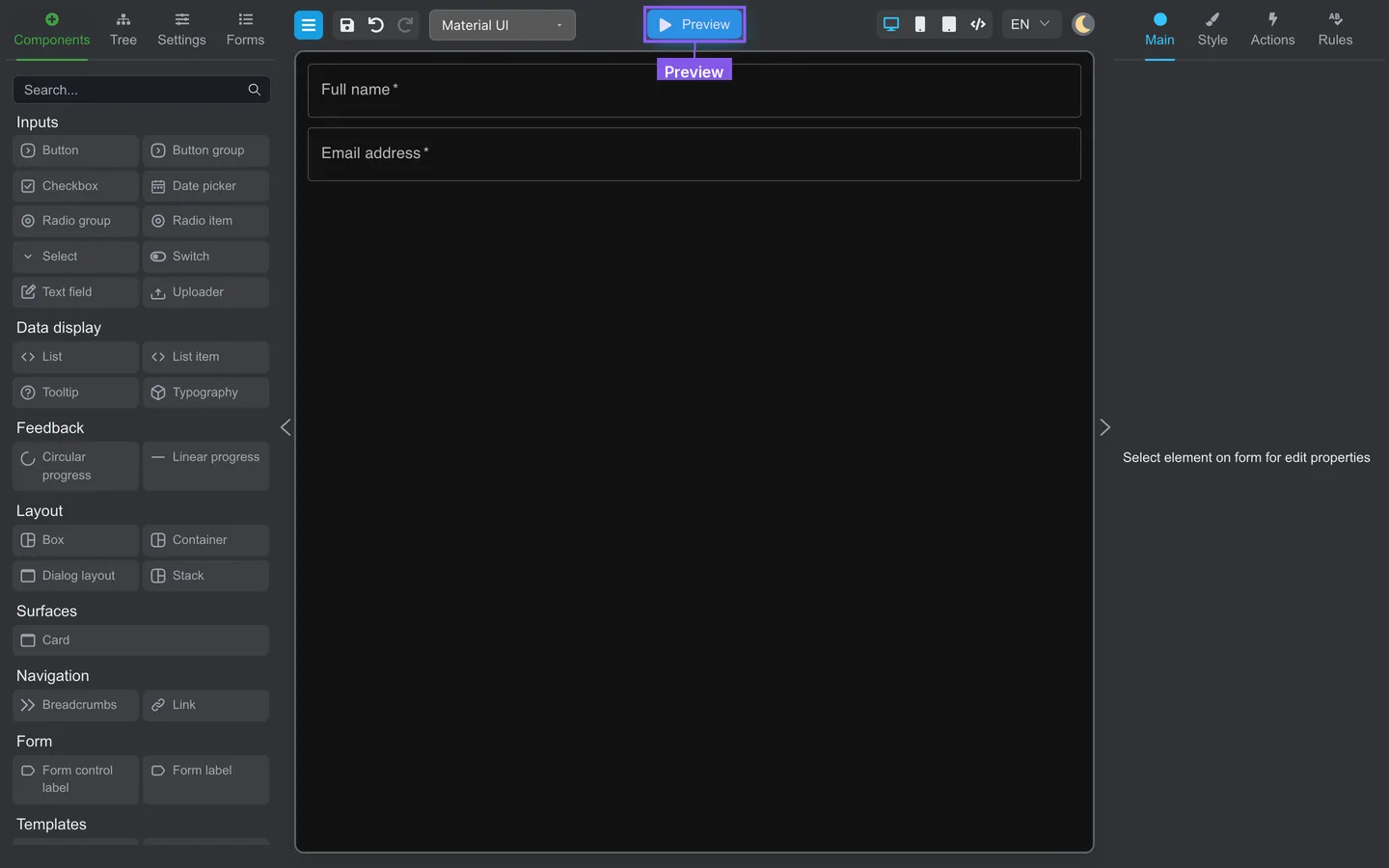
Run Preview before you hand the form off. Going live is still a separate step in your app. See Save and share.
Print a draft
- Open Menu → Print, or press Ctrl+P / ⌘+P.
- Glance at the browser print preview for clipped fields or bad page breaks.
- Print or Save as PDF, then close the dialog to get back to Designer.
More detail: Print your form.
Check the result
- In Preview, side authoring panels give way to testing tools on the left (Data and Validate).
- In Edit, the component library returns.
Summary
Use the canvas to lay out the form. Use Preview to try it. Edit brings the library back.