


Custom components overview
The Components tab lists controls registered by your organization. If you need a control that is not available, such as a specialized map or proprietary widget, developers can add a custom component in code.
What you see
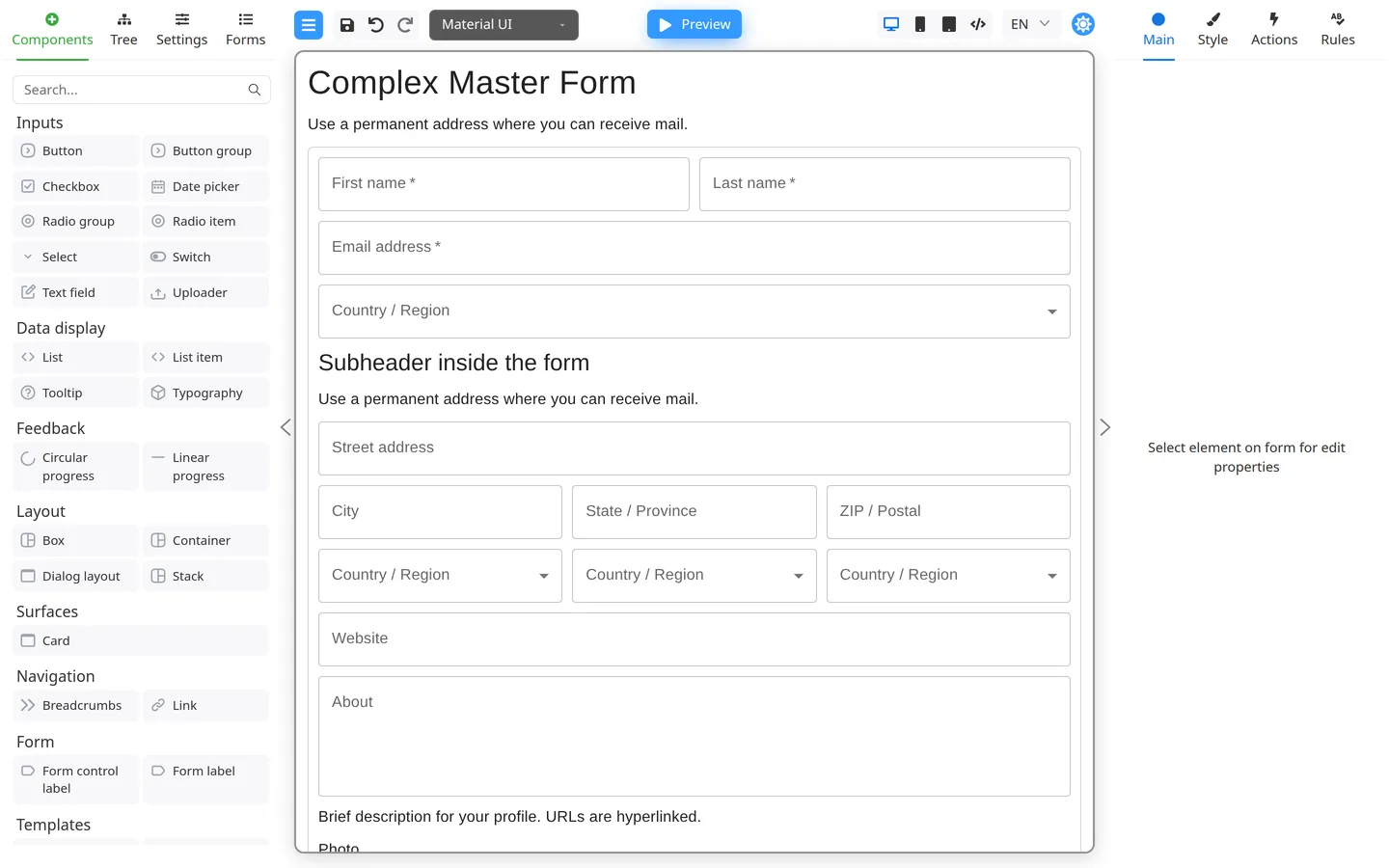
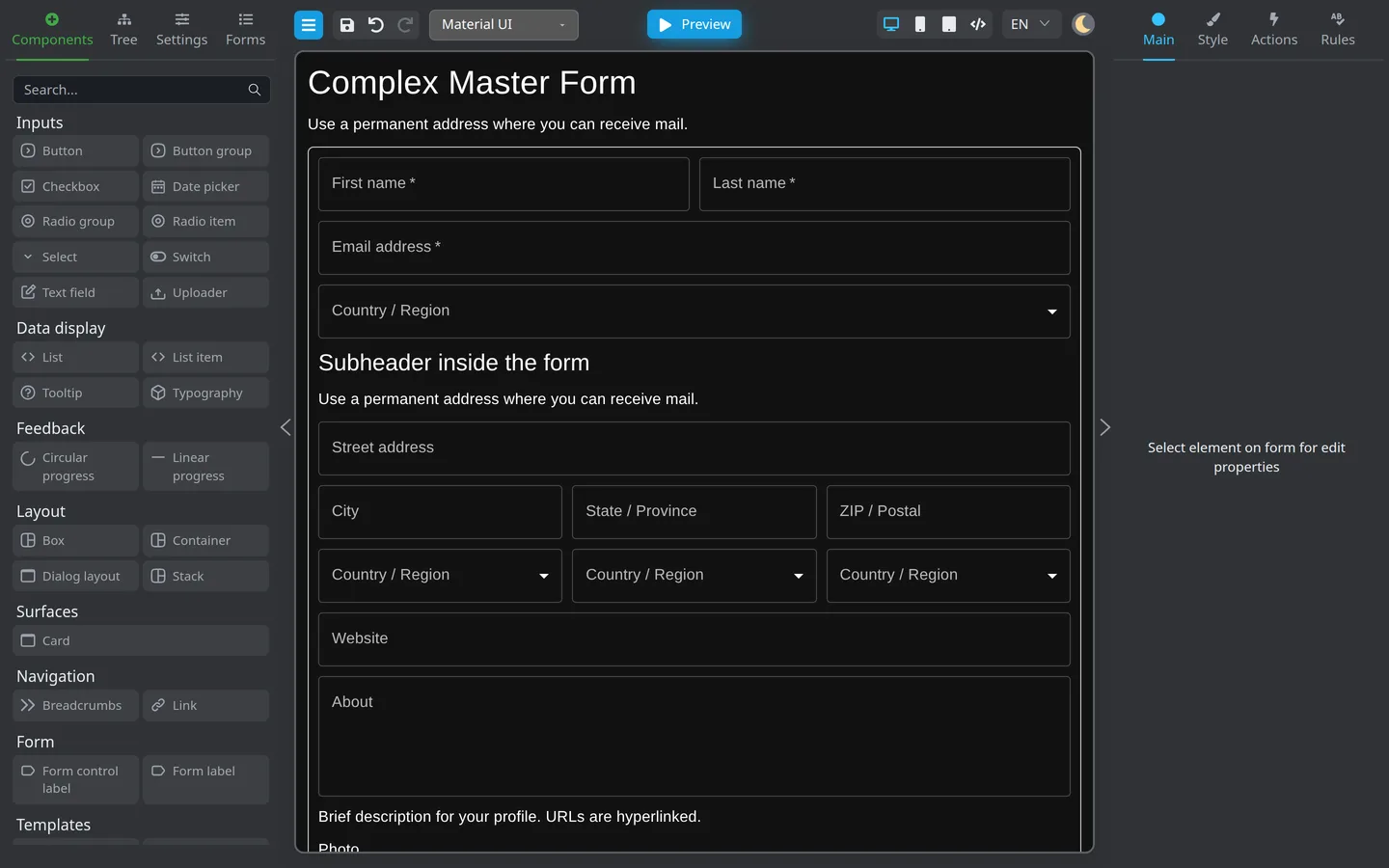
- Custom entries appear in Components like built-in fields.
- You drag them to the canvas and set Main / Style / Rules properties the developer exposed.
What to request
- Purpose (what users enter or see)
- Required properties (label, key, validation)
- Sample screenshot or sketch
- Whether data is stored in form Data like other fields
What authors do not do
- Write TypeScript/React component code
- Register npm packages; developers handle this through Custom components
Summary
If a control is missing from the palette, ask developers to add it. Avoid workarounds unless your team approves them. After delivery, configure the custom component like any other component.