


Default values
Default values appear when the form first loads. Set them on Main for static defaults. Coordinate with developers for data from your systems.
Set a static default
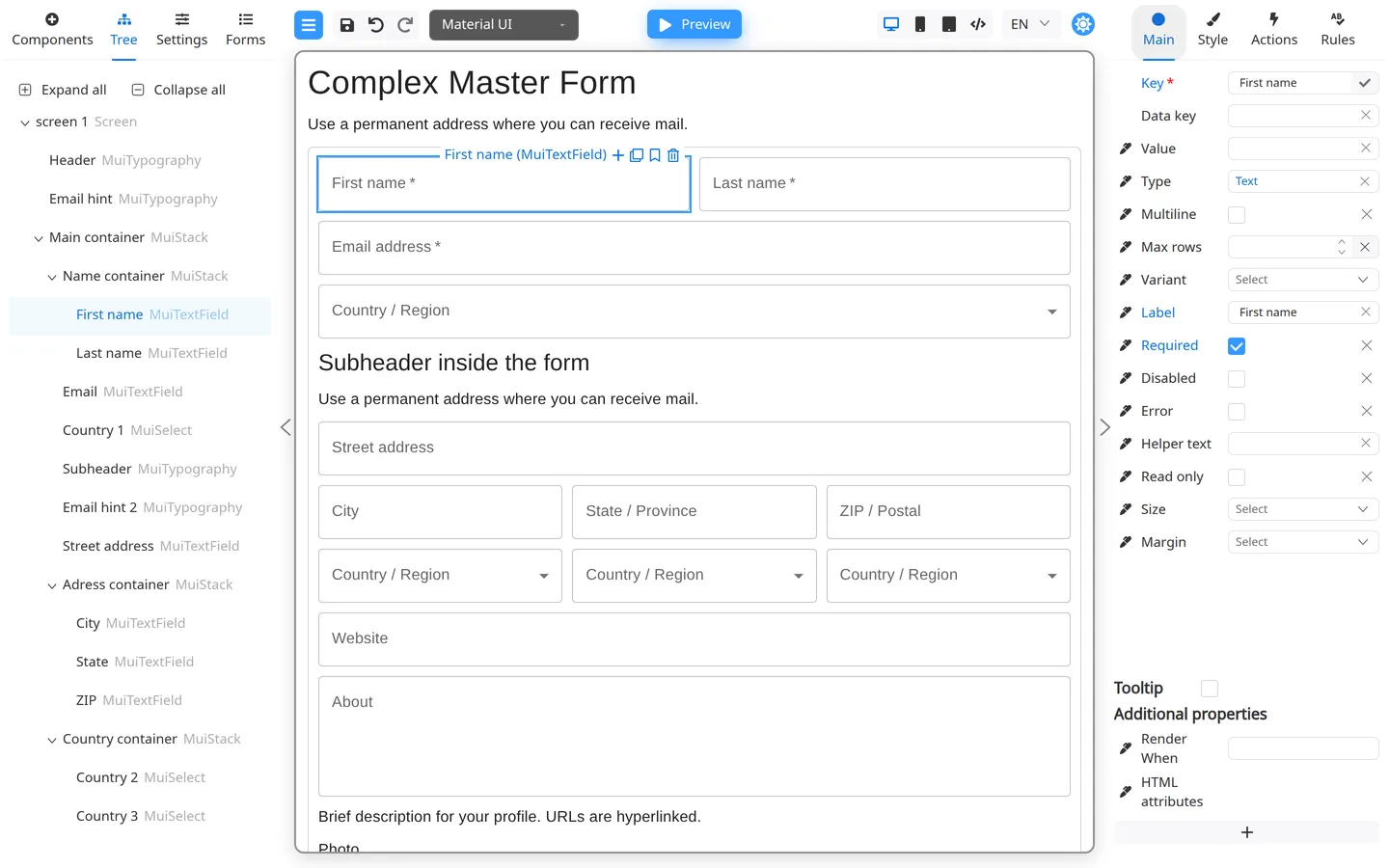
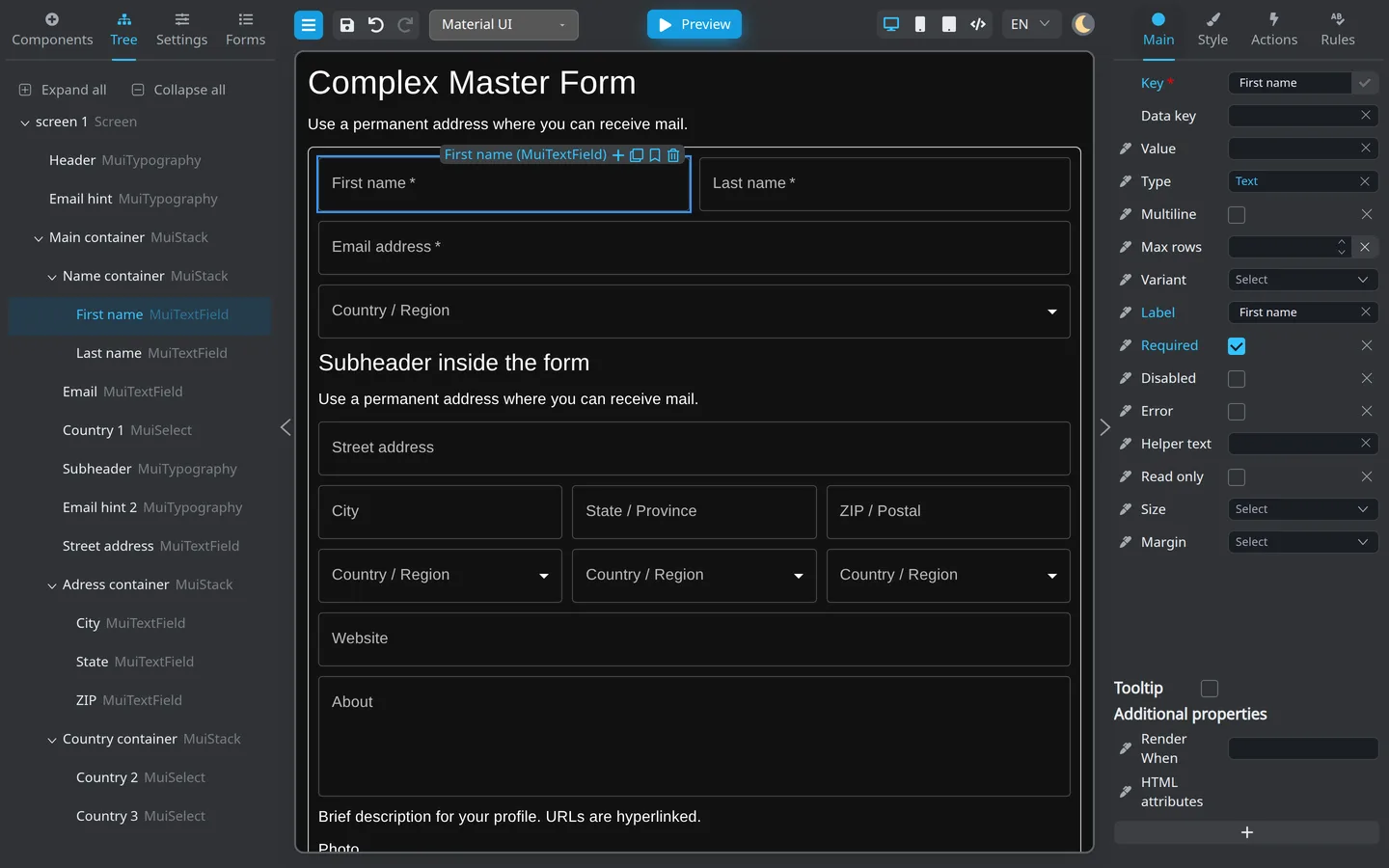
- Select the field.
- Open Main.
- Enter Default value or Value.
- Preview and confirm the field shows that text or selection.
Runtime defaults
When values come from a user profile or API, developers pass initial data using the same field Keys. See Prefill a form.
Summary
Defaults live on Main for values configured in Designer. Match keys with developers for live prefill.