


Create your first form
You need an open form on the canvas before you add fields. You can create forms from the Forms tab or the main menu.
Before you begin
- Read Use the left panel tabs.
Open Designer
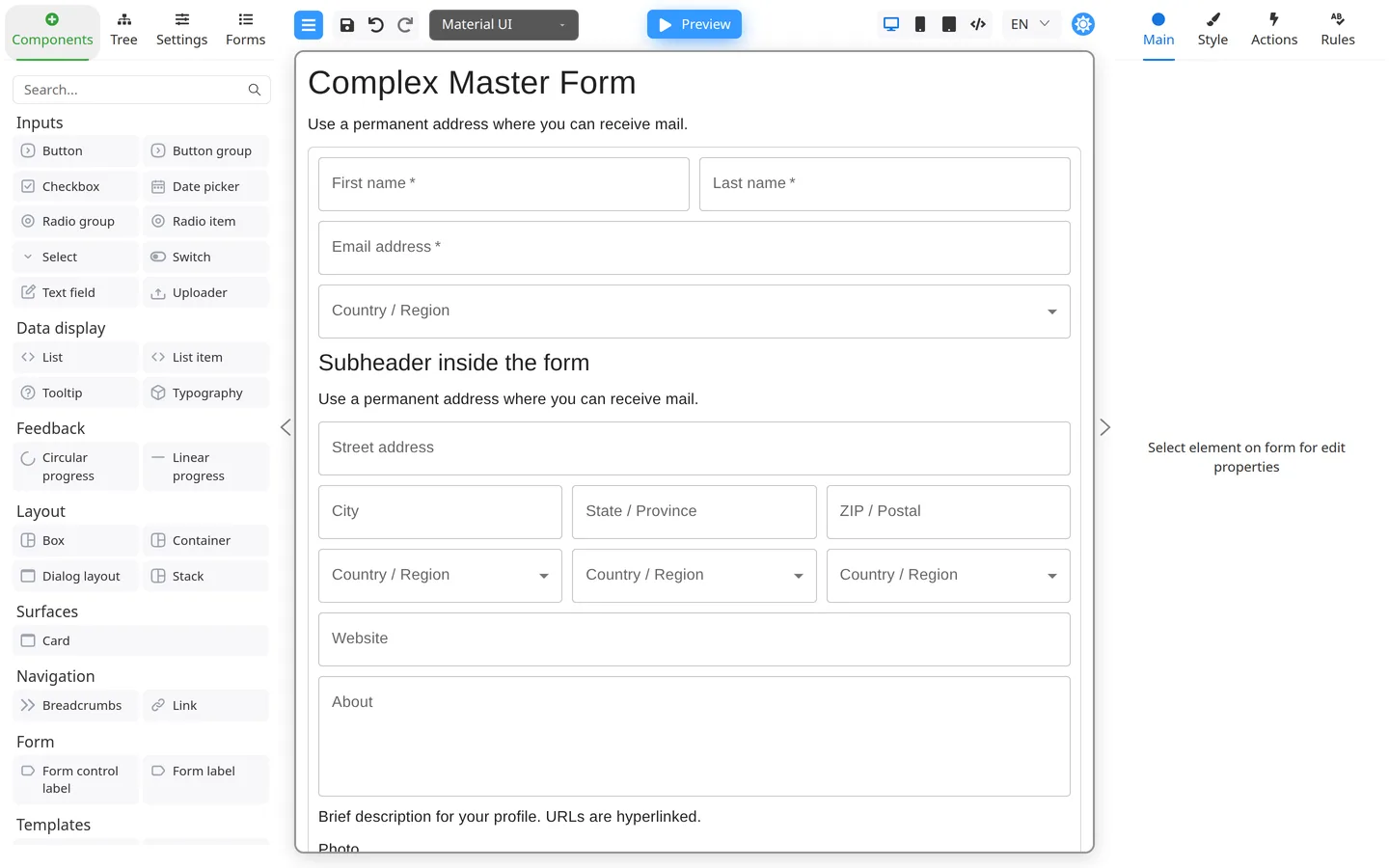
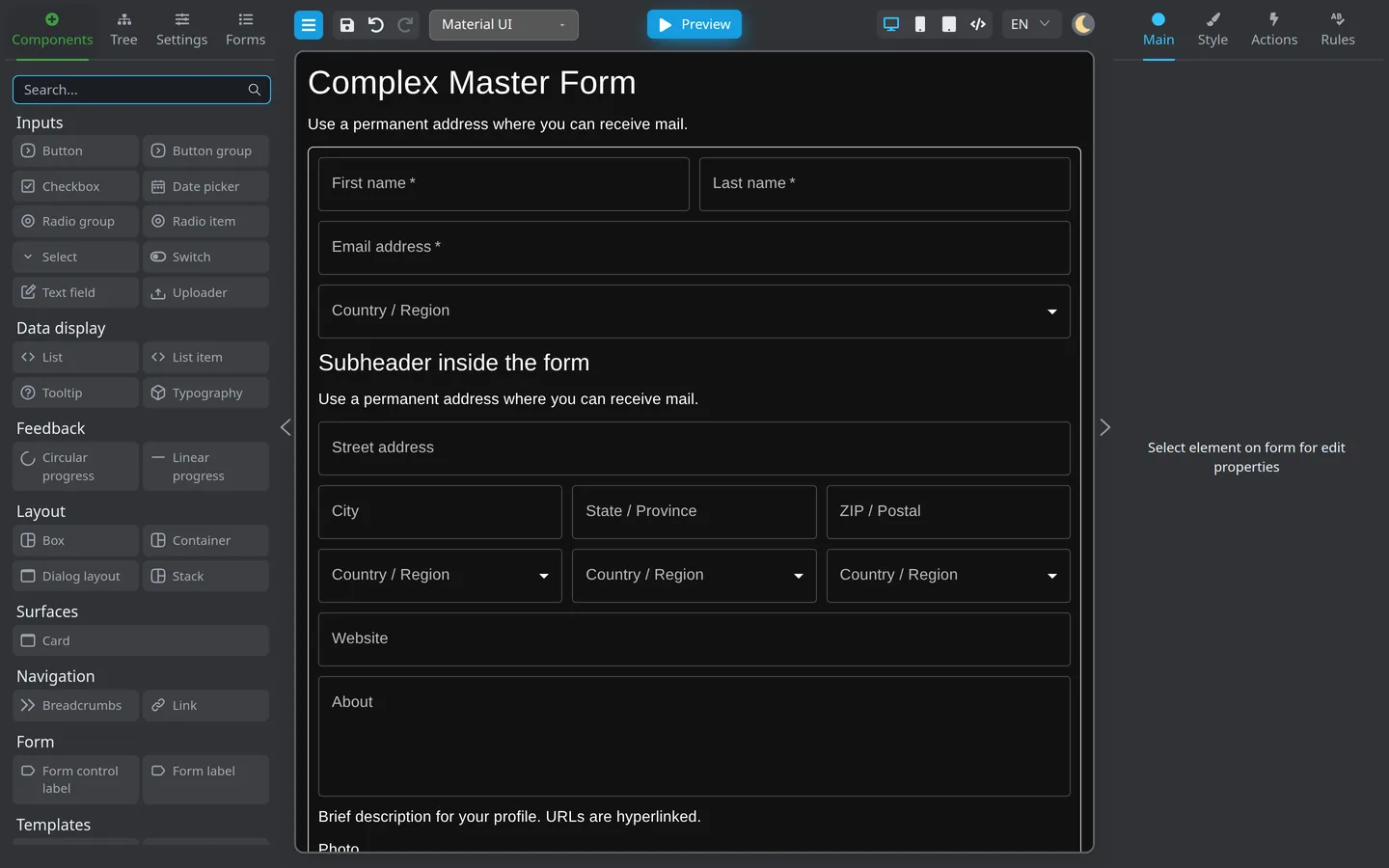
Open the Designer provided by your team, or use the demo link above. If a sample form is already open, continue to the next step to start with an empty form.
Add a new form from the menu
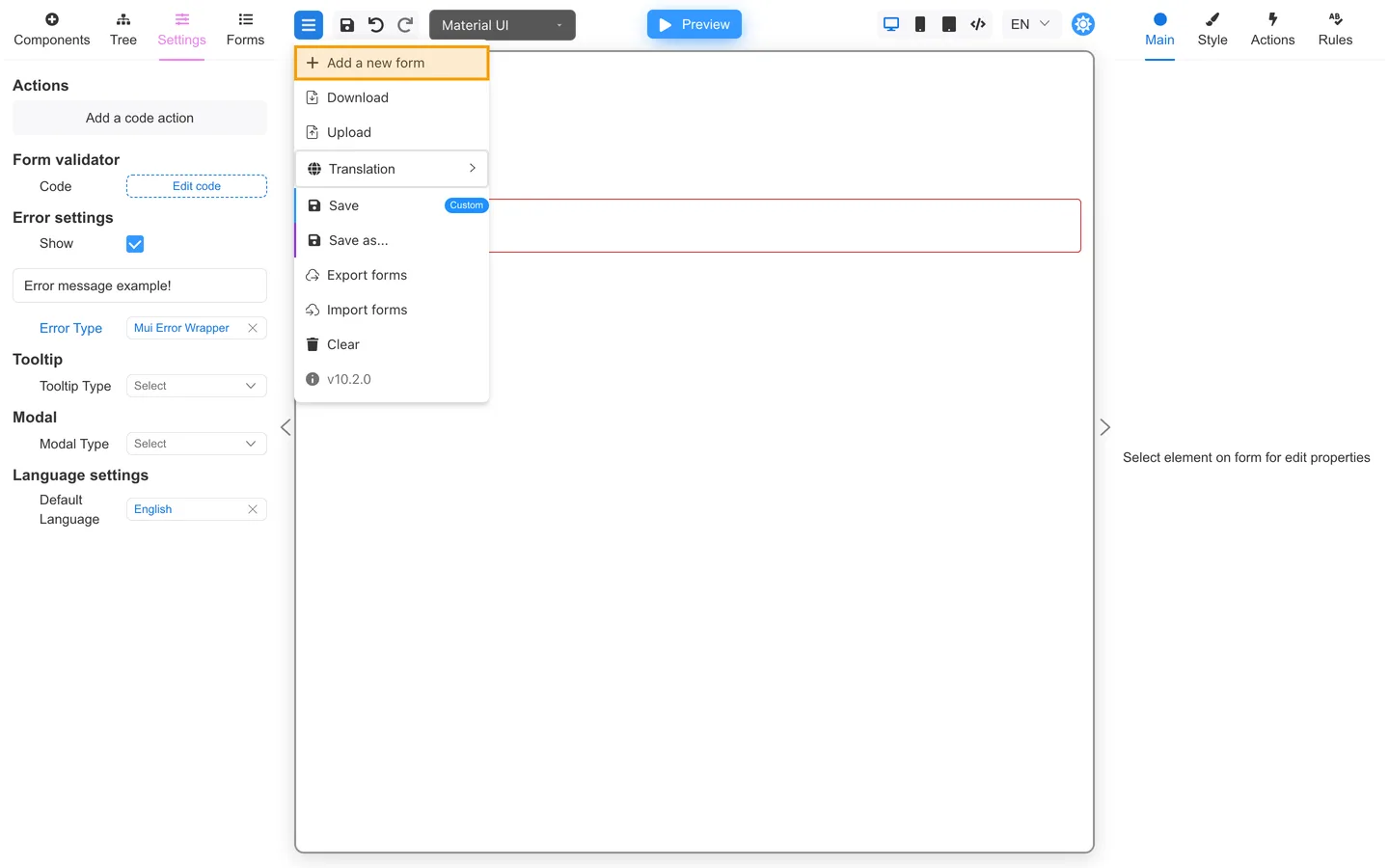
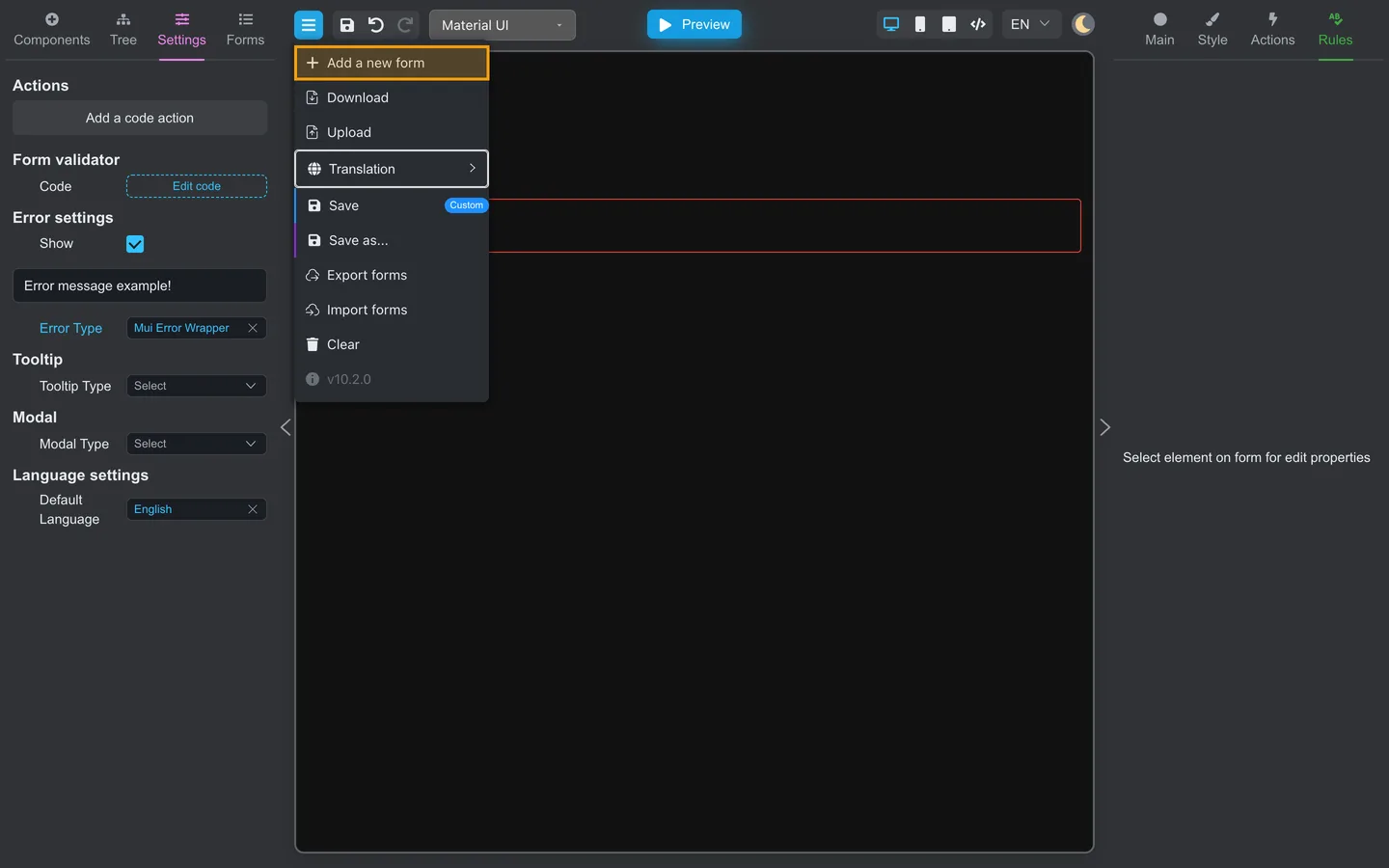
- Click the menu (hamburger) in the top-left.
- Choose Add a new form.
- Confirm the canvas clears or switches to a new empty screen.
Use the Forms tab (when enabled)
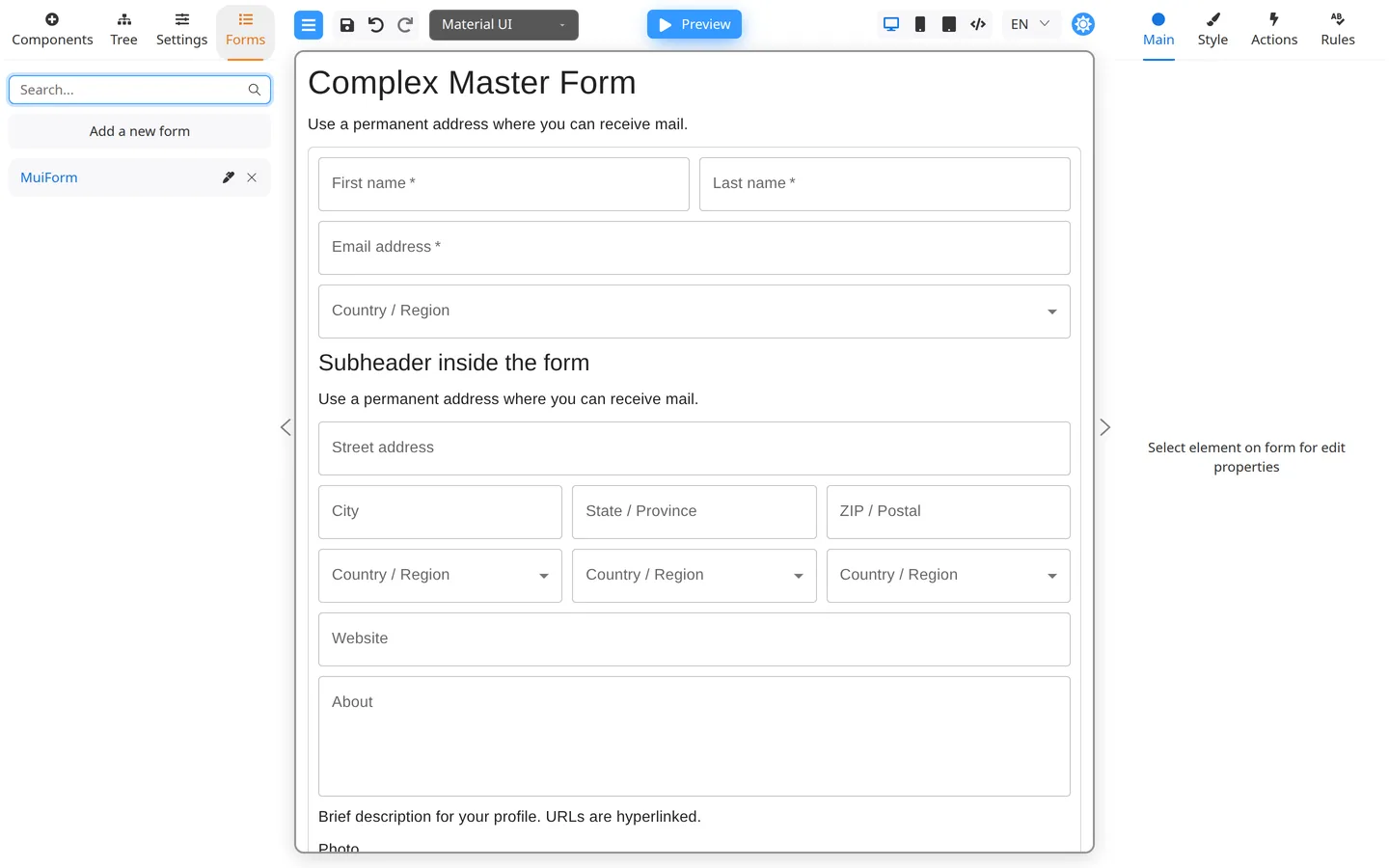
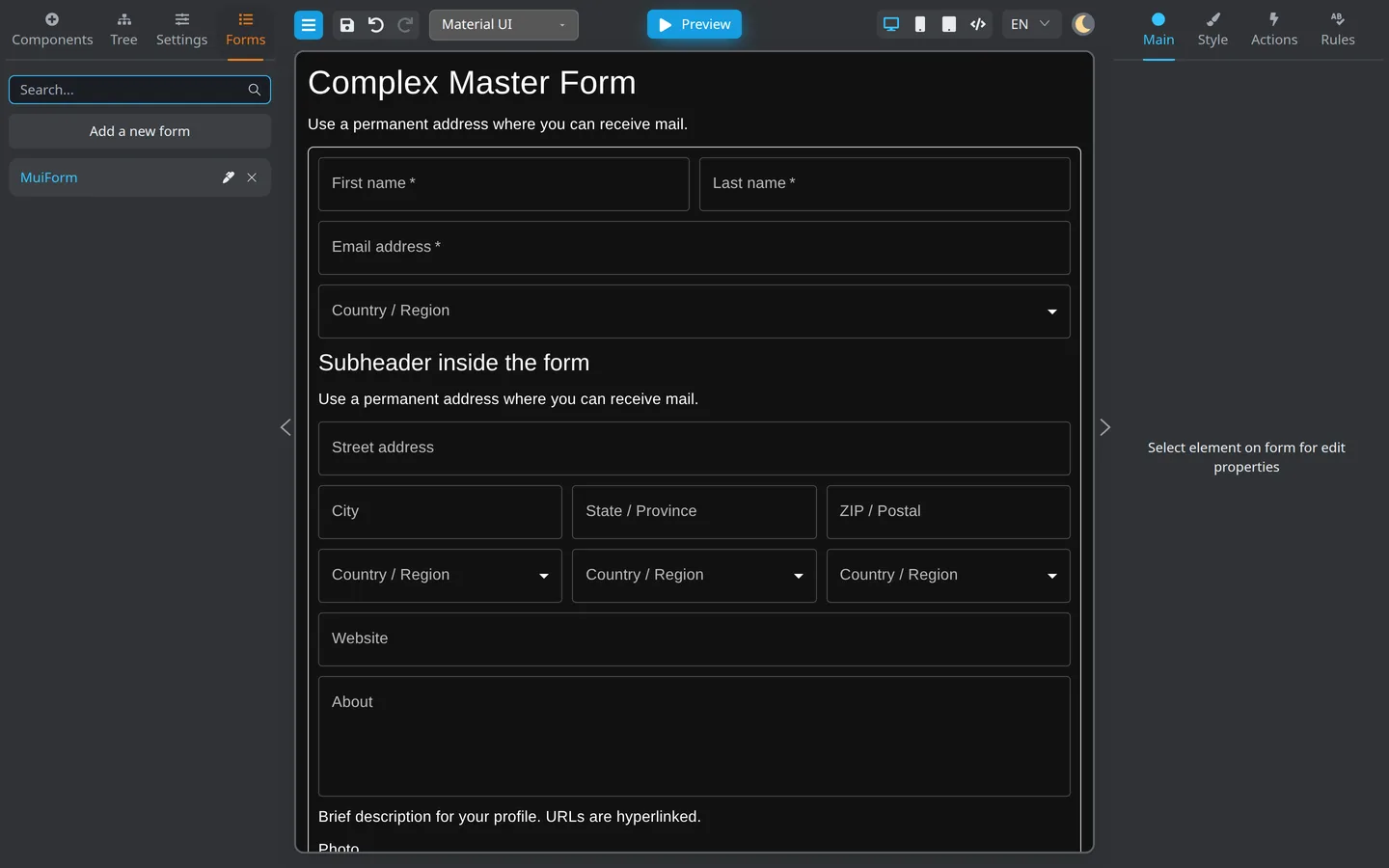
- Open the Forms tab on the left.
- Click Add (or the equivalent control) to create a form.
- Select a form name in the list to open it on the canvas.
Check the result
- An empty or newly named form on the canvas.
screen1(or similar) as the root in the Tree tab.
Summary
You need an active form on the canvas before adding components. Menu and Forms tab both create or open forms. Storage features may vary by deployment.