


Use Preview mode tools (Data, Validate, Reset)
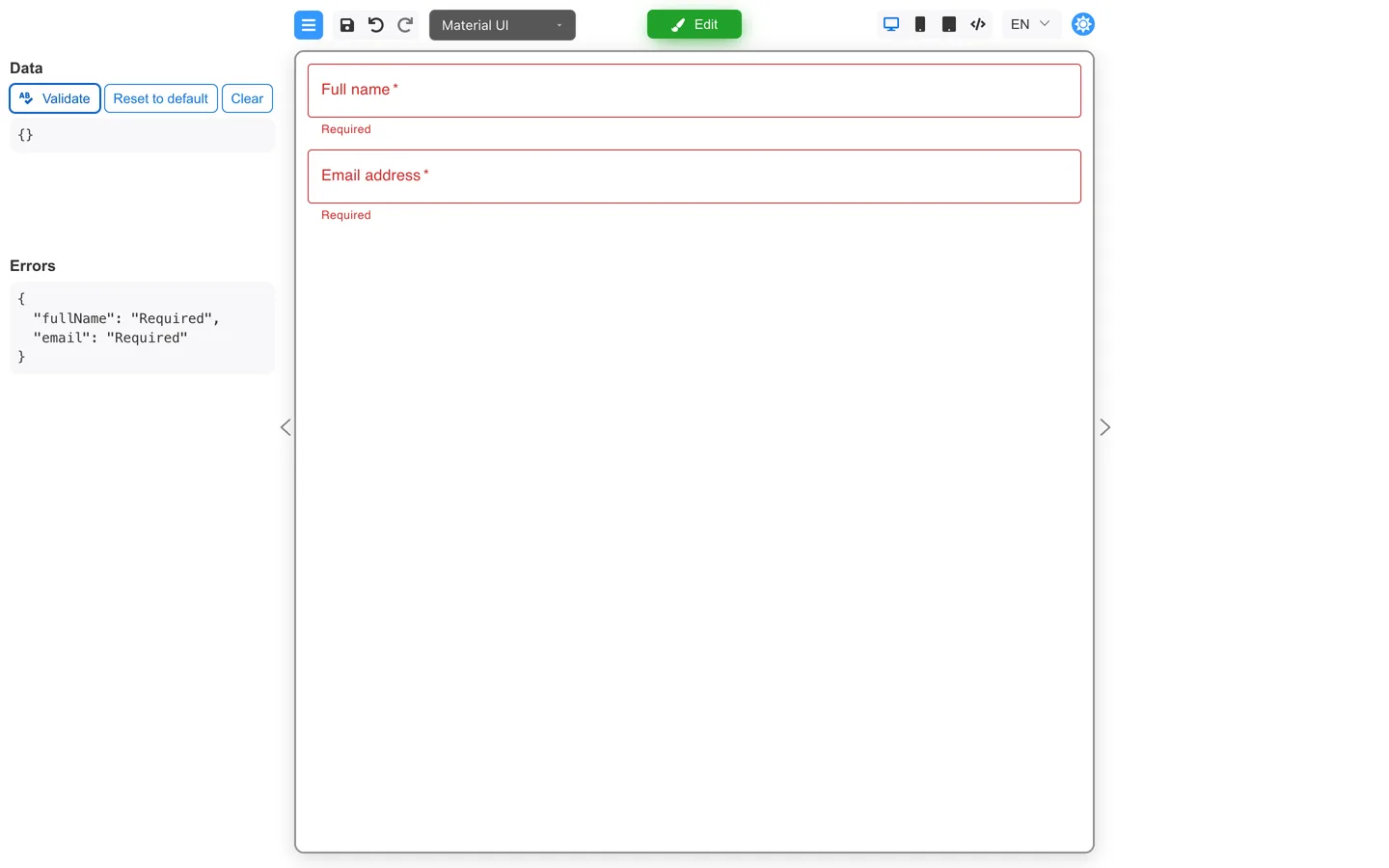
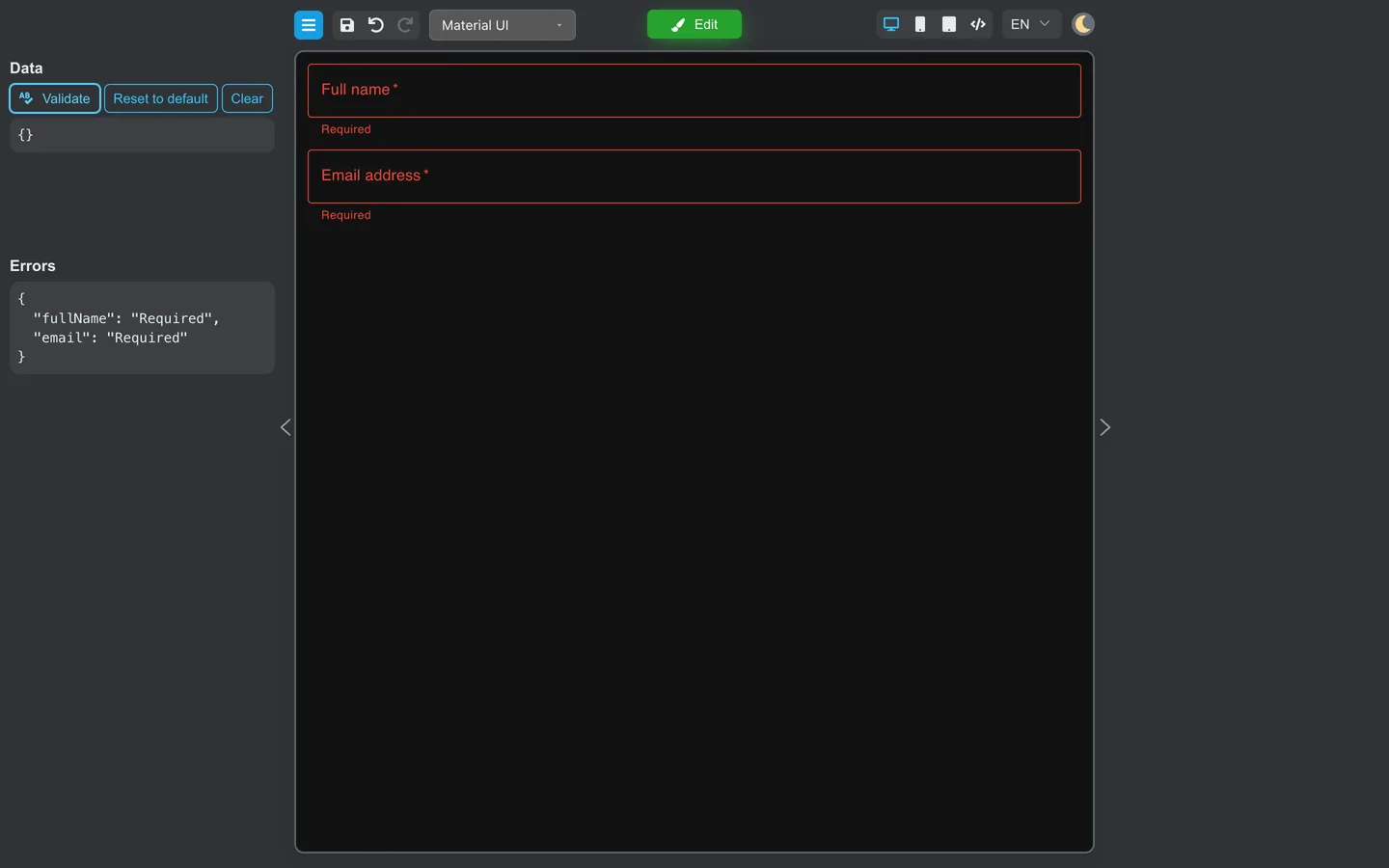
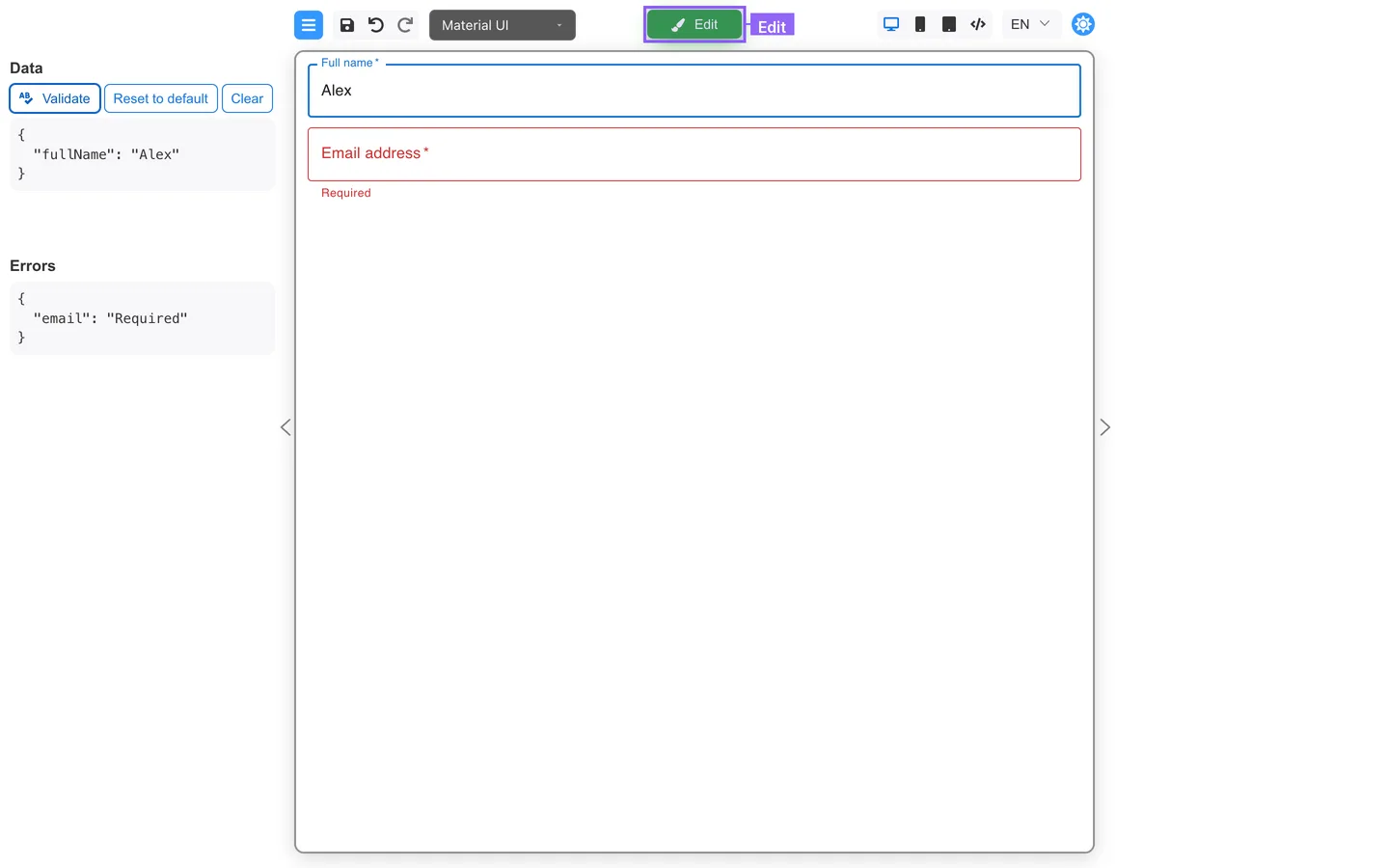
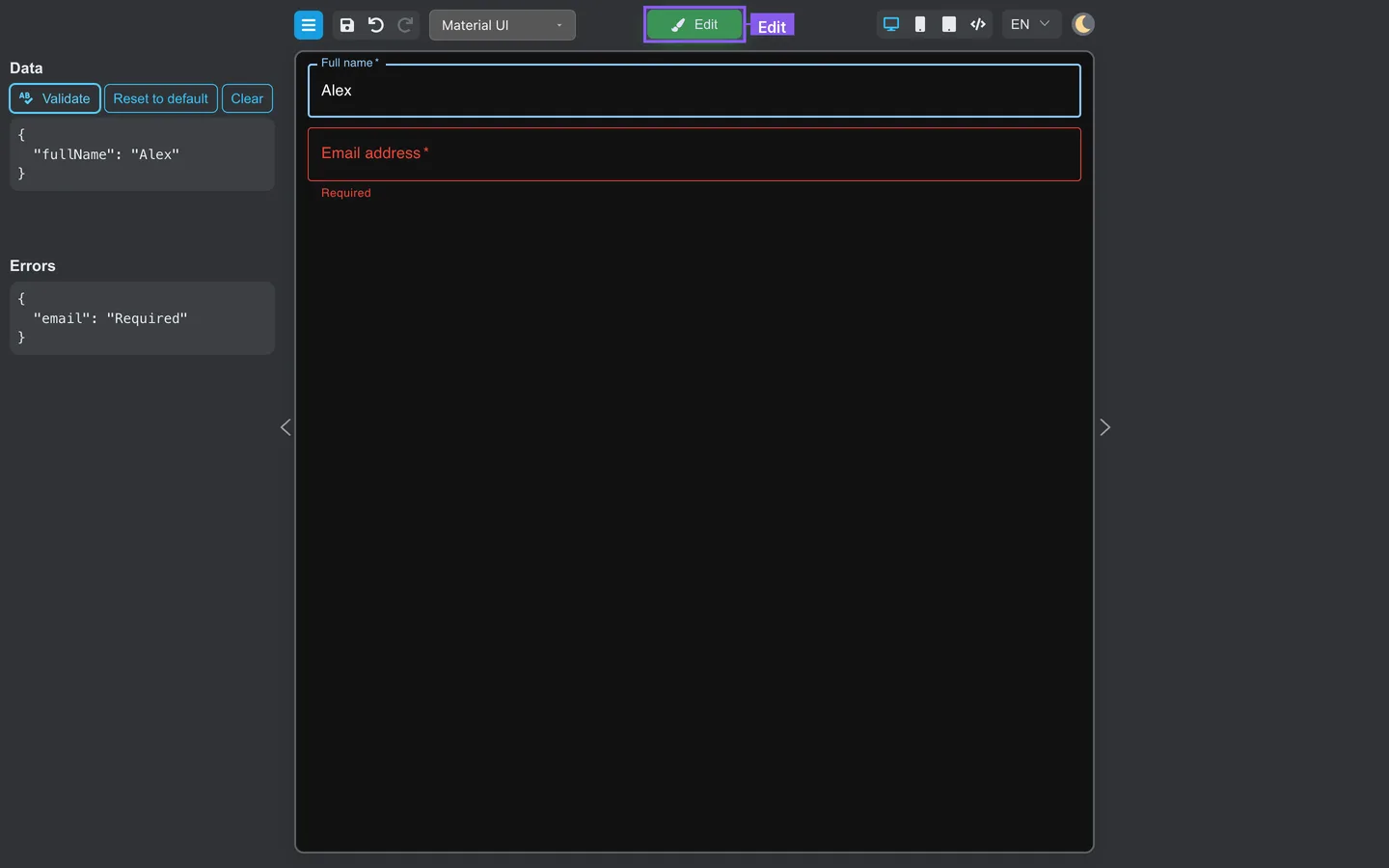
When you click Preview, the left panel switches from design tabs to testing tools. The Data and Errors sections help you see values and validation results without leaving Designer.
Before you begin
- Preview your first form so you know how to enter and leave Preview.
Open Preview
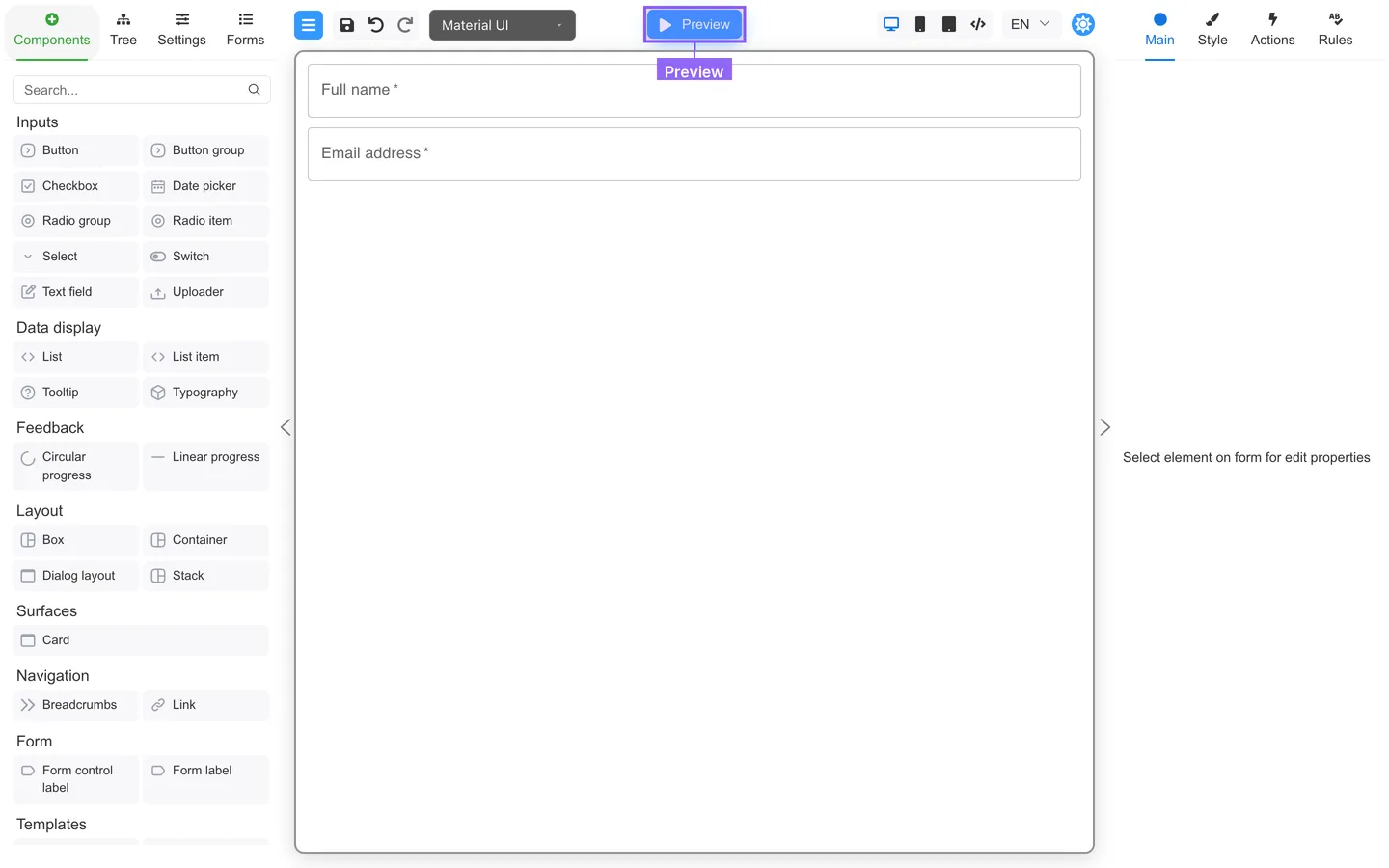
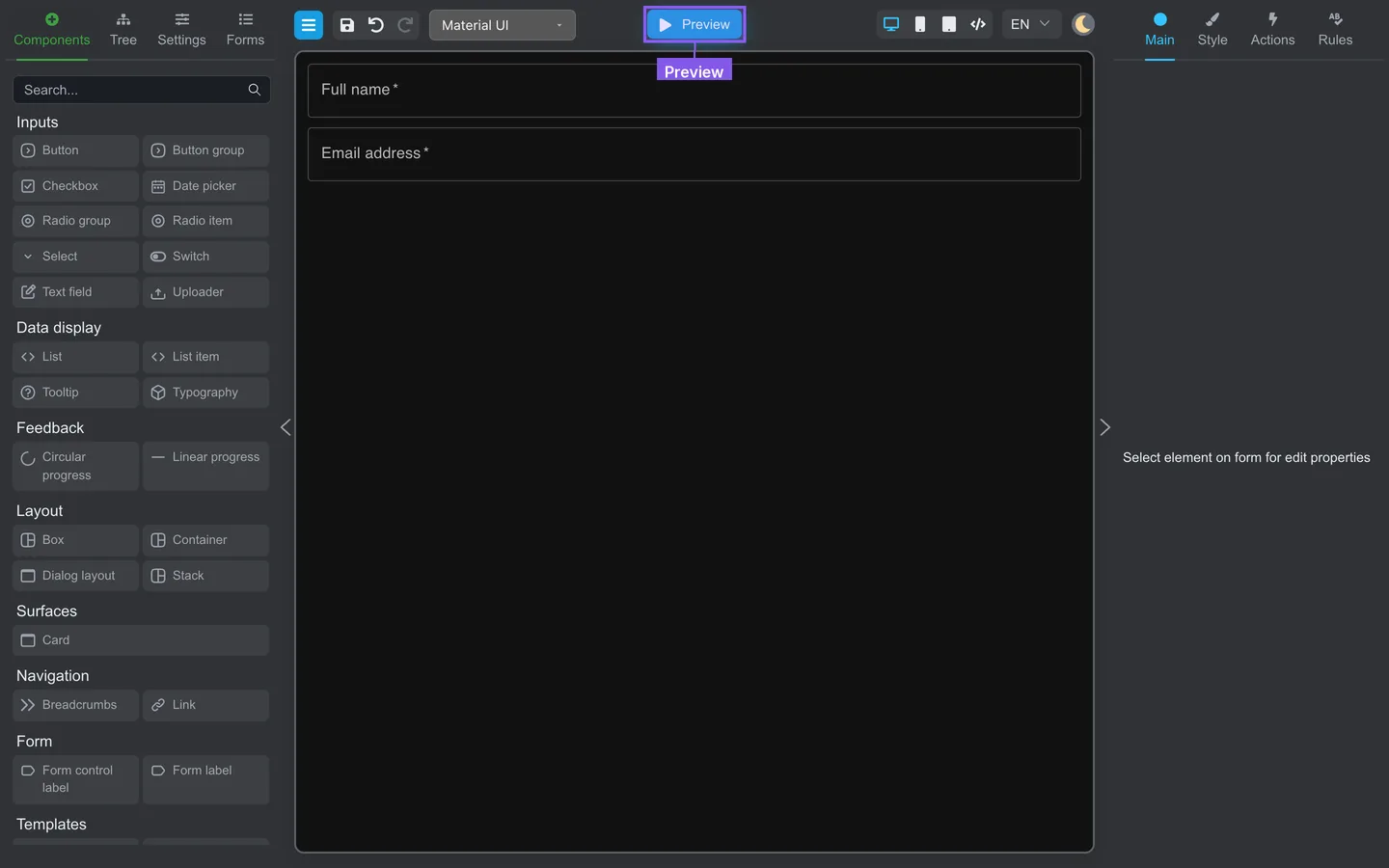
- Click Preview in the header (label becomes Edit).
- The left panel shows Data and Errors instead of Components, Tree, and Settings.
- The right properties panel is hidden in Preview. Return to Edit mode to use Main or Rules.
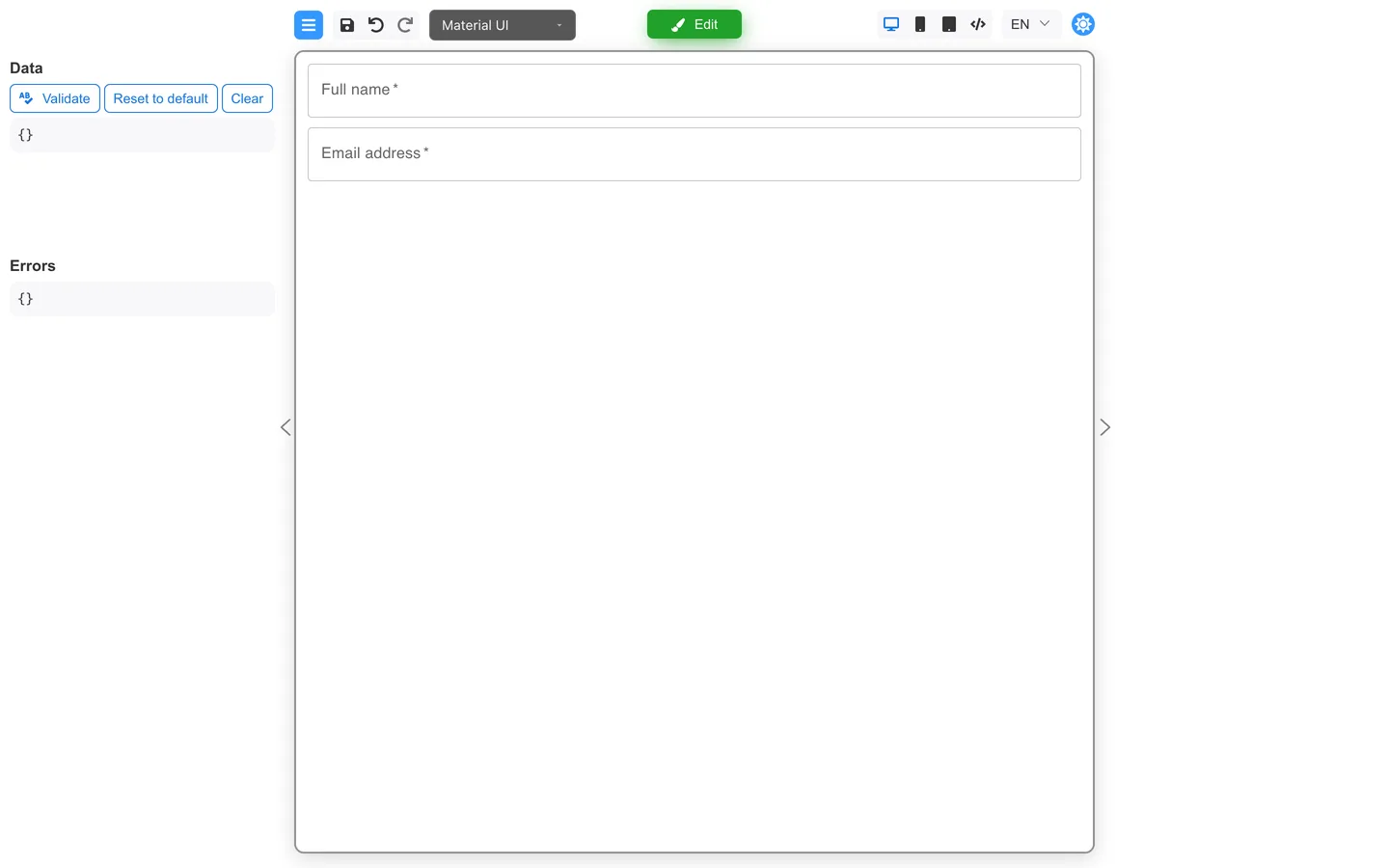
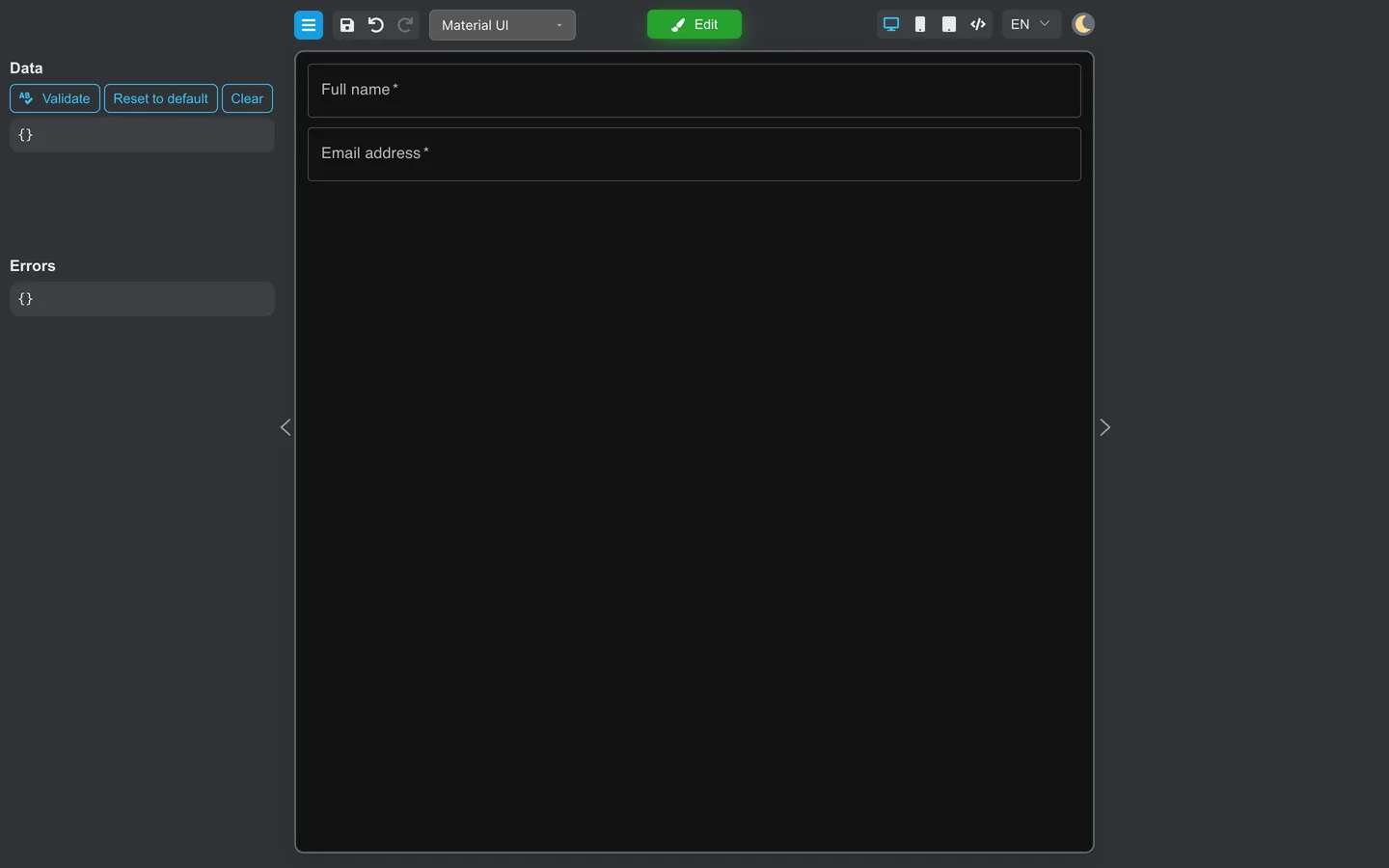
Read live Data
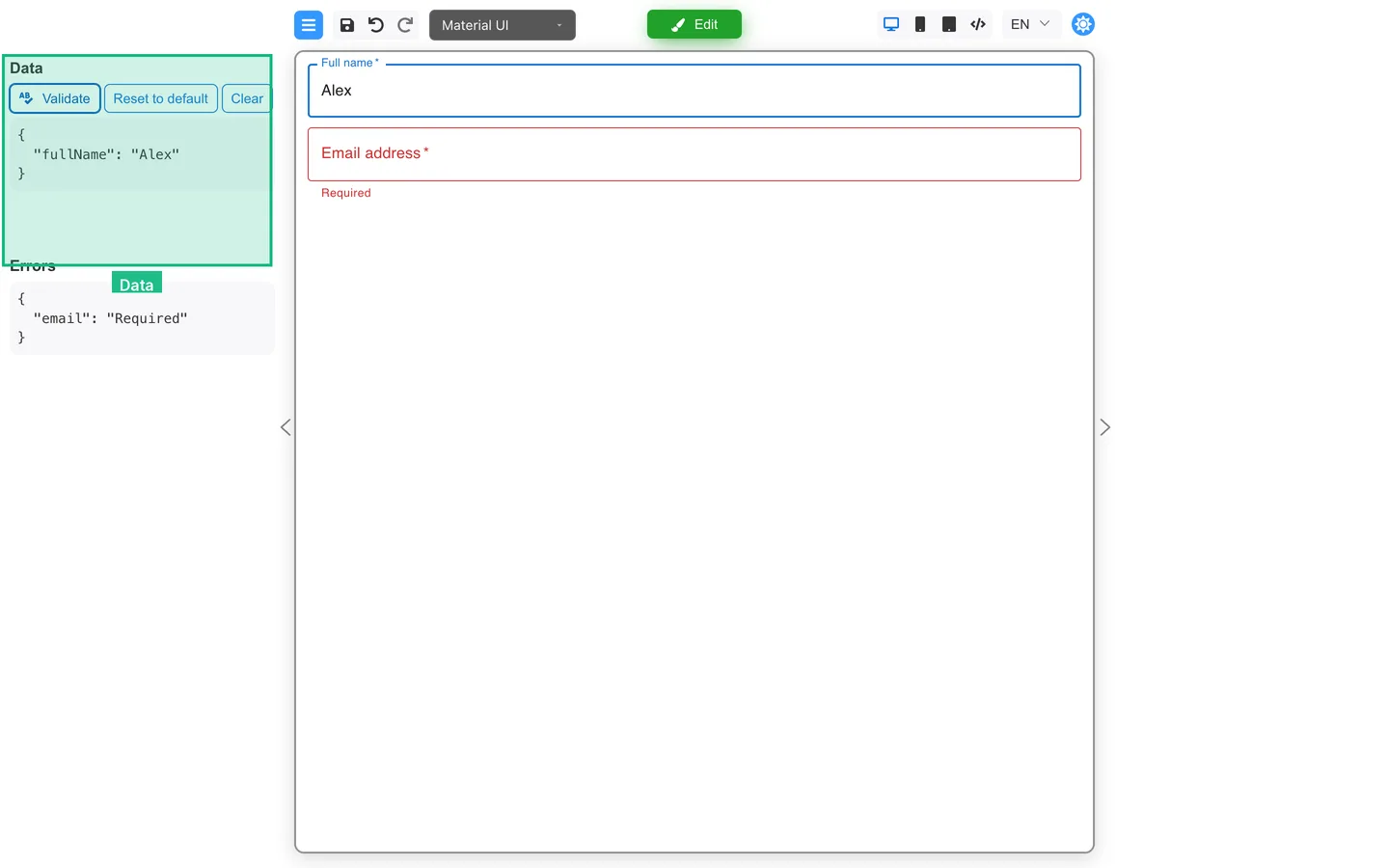
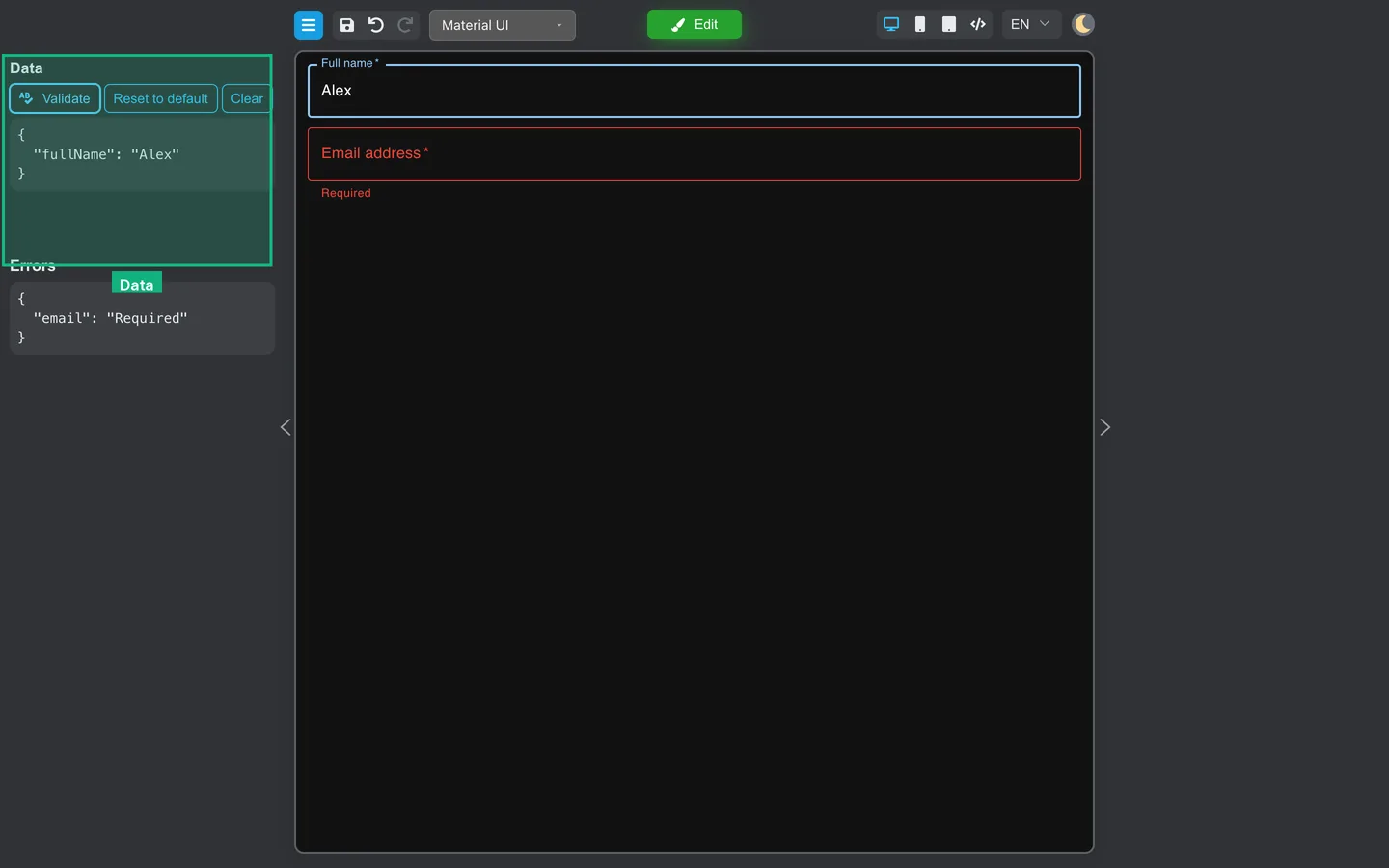
- Fill fields on the canvas.
- Scroll the Data block. The JSON-shaped list updates with field keys and values.
- Confirm keys match what you set on Main for each field.
Run Validate
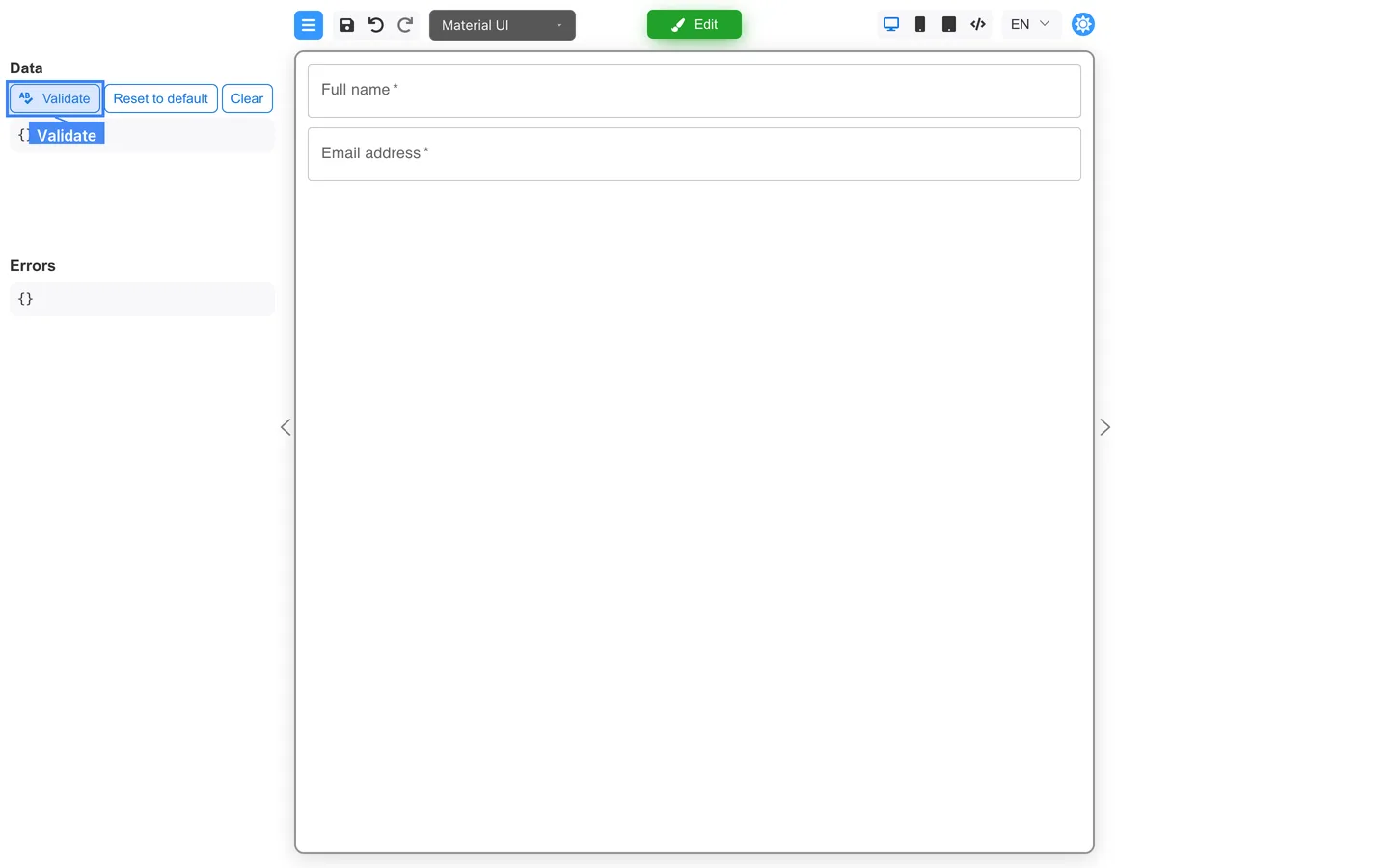
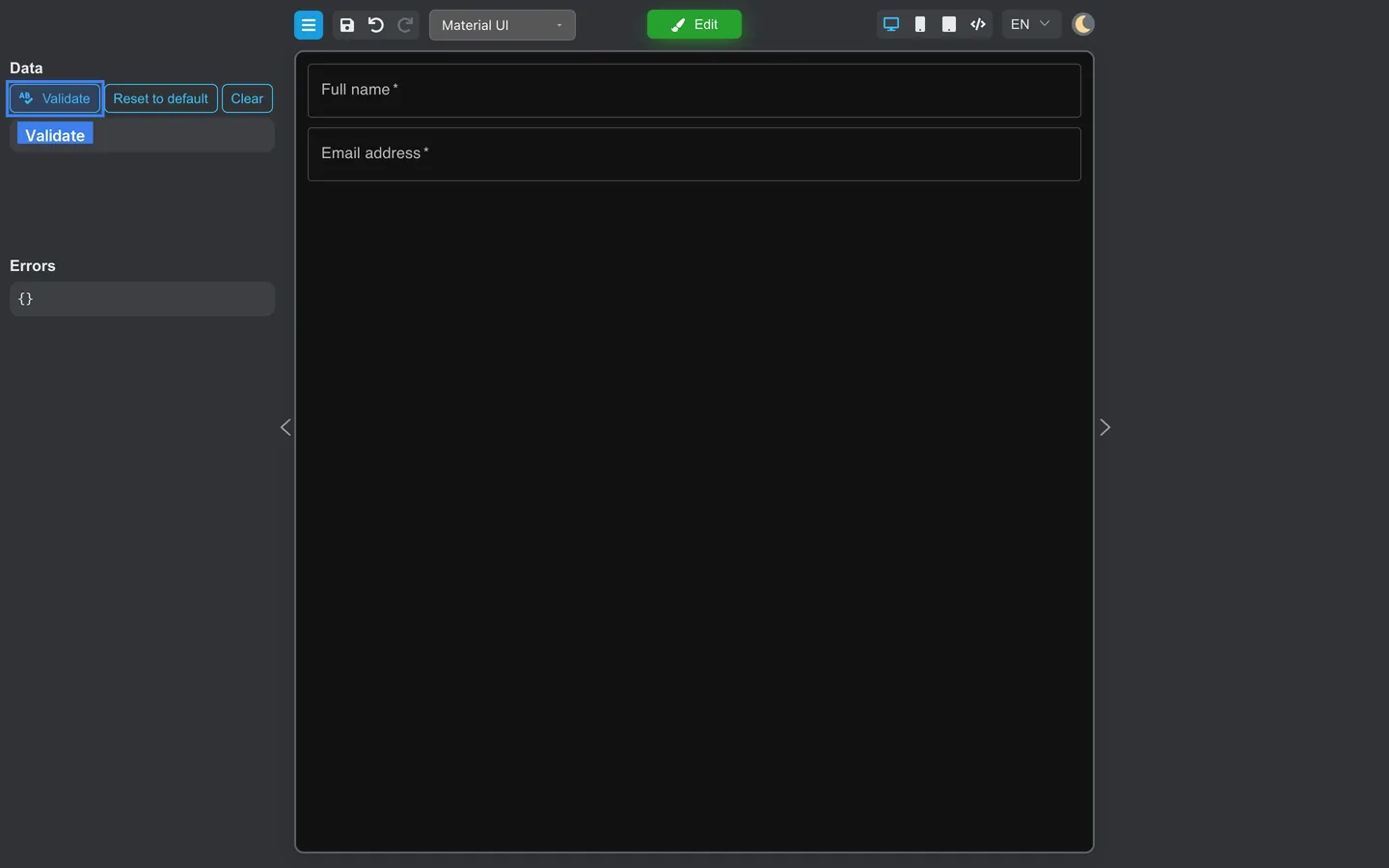
- Click Validate under Data (spell-check icon).
- Open the Errors section below to see validation messages.
- Fix rules on Rules in Edit mode if messages are wrong.
Reset or Clear test data
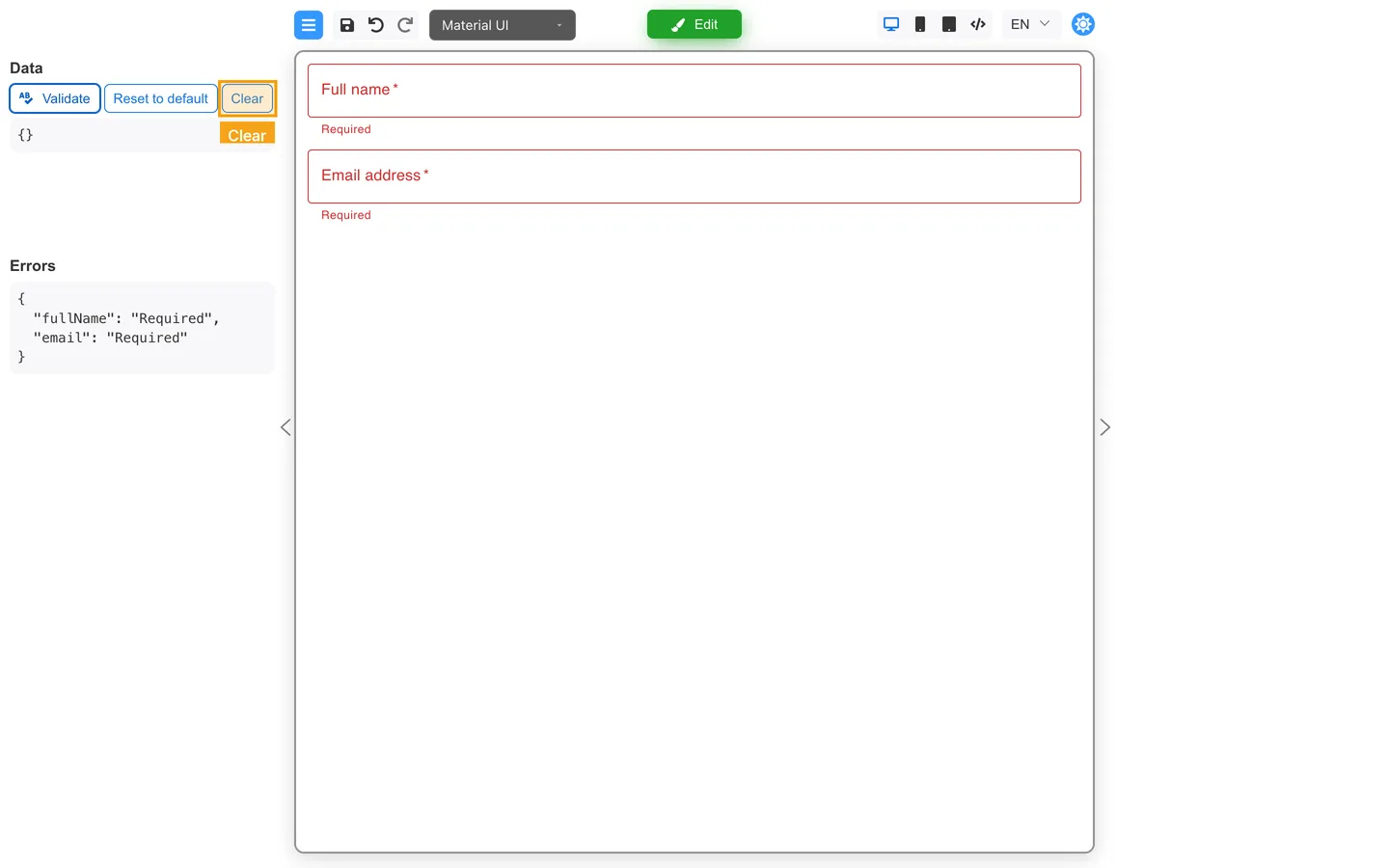
| Button | Effect |
|---|---|
| Reset to default | Restores default values you configured in Designer |
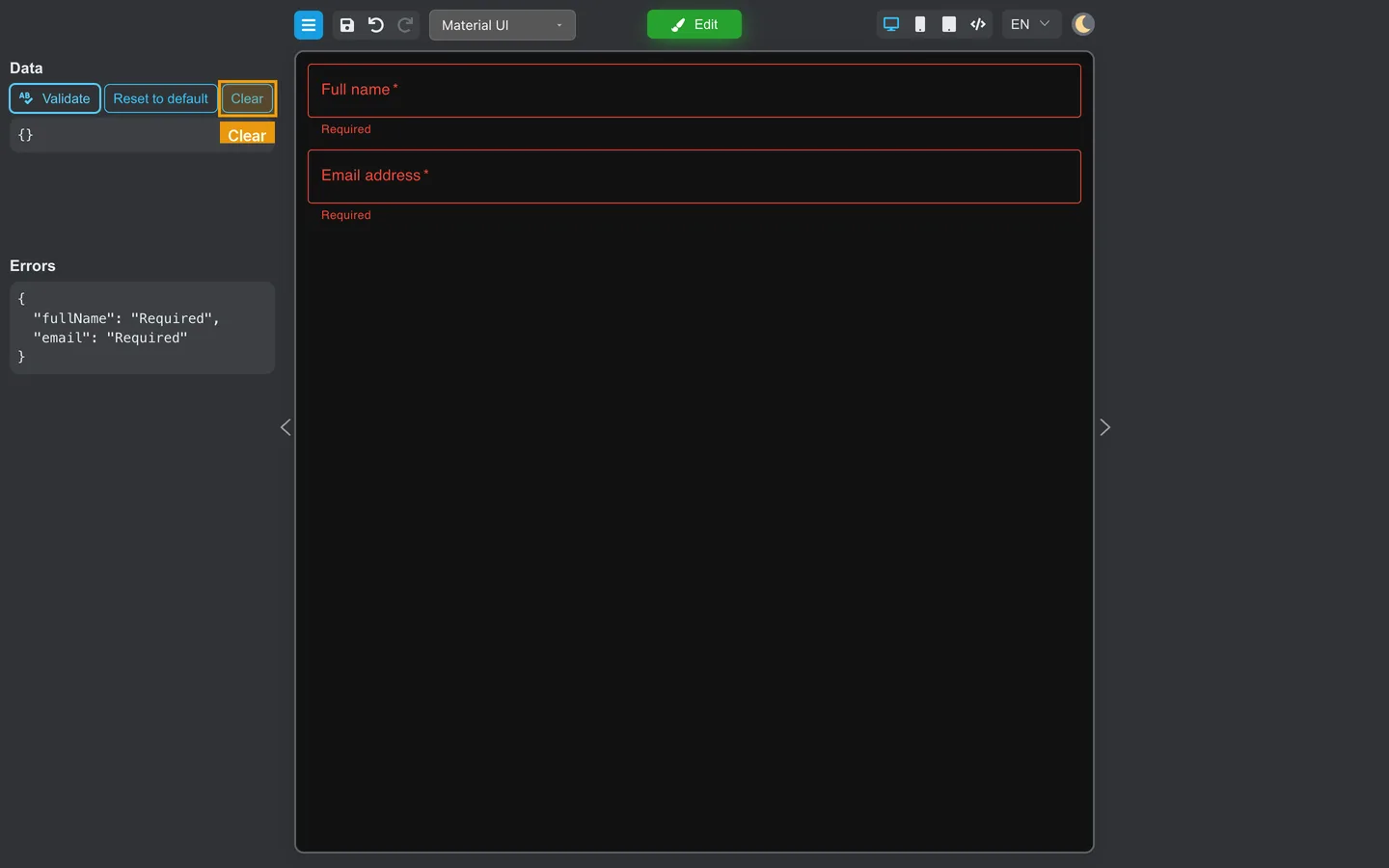
| Clear | Empties current field values in Preview |
Use Clear before a fresh test pass. Use Reset to default when you want to see starting values again.
Return to Edit
- Click Edit.
- Adjust fields or validation, then Preview again.
Summary
The Preview left panel shows Data and Errors for testing. Validate runs validation. Reset to default and Clear restore or clear test values. Pair these tools with the testing checklist.