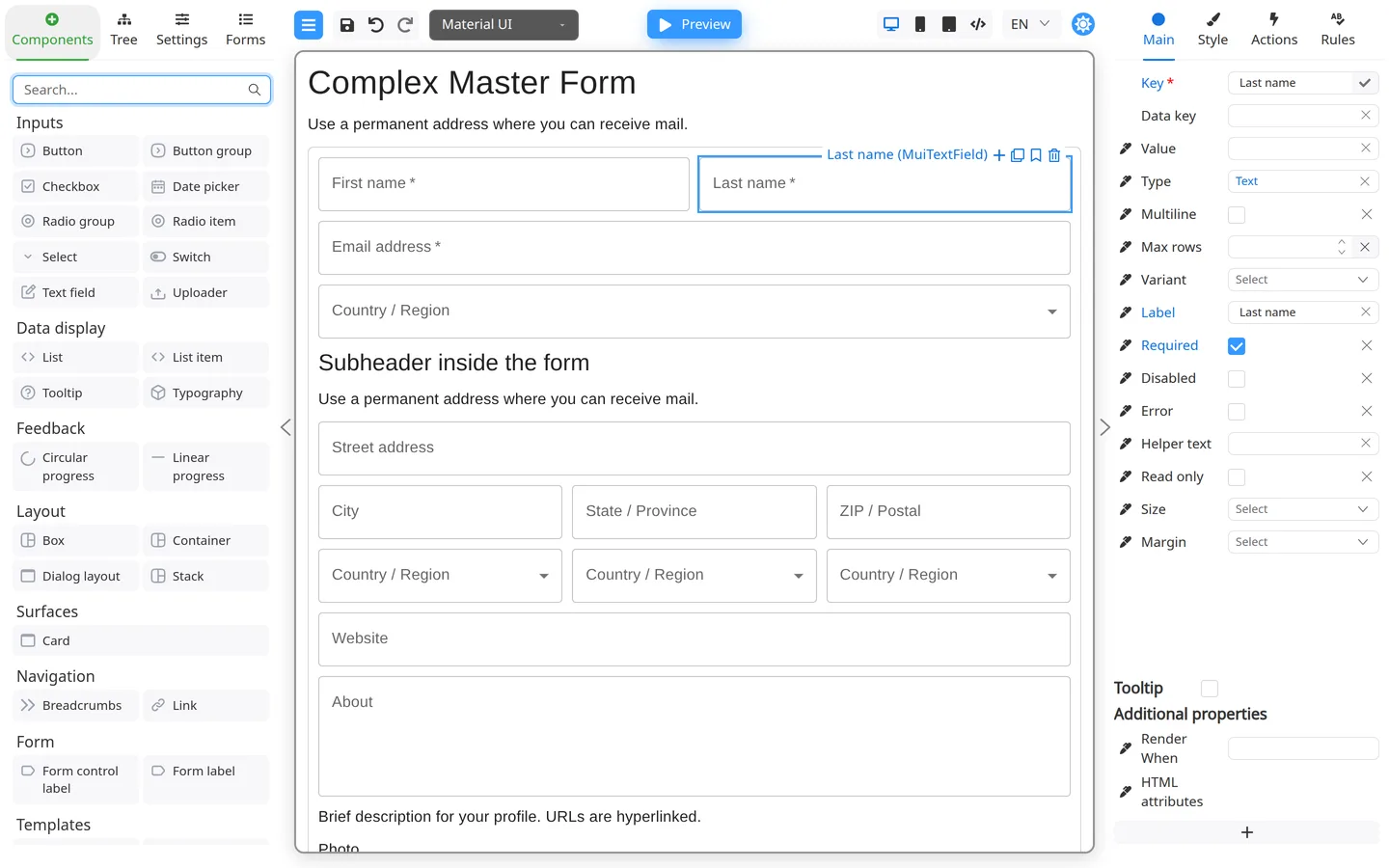
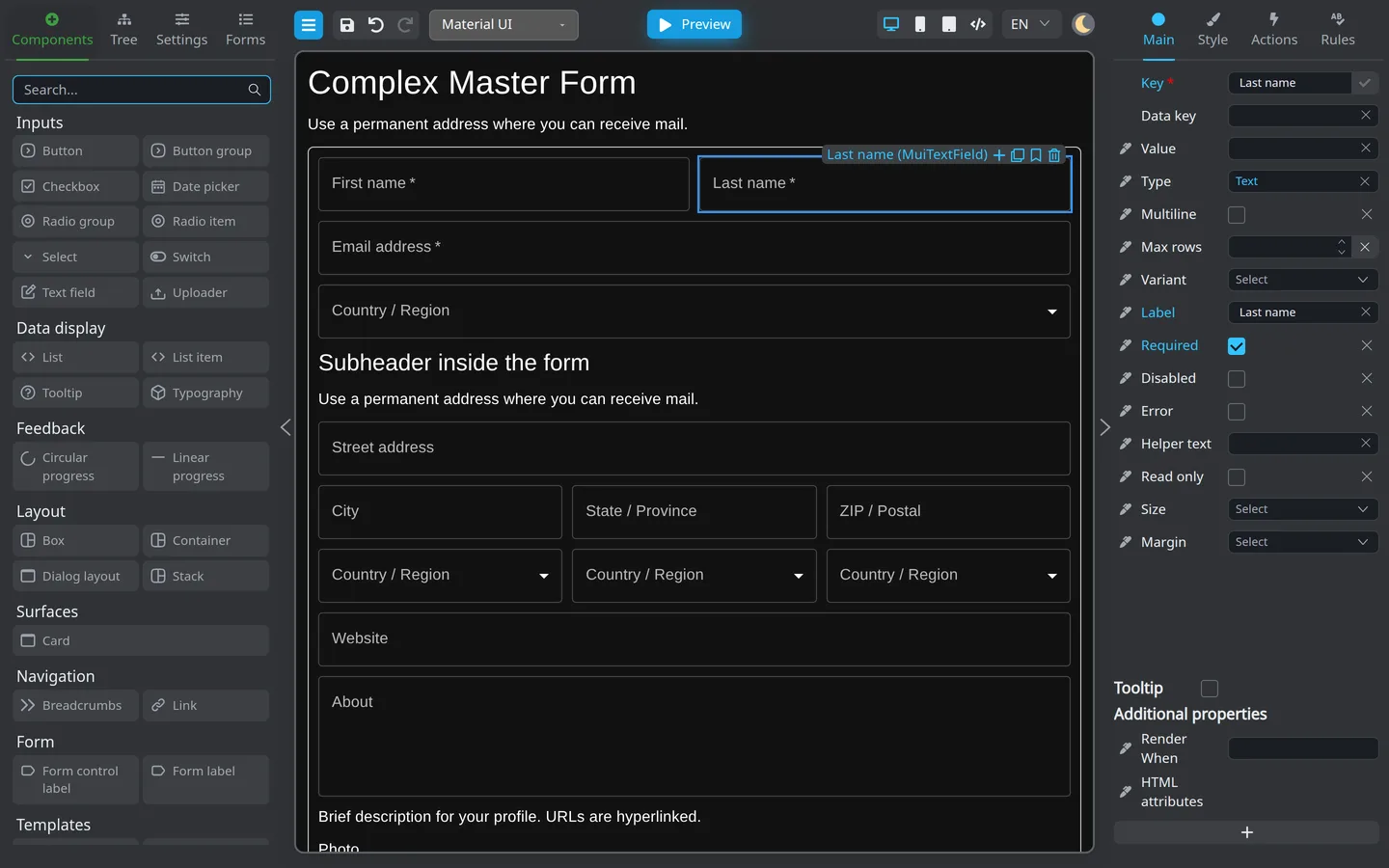
Shortcuts apply when focus is on the page background (not while typing inside a field). Click an empty area of the canvas first.
Print is the exception: it still works with focus inside a field.
Windows and Linux
Action
Shortcut
Delete selected component
Delete
Duplicate selected component
Ctrl+D
Save form
Ctrl+S
Print form
Ctrl+P
Undo
Ctrl+Z
Redo
Ctrl+Y
Redo (alternative)
Ctrl+Shift+Z
macOS
Action
Shortcut
Delete selected component
Delete
Duplicate selected component
⌘+D
Save form
⌘+S
Print form
⌘+P
Undo
⌘+Z
Redo
⌘+Shift+Z
Tips
Select exactly one component to duplicate with Ctrl+D (Windows/Linux) or
⌘+D (macOS).
If save, undo, or delete does nothing, click outside input fields so Designer receives the key press.