


Action order on buttons
A single button can run multiple actions in sequence, for example validate, then save. Actions run from top to bottom in the Actions list. Order controls when validation runs, but it does not by itself stop later actions when validation fails.
Validate before submit
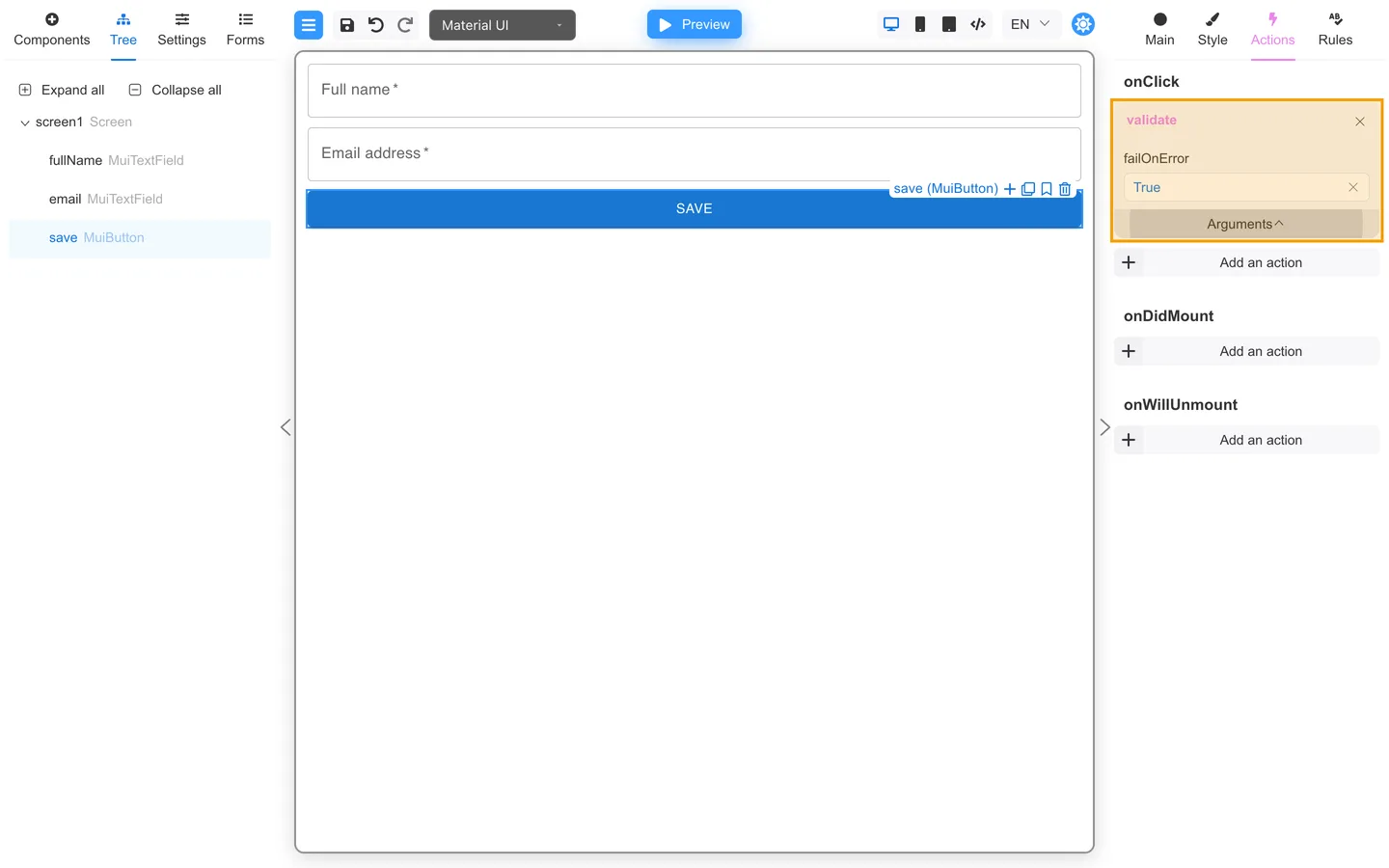
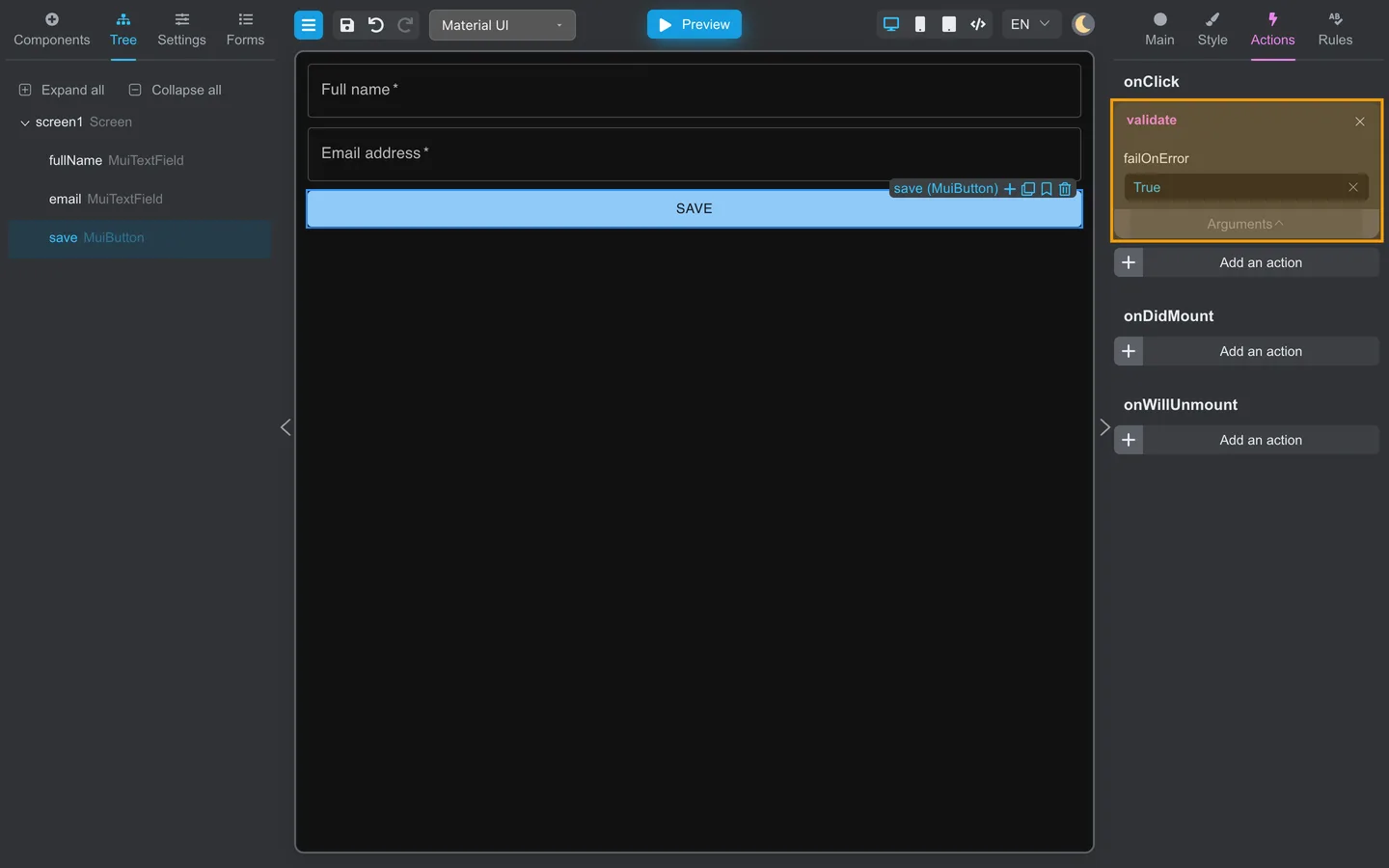
- Select the Save or submit button.
- Open Actions.
- Under onClick, add validate (from Common).
- Expand Arguments and set failOnError to True when validation errors must prevent later actions from running.
- Keep validate at the top of the list so it runs before later actions.
- In Preview, leave a required field empty and click the button. Confirm that errors appear and the later action does not run.
Reorder
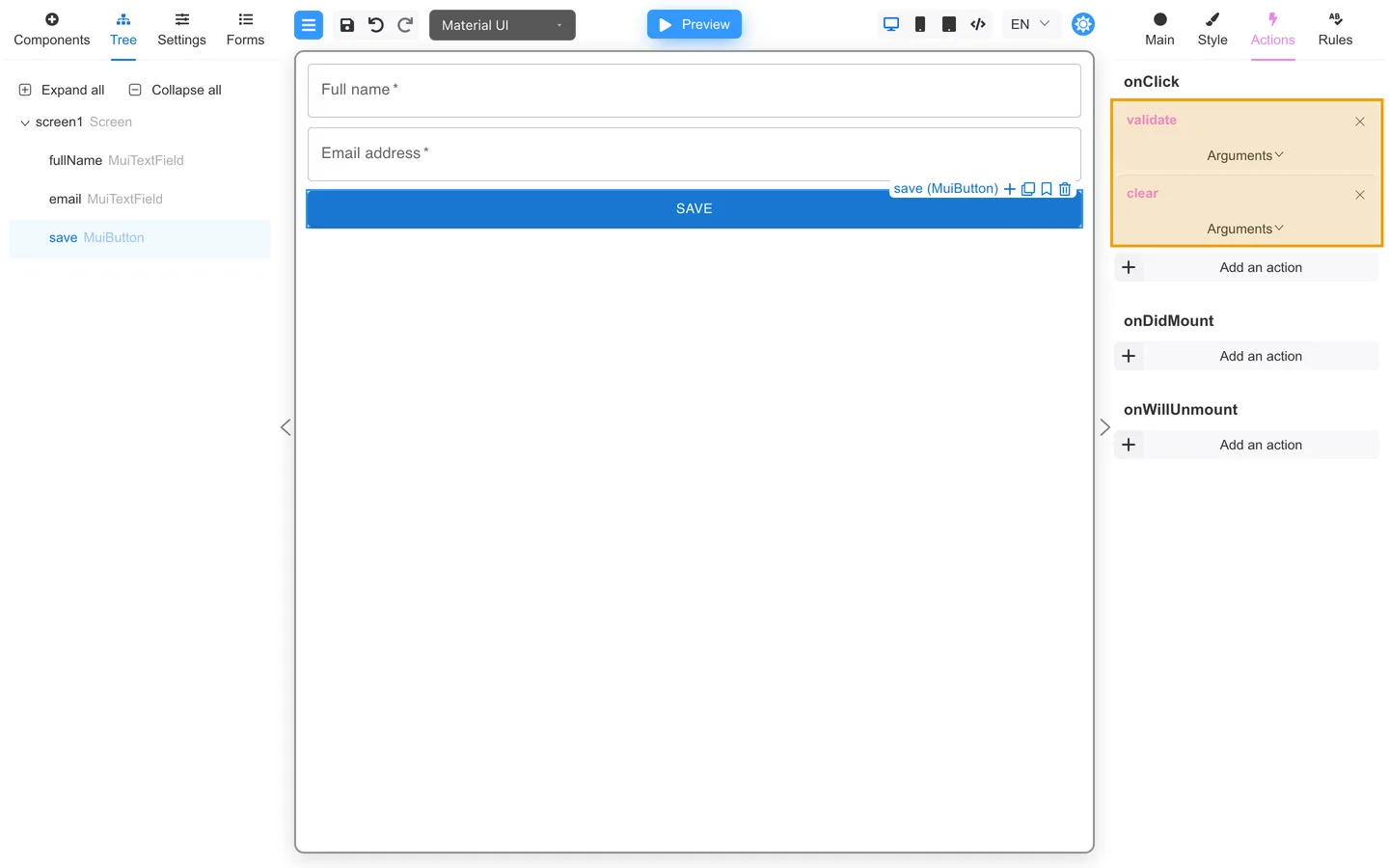
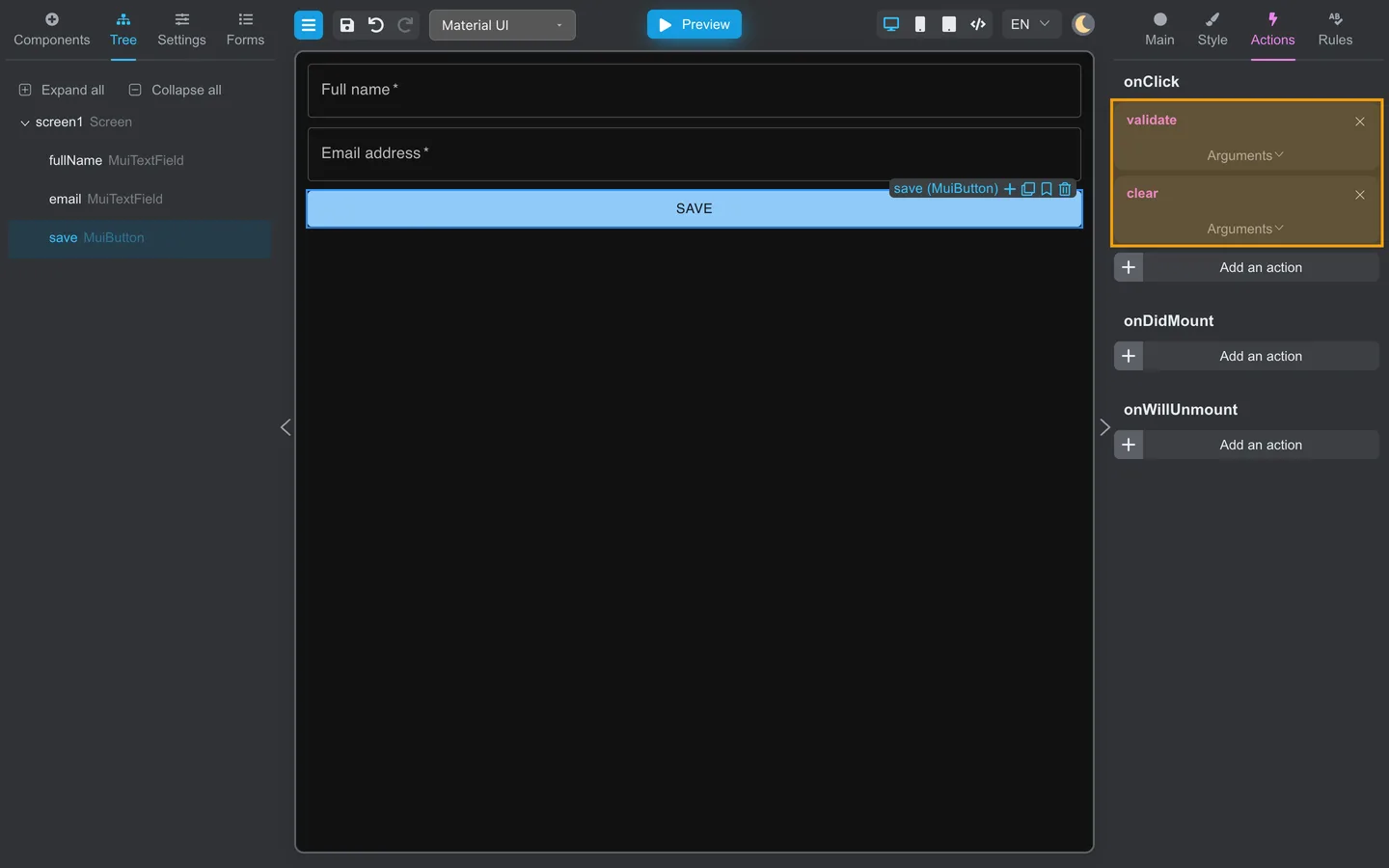
- Add another action under the same event (for example clear from Common).
- Drag items in the Actions list to change order. Actions run top to bottom.
- Put validation above save, submit, or clear when that sequence matters. Keep failOnError set to True when errors must stop the actions below it.
Summary
Actions run in list order on the button. Put validation before save, submit, or clear, and set failOnError to True when errors must stop the sequence. Ordering alone does not prevent later actions from running.