


FAQ for form authors
Quick answers for people who design forms in Designer. For developer setup, see FormEngine Designer getting started.
How do I get the form JSON for my developer?
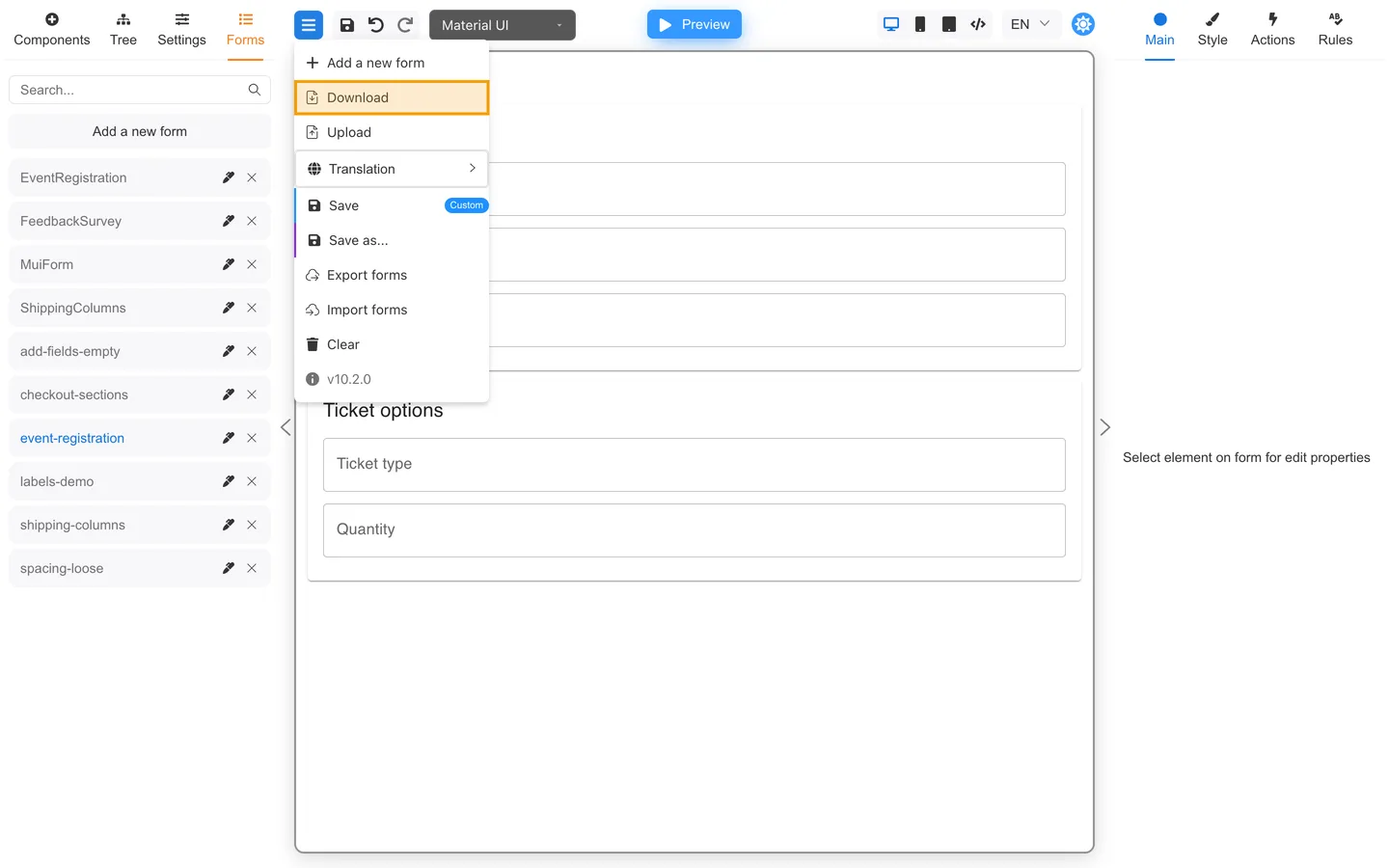
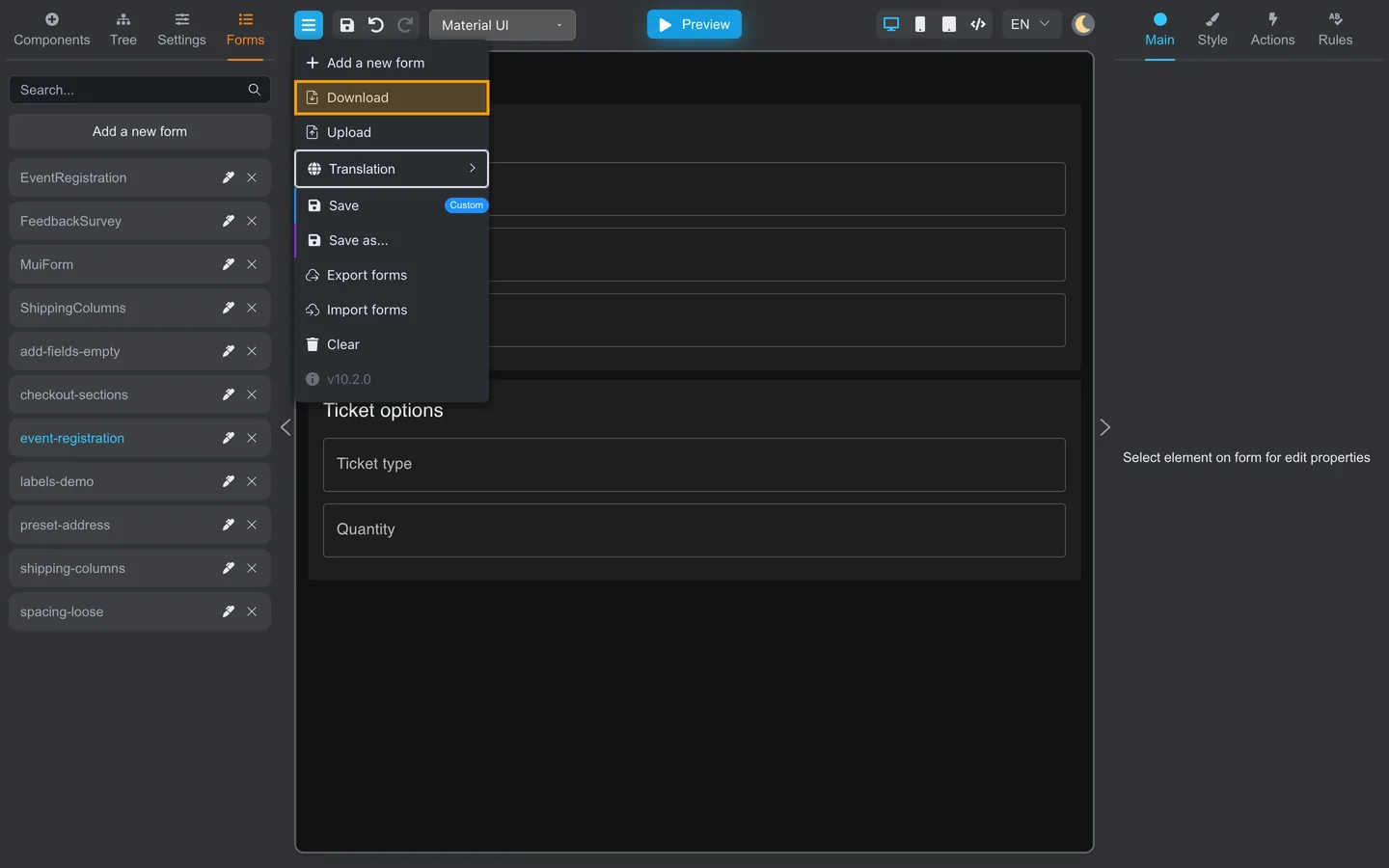
Use Download from the header menu to save the current form as form.json. Share the file securely.
See Export and share your form
and Forms JSON (developers).
How do I print or save a PDF?
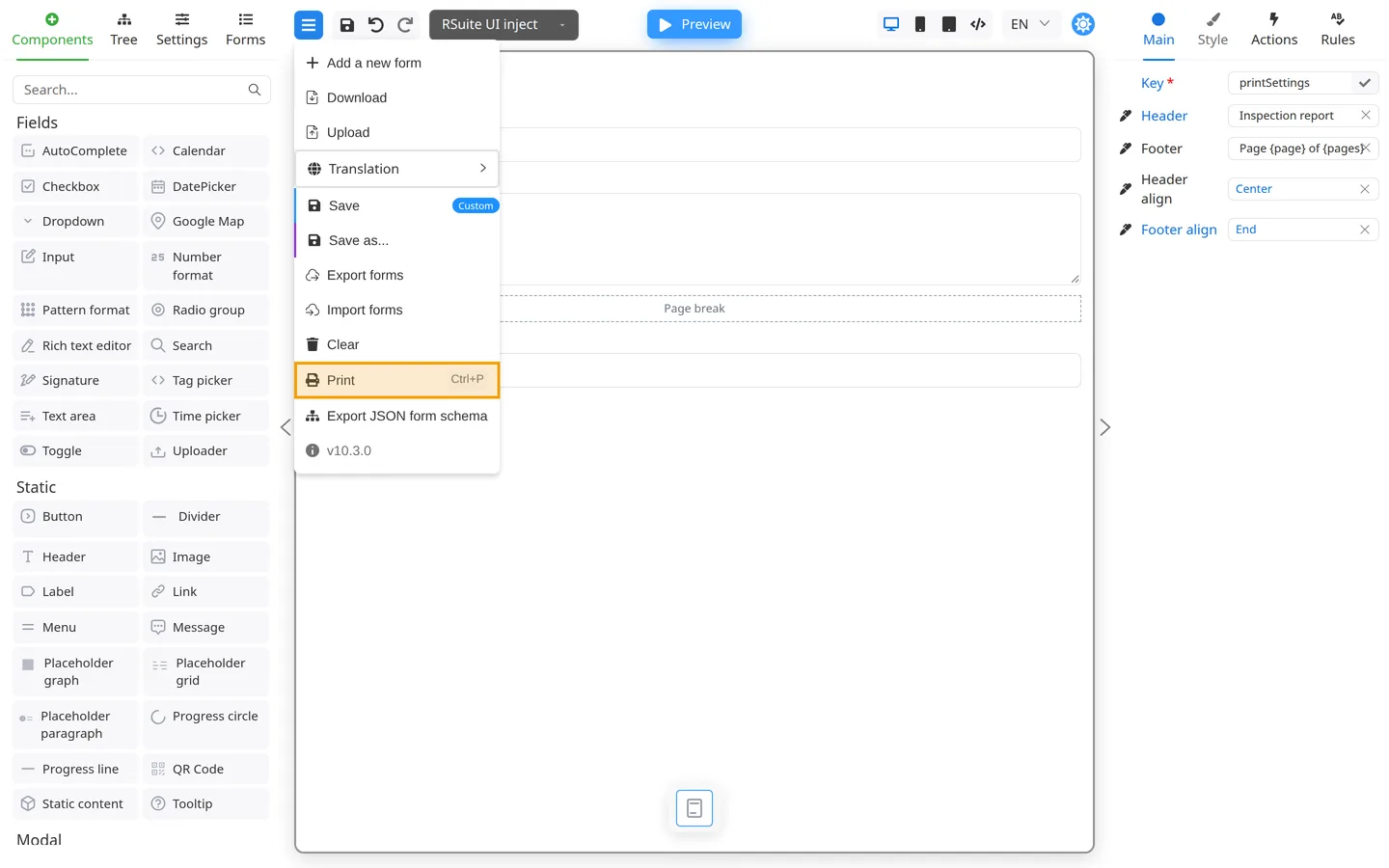
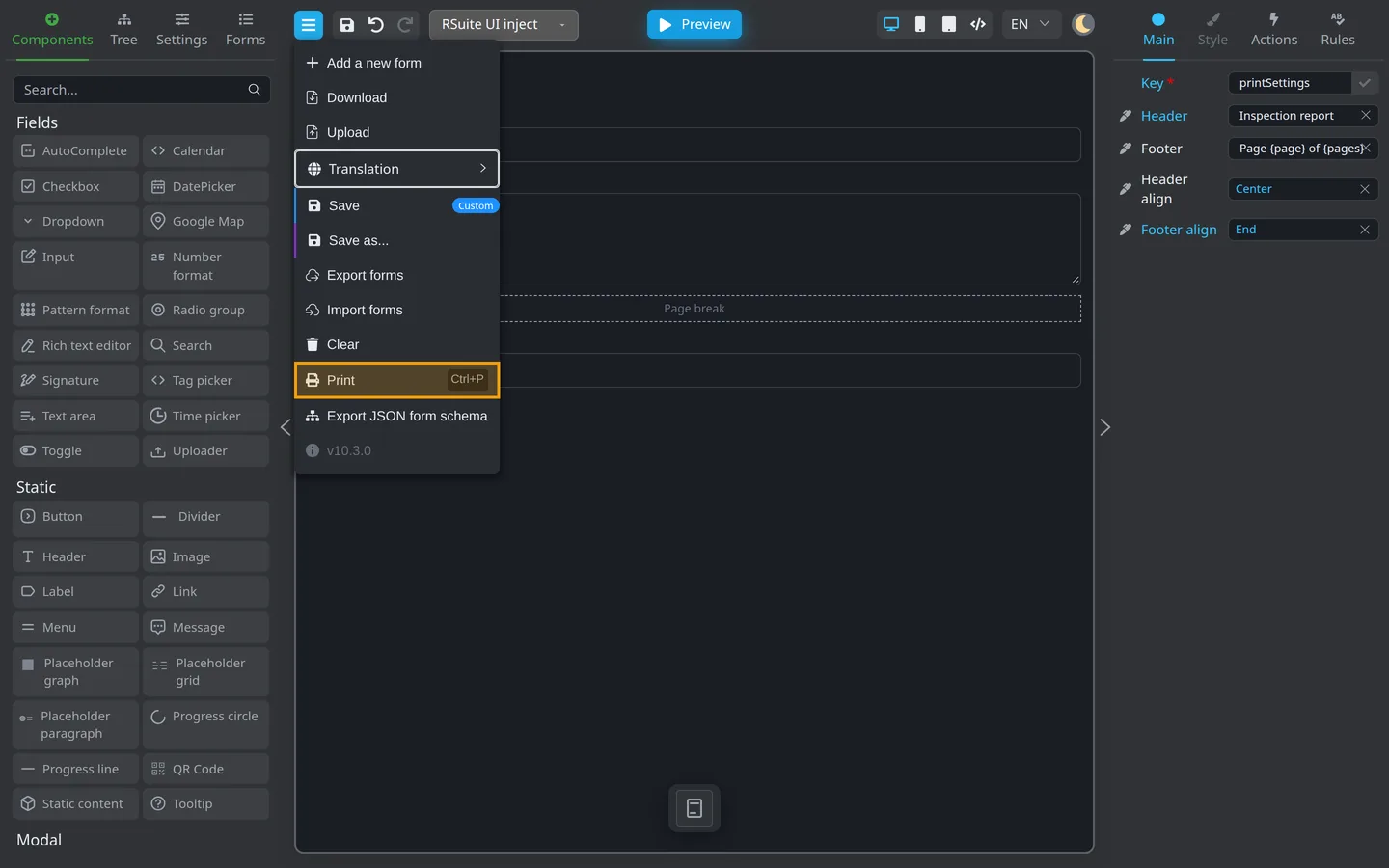
Open Menu → Print, or press Ctrl+P / ⌘+P. Pick a printer or Save as PDF in the browser dialog. See Print your form.
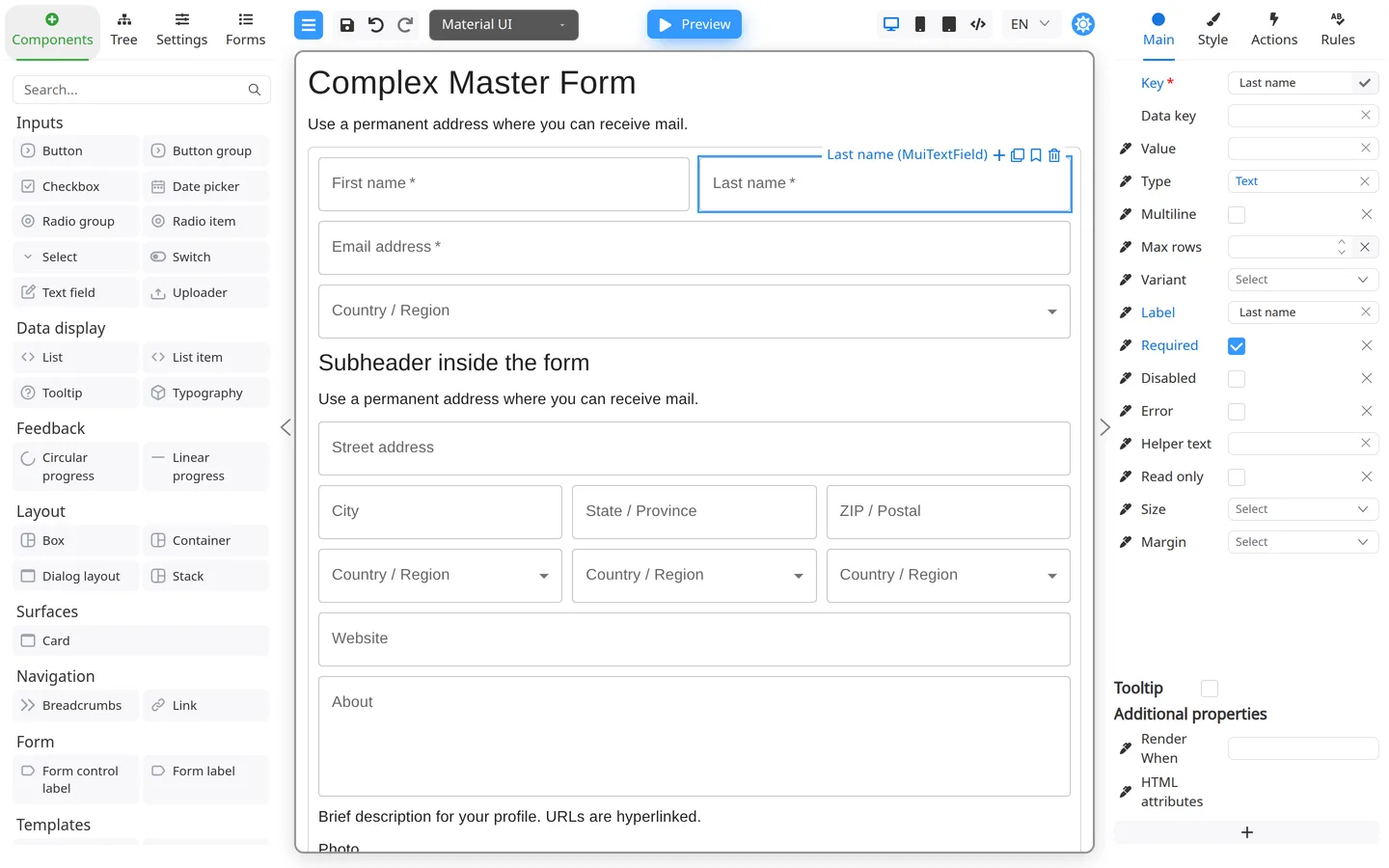
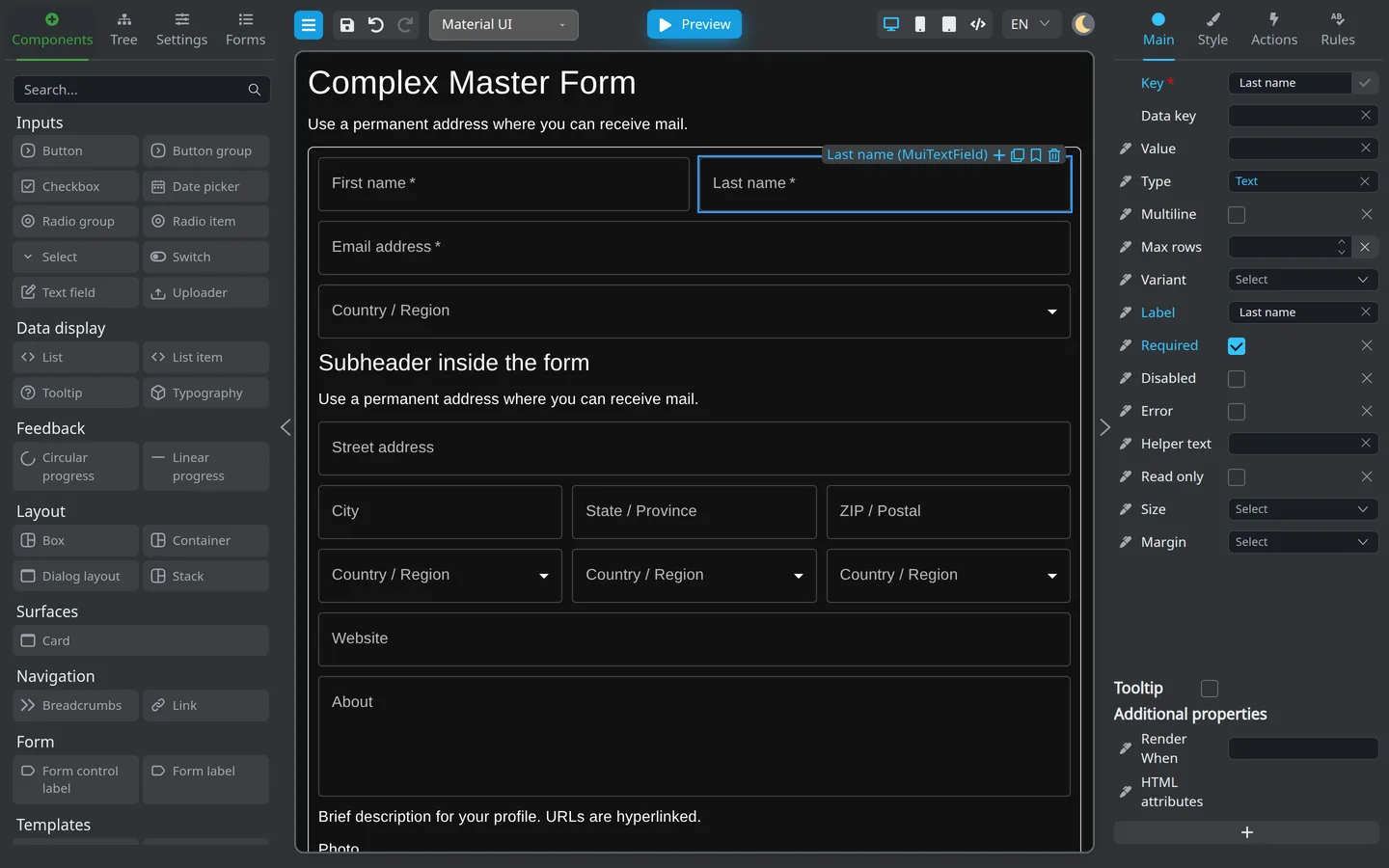
Why does Preview look different from Edit?
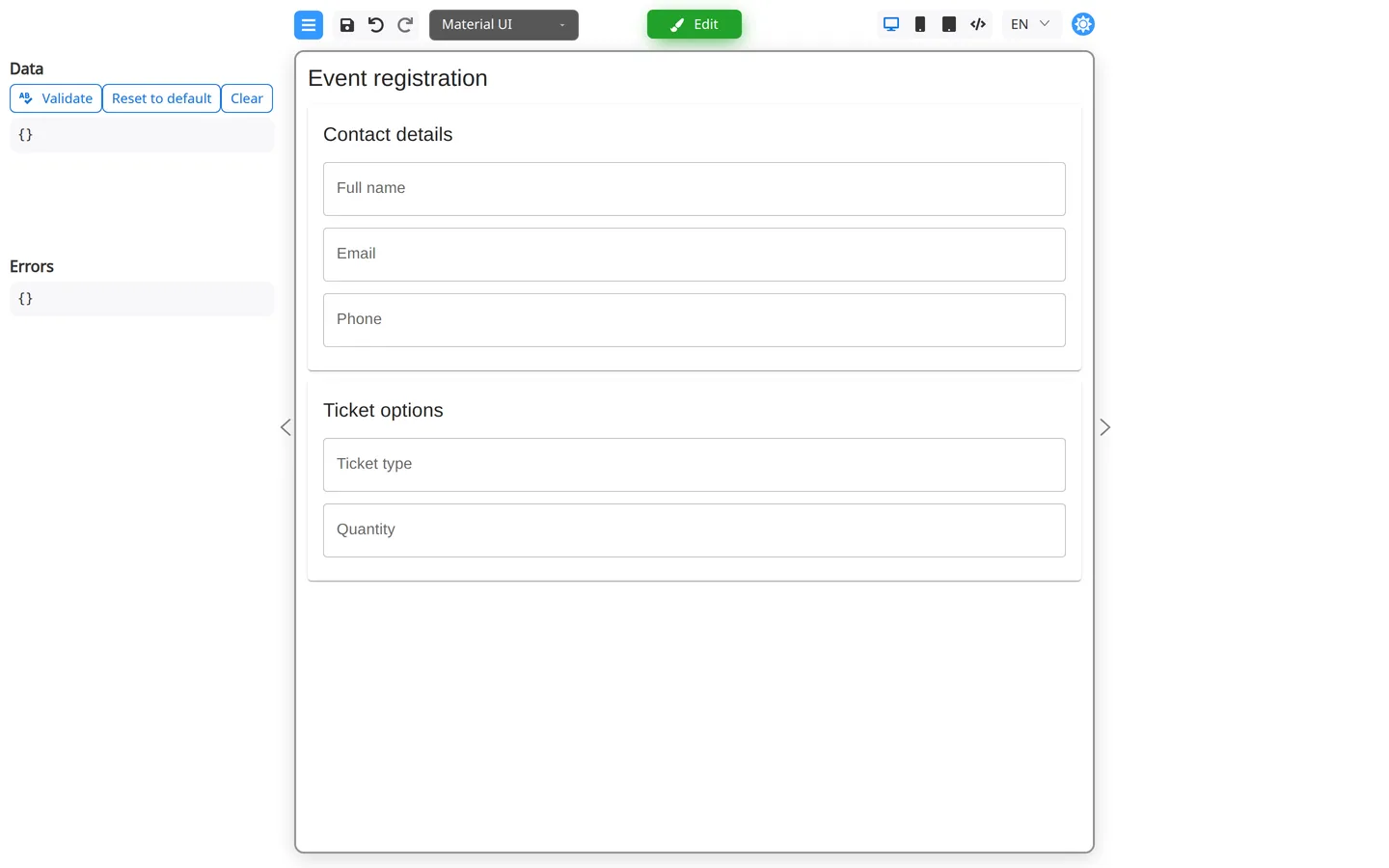
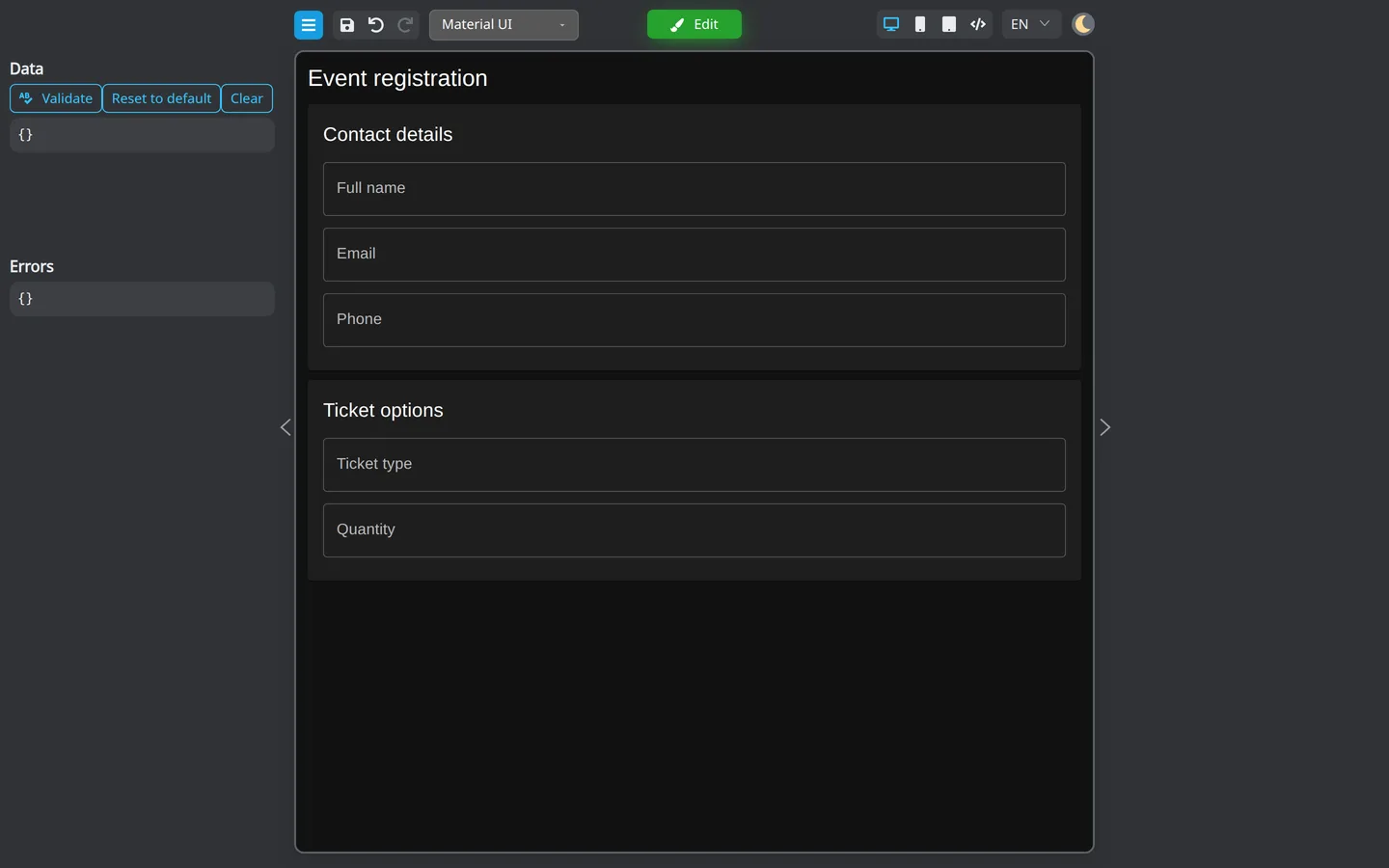
Preview hides authoring panels and runs the form like the embedded viewer. You cannot drag new components in Preview. See Preview and Edit.
Why won’t a field delete, and why don’t shortcuts work?
Most shortcuts need focus on the page background, not inside a text box. Click the canvas margin first. Print (Ctrl+P / ⌘+P) still works inside a field. See Keyboard shortcuts.
Validation does not run on the canvas
Validation messages usually appear in Preview or when Auto Validate is on. Test with Preview and the Validate tool.
Components look broken after import
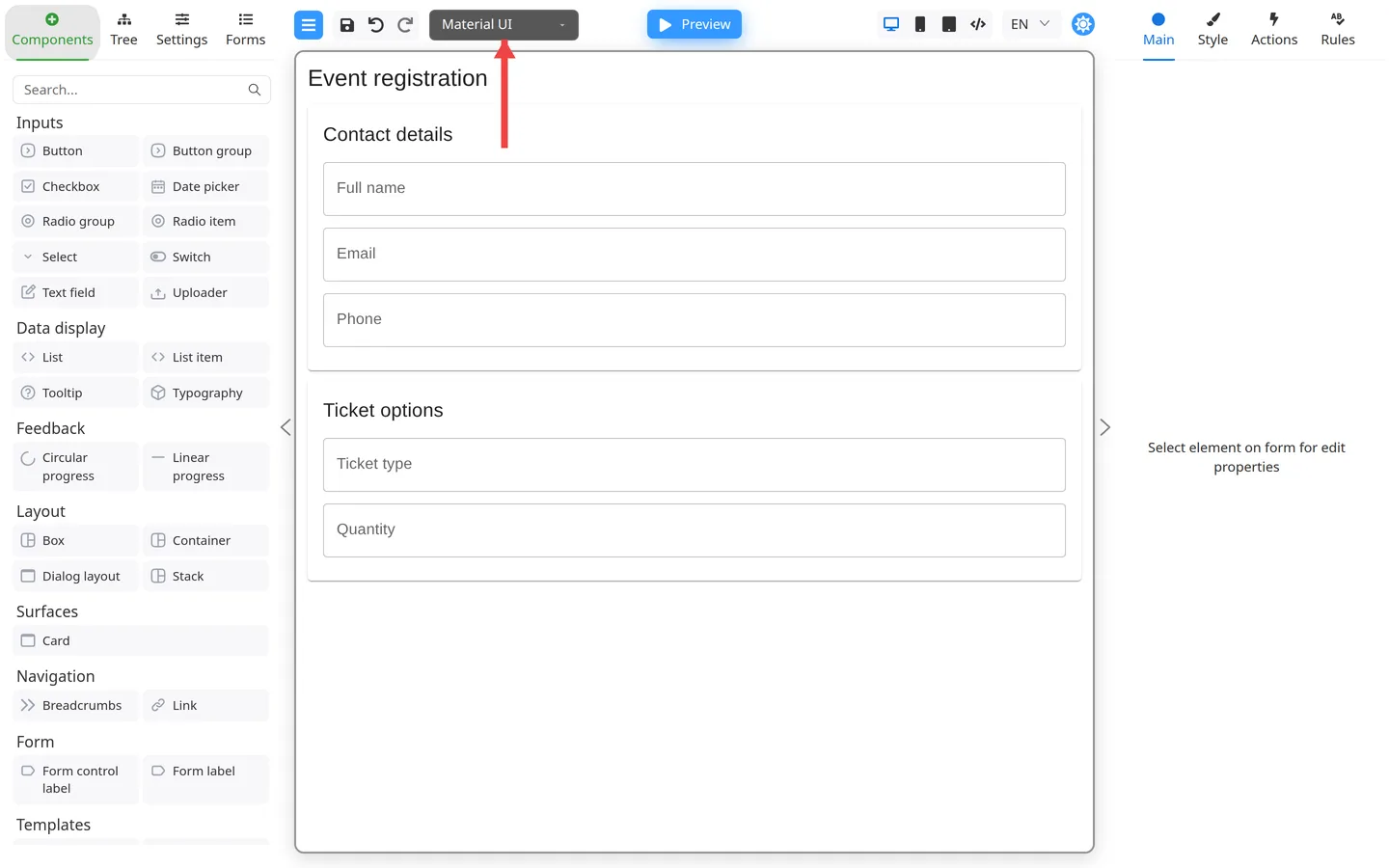
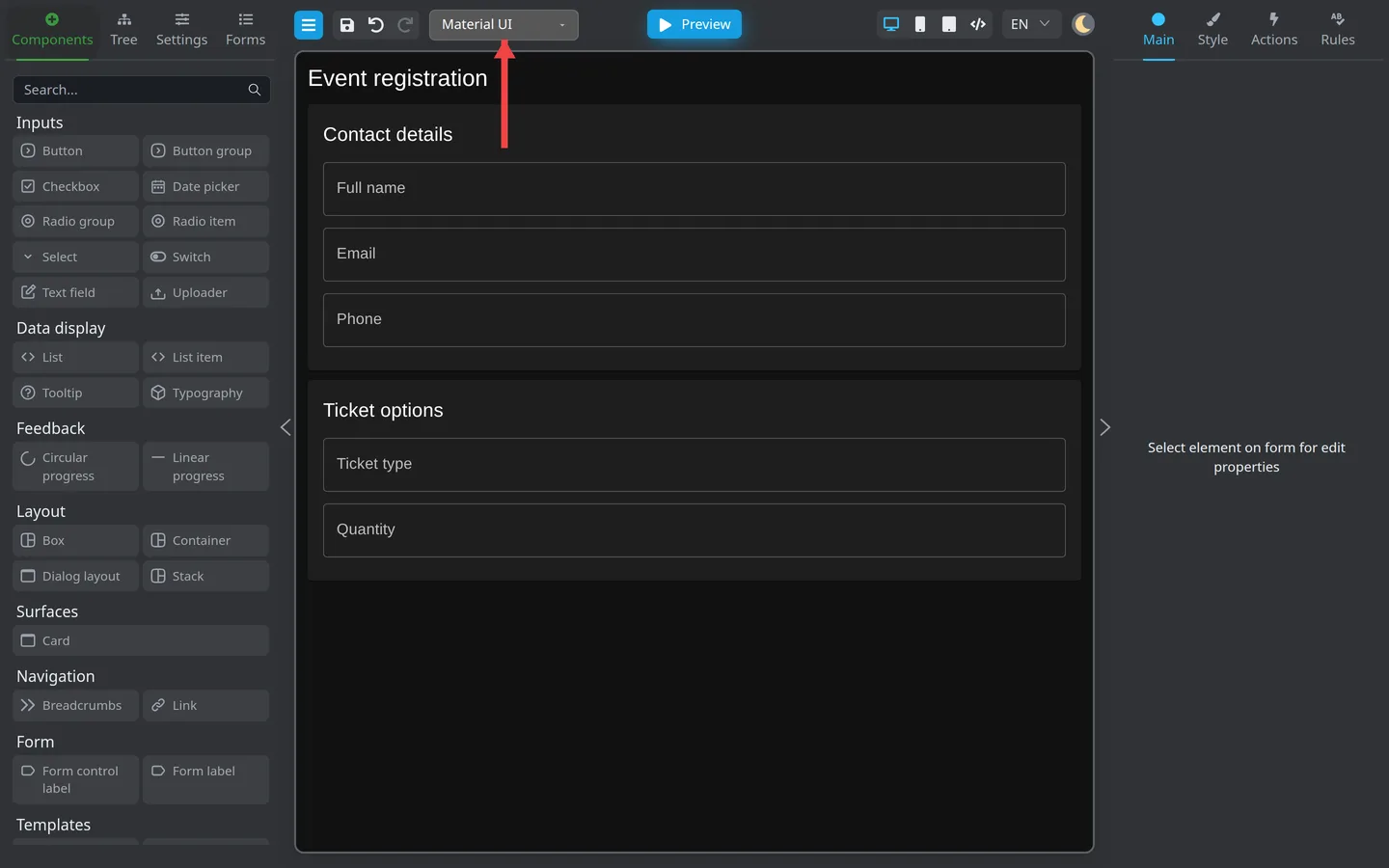
The form may target a different Component library. Switch the header dropdown to match the library used when the form was exported.
Where is the full developer documentation?
- FormEngine Designer features
- API and integration (outside this guide)
I need hands-on practice
Open the live demo at https://demo.formengine.io/ and follow Your first form.
Where is the full guide index?
See Form Author Guide, Common problems, and Get more help.