


Custom error messages
Default validation messages may be technical. Edit the Message for each rule so users see plain language.
Edit per rule
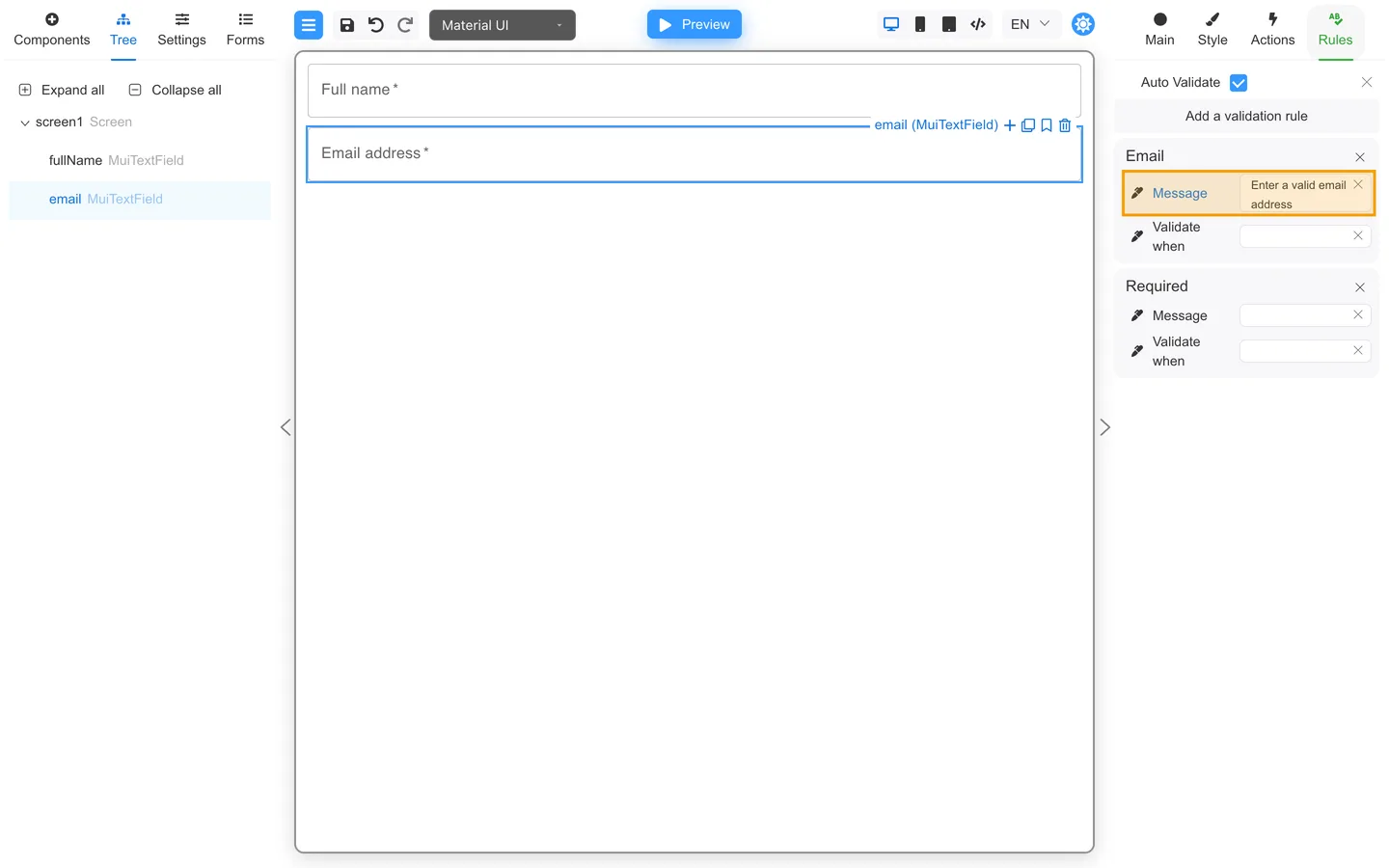
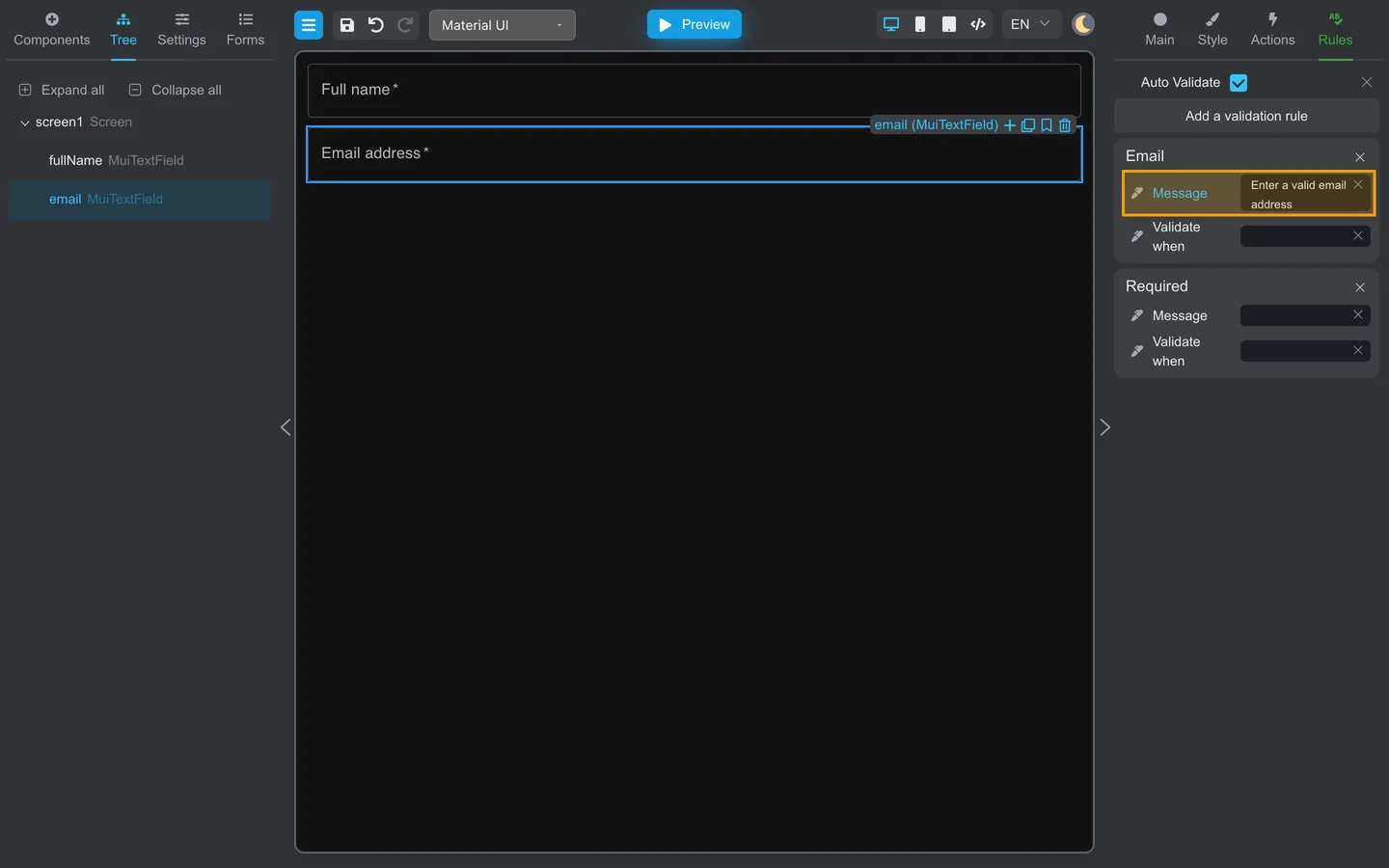
- Select the field → Rules.
- Open an existing rule or add Add a validation rule.
- Set Message (for example “Enter a valid email address” instead of “Invalid format”).
Examples
| Avoid | Prefer |
|---|---|
| Invalid | Enter your phone number as 10 digits |
| Error | Choose a country from the list |
| Required | First name is required |
Form-wide display
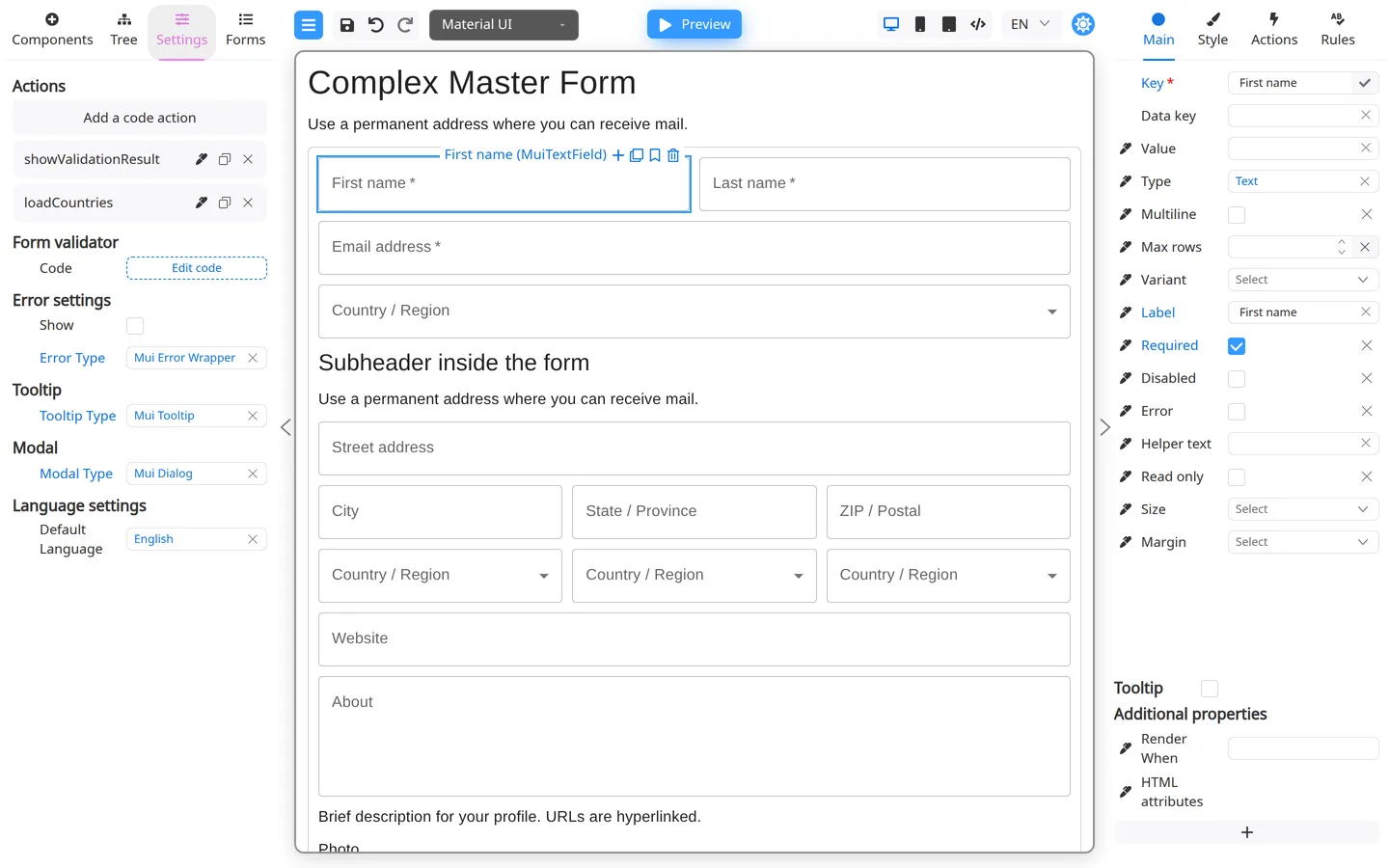
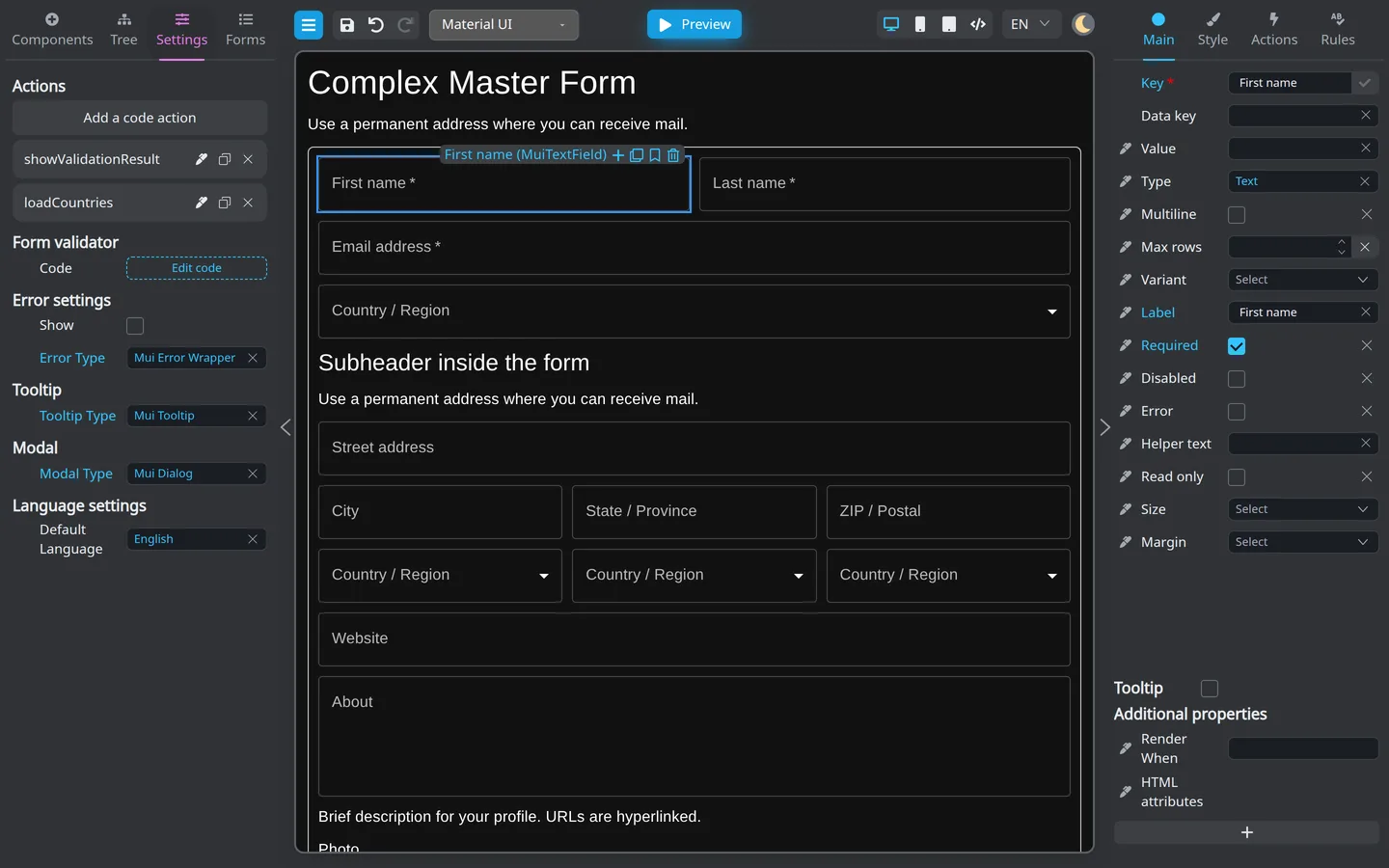
How errors look (inline, summary) may be set in Settings → Error settings. See Form-wide errors and tooltips.
Summary
Give each rule a clear Message when its default text is not suitable. Match the form-wide error style in Settings.