


Save and share
Save stores the design so you can come back to it. Download and Export forms give you a file to share. Your application or CMS handles publication; Designer does not publish the form directly.
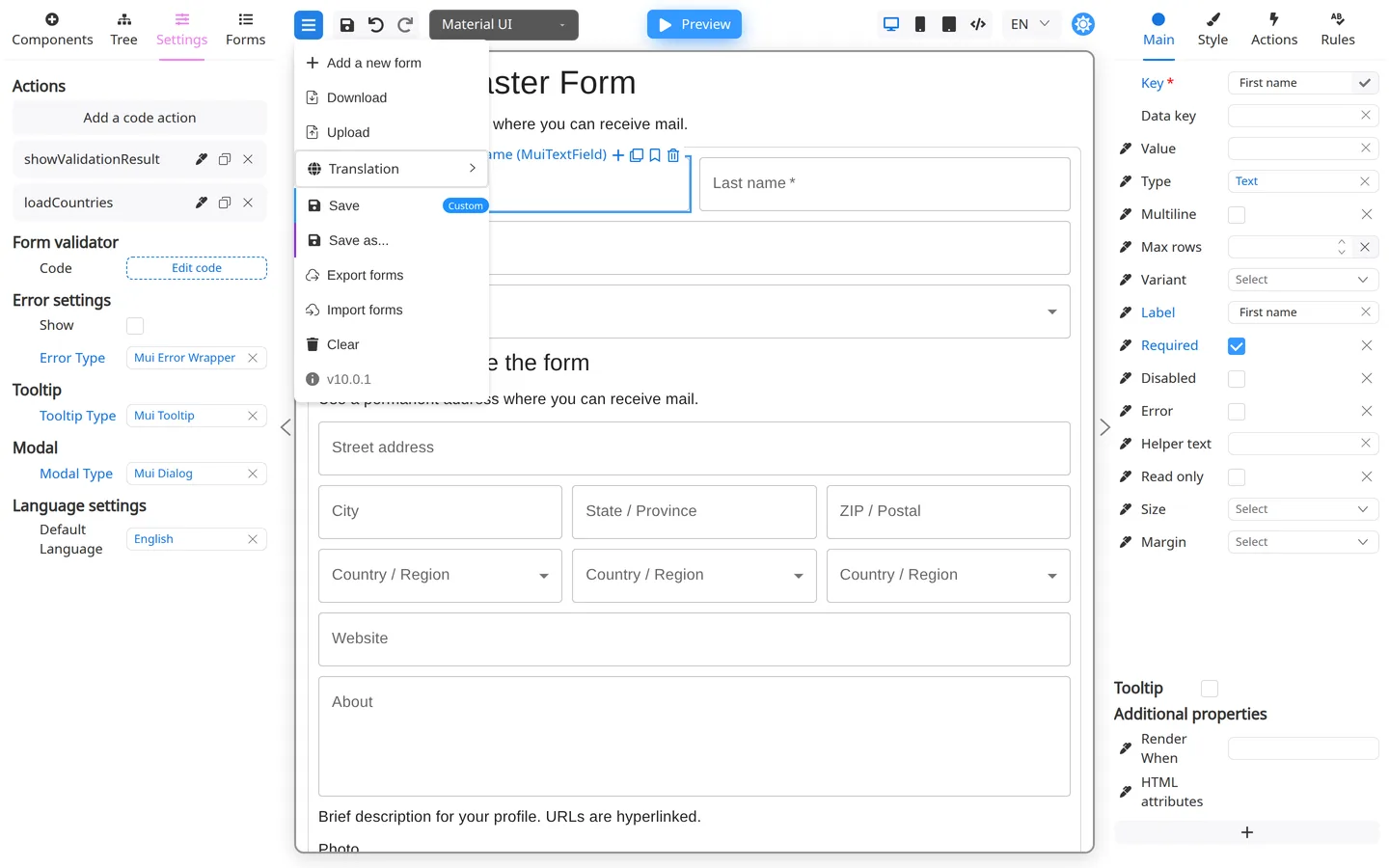
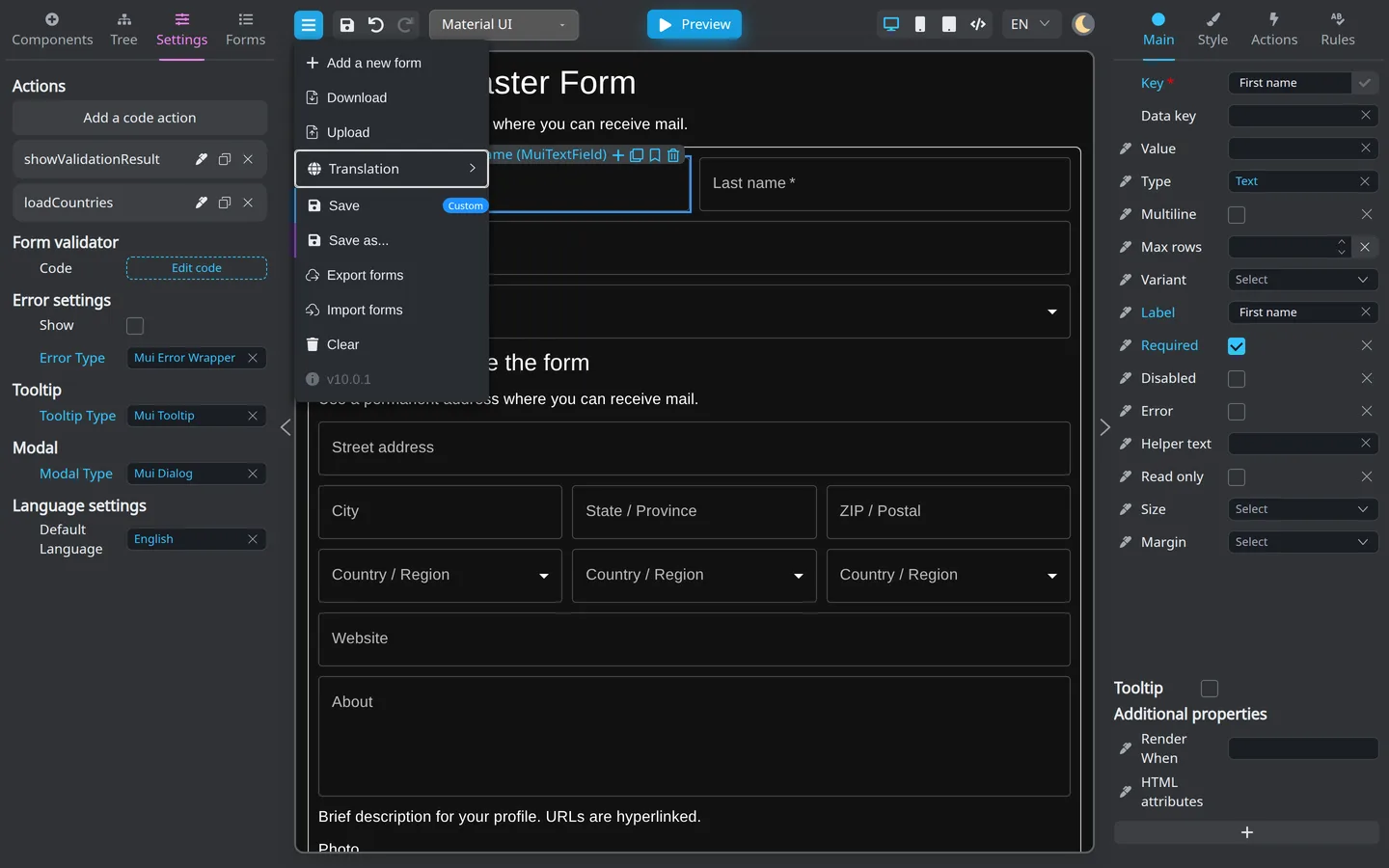
Save, download, and export
| Action | What it does |
|---|---|
| Save / Save as… | Stores the current design when the host app provides storage |
| Download | One .json file for the active form |
| Export forms | A ZIP of stored forms, for backup or another environment |
Open the header Menu (hamburger) for these items. Press Ctrl+S (Windows/Linux) or ⌘+S (macOS) to save when focus is on the page background.
Click-by-click steps: Save, export, and import.
Publish (go live)
Your team publishes the form outside Designer. Developers might embed the exported JSON. An admin might deploy a configuration. A CMS might point at a new version.
Finish Preview testing before you request publication. See Hand off to your technical team.
Design vs live form
| While designing | For end users |
|---|---|
| You drag components and edit settings | They type answers and click buttons |
| Preview simulates the live form | The app shows the published form |
| Undo/redo apply to the layout | Their data is handled by the app |
Summary
Use the header Menu for Save, Download, and Export forms. The Manage forms pages cover each item in full.